LM Studio, the desktop app for running AI models locally, has released version 0.4.29. The update, dated 25 November 2026 on LM Studio's changelog, lets you choose which engine and engine version each model loads with, turns Model Search into a full page with a hardware-fit filter, and adds support for parsing Inkling reasoning and tool calls.
This report is based on LM Studio's official release notes for 0.4.29, read on 27 November 2026.
What's new in LM Studio 0.4.29
LM Studio shipped 0.4.29 in two builds. According to the changelog:
Build 1
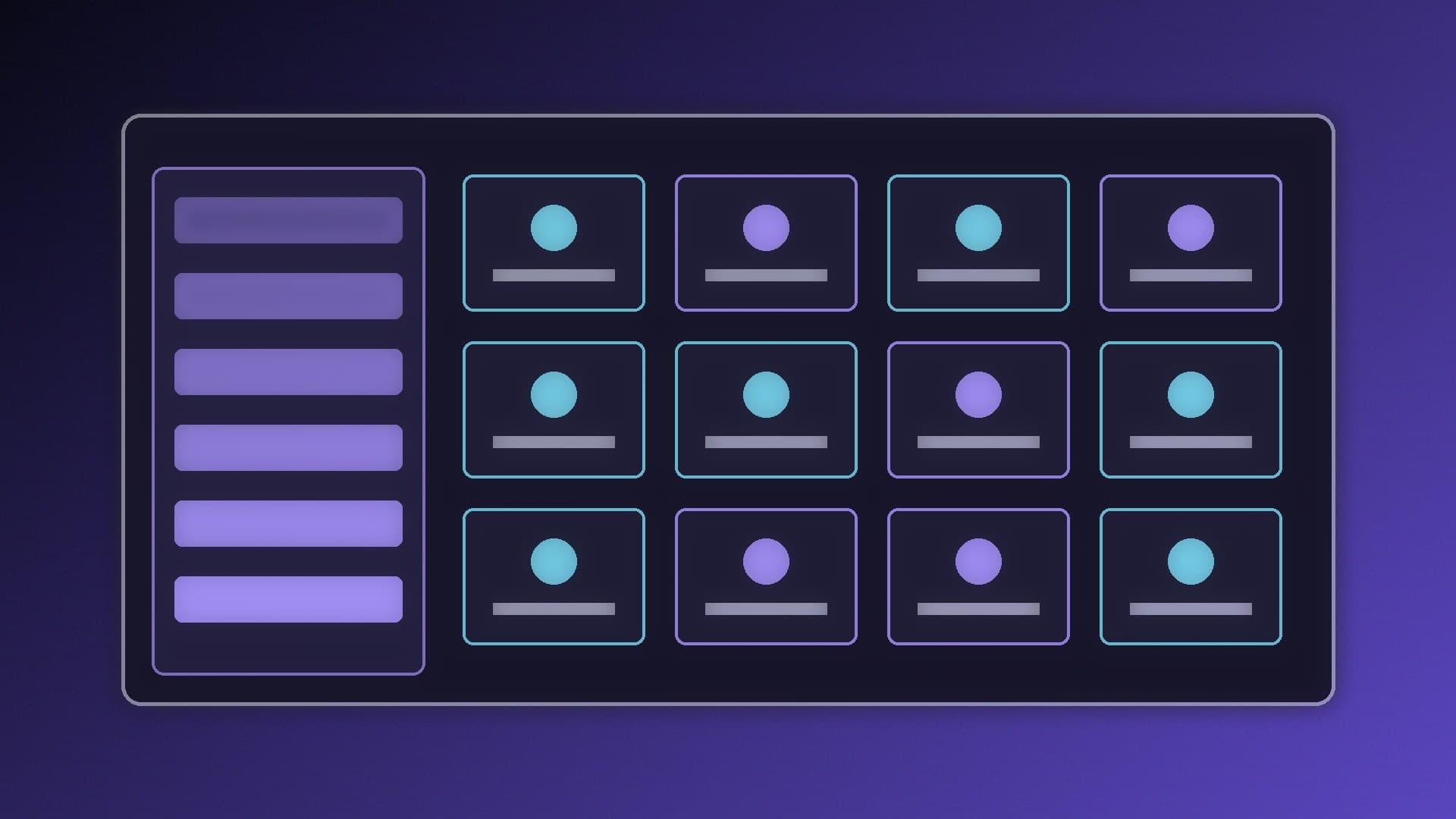
Model Search now opens as a page instead of a modal (pop-up) window.
Model Search's format, hardware fit and sort filters now sit in the left sidebar.
The LM Link page has been redesigned. The sidebar lists your networks, and the page shows the selected network's devices next to the selected device's details and models.
Build 2
Added per-model engine and version overrides in Load settings.
Added Splash support for compatible GGUF and MLX models (Mac only).
Added parsing for Inkling reasoning and tool calls.
Why per-model engine overrides matter on a PC
LM Studio runs GGUF models through its llama.cpp engines, which its changelog also calls runtimes, and it refers to hardware-specific ones such as a ROCm runtime for AMD Radeon graphics. On PCs, the main options for local AI are CUDA, ROCm and Vulkan; our CUDA vs ROCm vs Vulkan guide explains the differences.
The new override in Load settings means one model can use a different engine, or an older or newer version of the same engine, from the rest of your library. LM Studio's release notes don't describe specific use cases, but this kind of control is useful if:
A new engine version breaks or slows down one particular model, and you want to keep that model on the previous version while everything else updates.
A brand-new model only works with the latest engine build.
You want to compare two engines, or two versions of one engine, on a single model without changing your default for everything.
LM Studio already lets you save default load settings, such as GPU offload and context length, for each model. Our guide to setting per-model defaults in LM Studio covers where those live; the engine override joins those Load settings.
A Model Search page with a hardware-fit filter
The other change most PC users will notice is Model Search. It's now a full page, and its filters for model format, hardware fit and sort order sit in a sidebar on the left. LM Studio's notes don't explain how the hardware-fit filter decides what fits. It's still worth checking a model's size against your graphics card's memory yourself; our guide to choosing models in LM Studio and our VRAM guide explain how.
Inkling support and LM Link
Build 2 adds parsing for Inkling reasoning and tool calls. Inkling 2 Mini is the new local model from Thinking Machines Lab that we covered in Inkling 2 Mini: what you need to run it. This kind of parsing is what lets an app show a model's thinking separately from its answer and recognise when it wants to call a tool. The changelog doesn't say whether every Inkling model file will load in LM Studio's current engines, so check the model's page in LM Studio before downloading.
The LM Link redesign affects people who use LM Studio's feature for running models on one machine and using them from another. Our guide on how to use LM Link in LM Studio explains how it works. Splash support is for Macs only.
How to get it
You can download the latest version from lmstudio.ai. If you're choosing between local AI apps, our Ollama vs LM Studio comparison sets out the differences.
Our verdict
LM Studio 0.4.29 is a small but useful update for anyone with a library of local models. The headline change for PC users is per-model engine and version overrides in Load settings, which let you keep one model on a particular engine or engine version without changing the rest. Model Search is now a full page with format, hardware-fit and sort filters, and the app adds parsing for Inkling reasoning and tool calls. If LM Studio is working well for you, updating is low-risk; if a model misbehaves after an engine update, the new override is the first thing to try. We haven't tested this version ourselves.