Skip to content

NewsGPU

GPU-Z 2.72 Adds RTX Spark Support, Sensor Statistics and Hotspot Readings on Older Radeon Cards

TechPowerUp has released GPU-Z 2.72.0, a free update to its graphics card utility. It adds support for NVIDIA RTX Spark and other GPUs, a sensor statistics tooltip, monitoring for some AMD integrated GPUs and hotspot temperature readings on older Radeon cards, plus CUDA and DXVA fixes.

By , Hardware News & Market Editor

3 min read

GPU-Z 2.72 Adds RTX Spark Support, Sensor Statistics and Hotspot Readings on Older Radeon Cards

TechPowerUp has released GPU-Z 2.72.0, the latest version of its free utility for identifying a graphics card and monitoring its clocks, temperatures and power draw. The update arrived on 19 November 2026, two months after version 2.71.0, and it's mostly about wider hardware support and better sensor readings. 72.0 for this story; it's based on TechPowerUp's download page and the full changelog as published by VideoCardz, checked on 27 November 2026.

What's new in GPU-Z 2.72.0

According to the changelog, the main changes are:

  • NVIDIA RTX Spark support. GPU-Z now recognises NVIDIA's RTX Spark, although the changelog notes that some memory details are still missing.

  • More GPUs recognised. Support has been added for the NVIDIA RTX 5070 (GB203) and RTX 4090 Ti ES, AMD's BC-250 mining GPU, and Intel's Raptor Lake-H Refresh and Iris Pro P555 (as used in the Xeon E3-1558L v5).

  • Sensor statistics tooltip. Hovering over a sensor's number now shows a tooltip with statistics for that sensor's readings.

  • Cleaner min, max and average figures. Invalid sensor readings are no longer included when GPU-Z calculates minimum, maximum and average values.

  • AMD iGPU monitoring. Clock and temperature monitoring has been added for some AMD integrated GPUs.

  • Hotspot on older Radeon cards. GPU-Z can now read the hotspot temperature on AMD R9 200 and 300 series, Fury and RX 400 and 500 series cards (Polaris, Lexa, Hawaii, Fiji, Bonaire and Tonga).

  • Consistent naming. The hottest-point thermal sensor is now called "Hot Spot" on both AMD and NVIDIA cards.

  • iGPU memory size. On integrated graphics, the memory size field now shows the system memory, for example "iGPU (64 GB)", instead of "N/A".

  • NVIDIA power rails. Unknown NVIDIA power rails can now appear as "Rail xxx Power Draw" sensors. This is turned off by default.

  • Fixes for the Advanced tab. The changelog lists support for more CUDA capabilities (6.2, 7.x, 8.x, 9.0, 10.x and 12.x) and new CUDA attributes, fixes for typos in the CUDA section, more named DXVA GUIDs for AMD and NVIDIA, a fix for DXVA 8K detection, a fix for OpenGL detection sometimes failing, and no longer showing a corrupted "NVIDIA BIOS" section if the BIOS can't be read.

  • Unknown GPUs. If GPU-Z doesn't recognise a graphics card, it now checks DirectX support on the running system rather than showing "Unknown".

Why it matters

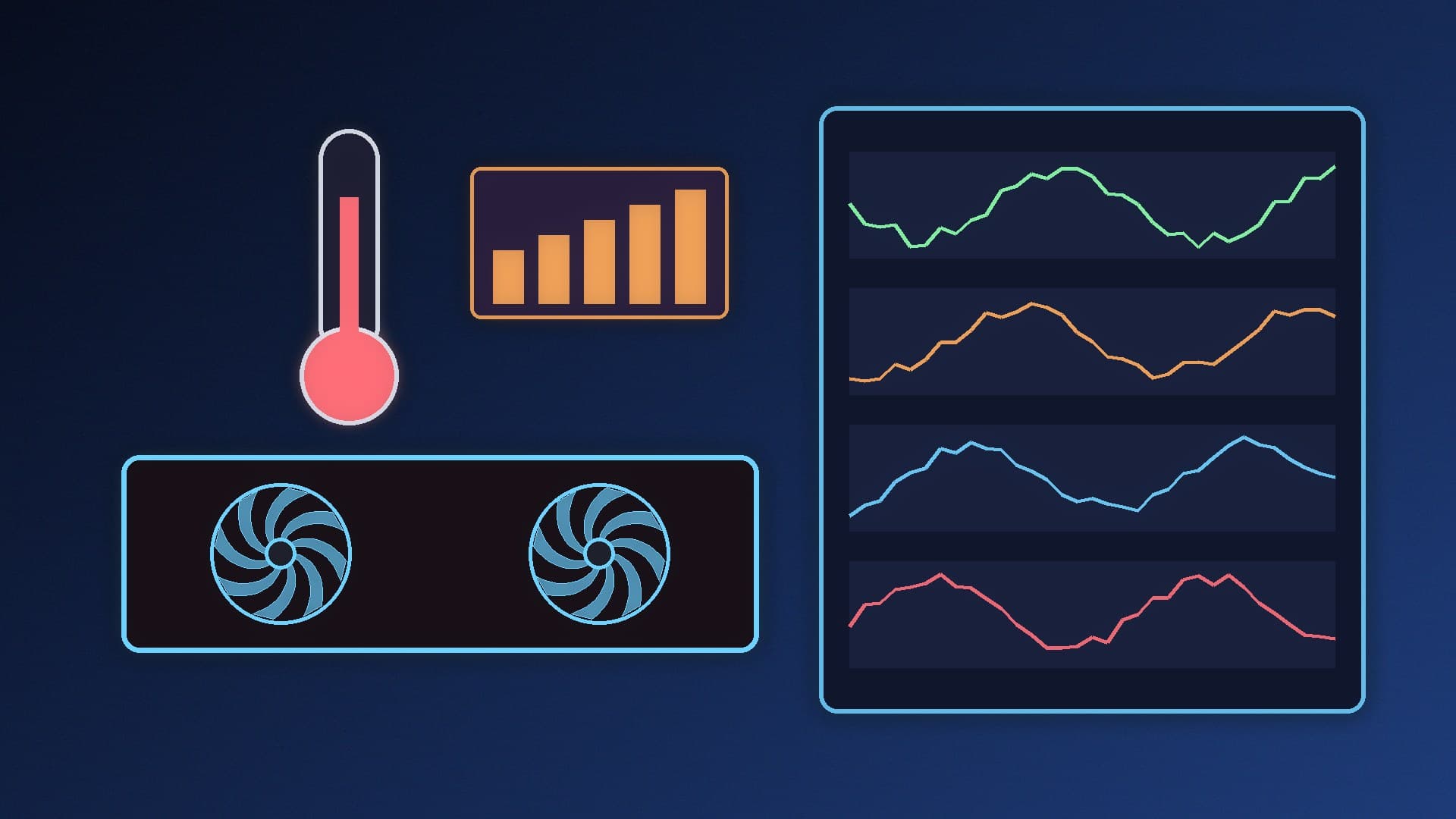
GPU-Z's Sensors tab is one of the quickest ways to check whether a graphics card is running hot, throttling or drawing the power you'd expect. The new tooltip and the change to how minimum, maximum and average values are worked out should make those readings easier to trust, as a single bad reading will no longer skew the figures.

The hotspot change is useful for anyone still running an older Radeon card such as an RX 580. The hotspot is the hottest point the card reports, so being able to see it alongside the main GPU temperature gives a fuller picture when you're checking an older card's cooling. Our guide to checking GPU temperature in Windows 11 explains what the different readings mean, and how to lower GPU temperatures covers what to do if they're too high.
RTX Spark support follows the arrival of the first RTX Spark systems, such as the desktops covered in our story on NVIDIA RTX Spark desktops in the UK. Owners should note the changelog's warning that some memory details aren't shown yet.

How to get it

GPU-Z 2.72.0 is a free download for Windows from TechPowerUp. There's a standard version and an ASUS ROG themed version. TechPowerUp lists checksums for each file on the download page, so you can confirm you've got a genuine copy. If you're new to the tool, our guide to using GPU-Z walks through each tab. If you want to log sensors over time or monitor your whole PC rather than just the graphics card, see how to log sensor data with HWiNFO and our HWiNFO vs HWMonitor comparison.

Our verdict

GPU-Z 2.72.0 is a worthwhile free update rather than a big one. It adds support for RTX Spark, an RTX 5070 variant built on the GB203 chip and several other GPUs. Sensor readings get a statistics tooltip and no longer count invalid readings in their minimum, maximum and average figures. Owners of older Radeon cards from the R9 200 series to the RX 500 series can now see their hotspot temperature. If you use GPU-Z to check temperatures or confirm what card is in a PC, it's worth downloading the new version from TechPowerUp.

The bottom line

GPU-Z 2.72.0 is a worthwhile free update rather than a big one. It adds support for RTX Spark, an RTX 5070 variant built on the GB203 chip and several other GPUs. Sensor readings get a statistics tooltip and no longer count invalid readings in their minimum, maximum and average figures. Owners of older Radeon cards from the R9 200 series to the RX 500 series can now see their hotspot temperature. If you use GPU-Z to check temperatures or confirm what card is in a PC, it's worth downloading the new version from TechPowerUp.

Sources

  1. 01TechPowerUp, TechPowerUp GPU-Z v2.72.0 Download
  2. 02VideoCardz, GPU-Z 2.72 adds support for NVIDIA RTX 4090 Ti ES, RTX 5070 GB203 and RTX Spark

About the author

Eleanor Shaw

Hardware News & Market Editor

Eleanor covers daily PC hardware news, silicon roadmaps, driver releases and UK retail pricing trends across AMD, Intel and Nvidia. She tracks board-partner specifications, industry standards bodies (PCI-SIG, JEDEC, VESA) and supply-chain shifts affecting British PC builders.

More from Eleanor Shaw

Read next

GeForce 621.40 Fixes SSD Writes, but Some Users Report Black Screens

News

GeForce 621.40 Fixes SSD Writes, but Some Users Report Black Screens

NVIDIA's GeForce 621.40 WHQL driver fixed the excessive SSD writes bug, but some RTX owners now report black screens, lost signal and flickering after installing it. Here's what users are reporting, what NVIDIA has said so far, and how to roll back if you're affected.

Eleanor Shaw3 min

How to Fix the SYSTEM_SERVICE_EXCEPTION Blue Screen in Windows 11

How-To

How to Fix the SYSTEM_SERVICE_EXCEPTION Blue Screen in Windows 11

SYSTEM_SERVICE_EXCEPTION (bug check 0x3B) usually points to a faulty driver. Start with the .sys file named on the blue screen, update or roll back that driver, check Device Manager and Event Viewer, test RAM, run DISM and SFC, and use a crash dump or Driver Verifier to find the culprit.

Marcus Thorne5 min

How to Run Inkling 2 Mini Locally on a Windows PC

How-To

How to Run Inkling 2 Mini Locally on a Windows PC

How to run Thinking Machines Lab's Inkling 2 Mini on a Windows PC with Unsloth Desktop or llama.cpp: how much memory each quantisation needs, which files to download and the exact commands.

Marcus Thorne4 min

How to Install TextGen (text-generation-webui) on Windows

How-To

How to Install TextGen (text-generation-webui) on Windows

How to install TextGen, the local AI app formerly known as text-generation-webui, on Windows: choosing the right portable build for NVIDIA, AMD or Intel, adding GGUF models, the API and updates.

Marcus Thorne4 min