System memory is one of the most expensive parts of a PC in late 2026, and plenty of gaming machines still ship with 16GB. A new investigation from Tom's Hardware, published on 14 November 2026, suggests one recent game has a partial answer: treat a fast NVMe SSD as an extension of RAM. In Gears of War: E-Day, that trick reduced memory use and, on a 16GB PC, smoothed out frame times at higher settings.
Forge PC has not tested the game or any of the drives involved. The figures and conclusions below are Tom's Hardware's, with background from Digital Foundry's interview with The Coalition.
What the developers are doing
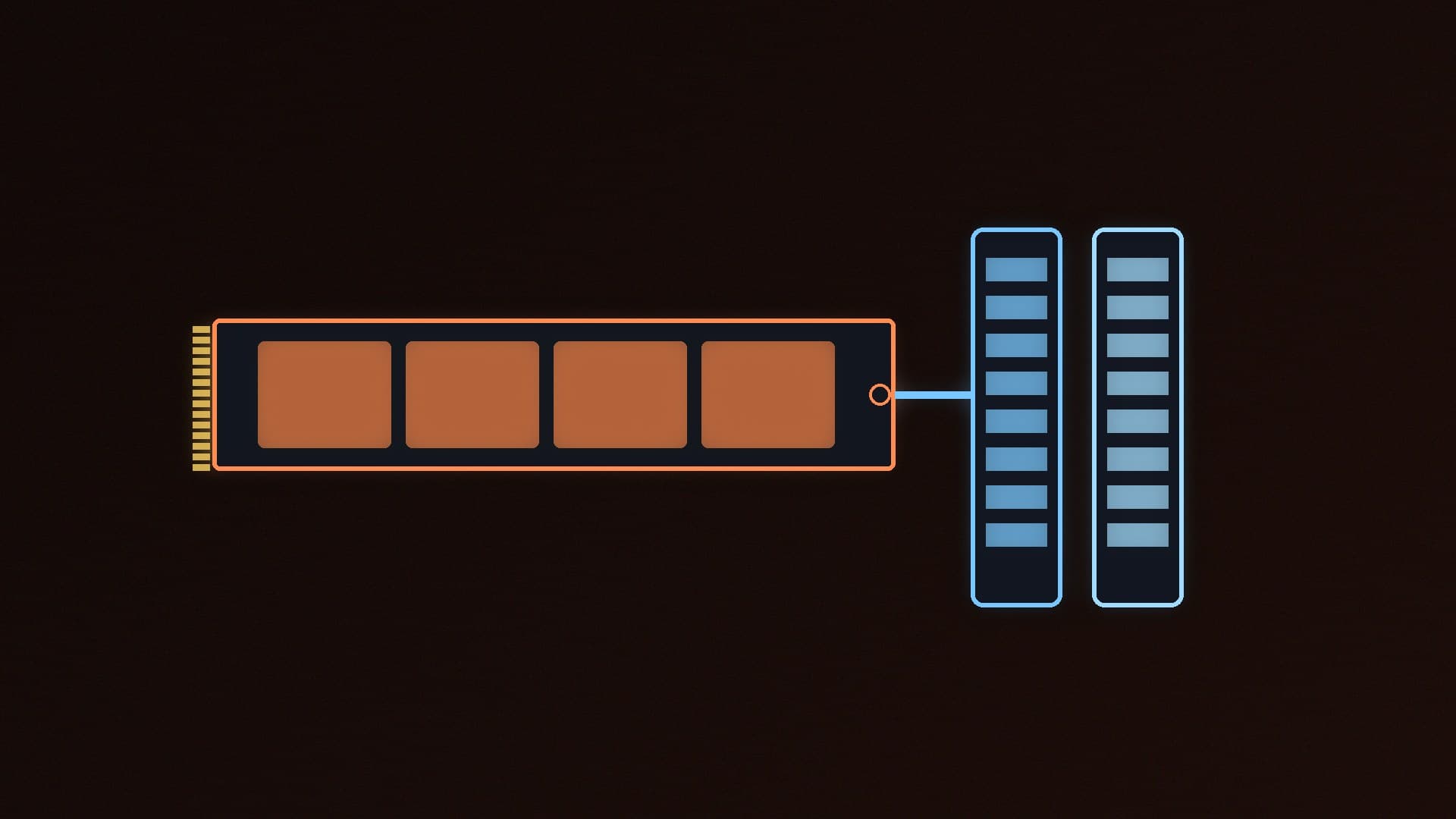
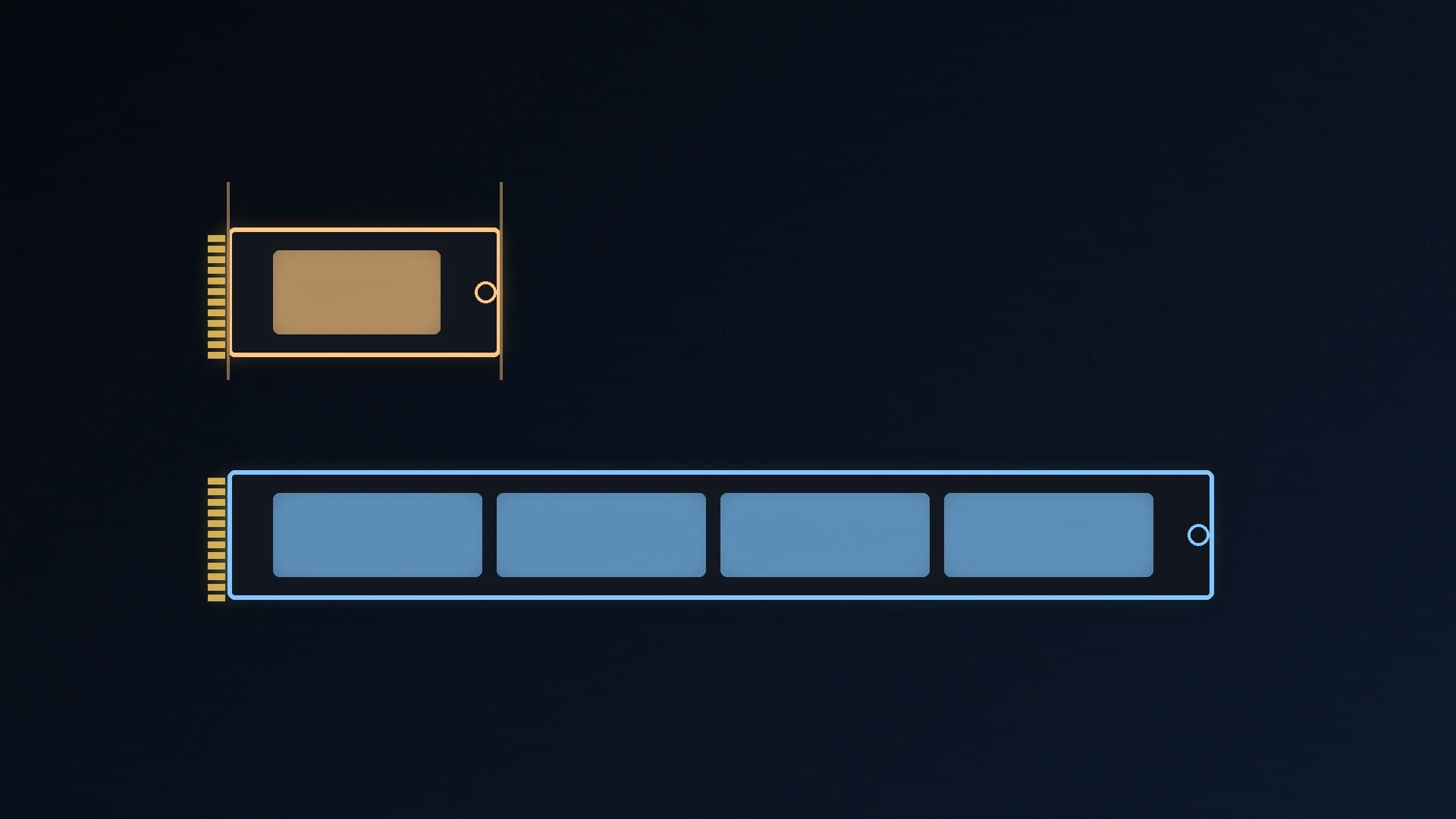
In a Digital Foundry feature, The Coalition's technical director Kate Rayner explained how the studio used the Xbox Series S's NVMe SSD as an extra memory tier. The game pages inactive city data out to the drive and brings it back into RAM when it is needed, so a dense scene can run on a console that does not have much memory. Digital Foundry notes that the important part is the studio's judgement about what to stream: swap too aggressively and frame rates suffer.
Tom's Hardware set out to see whether the same idea shows up on PC, after a player report of unusually high disk activity in the game. Gears of War: E-Day also supports DirectStorage, but Tom's Hardware says that feature alone has not always produced high SSD read rates in its previous testing.
The SSD is unusually busy
On a high-end PC, Tom's Hardware measured SSD traffic with HWInfo set to a 20-millisecond polling period, playing at 4K with DLSS Quality. At the higher graphics presets the drive was not just spiking; it was busy all the time:
Ludicrous: peak 3.7GB/s, average 1.3GB/s
Ultra: peak 2.8GB/s, average 1.2GB/s
High: peak 2.5GB/s, average 1.05GB/s
Tom's Hardware says none of the other SSD-heavy games it had tested came close to sustaining 1GB/s, and that many titles stay under 100MB/s. Those averages are well beyond what a SATA SSD can deliver, which is the point: the game is leaning on NVMe bandwidth as if it were extra memory.
About 2GB less RAM, and smoother 1% lows on 16GB PCs
On the high-end test system, Tom's Hardware found that installing the game on an NVMe SSD — any generation, not just the latest PCIe 5.0 drive — saved about 2GB of system RAM. The storage scheme, it says, is doing what the developers claimed.
On that well-equipped PC, a SATA SSD did not change the average frame rate, but it did hurt the picture: textures were slow to load, and lighting and shadows took time to appear. On a more typical machine with 16GB of DDR5, the benefit showed up in smoothness. Average frame rate was still virtually identical, but at higher presets the NVMe drive produced better 1% lows and more consistent frame times than the SATA drive.
That is the bit that matters in this market. Valve's October 2026 Steam survey showed 16GB overtaking 32GB again among Steam PCs, and our RAM guide still treats 32GB as the safer target for a new build. If you cannot stretch to 32GB, a fast NVMe boot and games drive is one of the cheaper ways to give a 16GB PC more headroom in titles that are written this way.
What you should actually buy
This is not an argument for paying a premium for PCIe 5.0. Tom's Hardware saw the RAM saving on NVMe drives regardless of generation, and our best SSD guide already concludes that a good PCIe 4.0 drive is fast enough for games. A SATA SSD is the one to avoid as a games drive here, which is the same advice as our NVMe vs SATA comparison. If you need a current UK price, see SSD prices before Black Friday.
It is also not a reason to keep 16GB if you can afford 32GB. Two gigabytes of relief will not fix every new release, and other games may not use the same trick. Tom's Hardware itself wonders whether more studios will follow, given how expensive memory has become; that is a hope, not a promise. The background to the crunch is in our explainer on why RAM and graphics cards are so expensive.
Our verdict
Tom's Hardware's 14 November tests of Gears of War: E-Day show a game that can stream more than 1GB/s from the SSD at higher settings, use about 2GB less RAM when installed on an NVMe drive, and deliver smoother 1% lows on a 16GB PC than it does from a SATA SSD. That makes a mid-range NVMe drive more useful than usual during the memory crunch, but it is not a substitute for 32GB in a new build, and it is not a reason to buy PCIe 5.0 for gaming. Forge PC has not tested the game; these figures are Tom's Hardware's, with the developer's explanation coming from Digital Foundry's interview with The Coalition.