Microsoft's original Secure Boot certificates, issued in 2011, started expiring in June 2026, and the last of them expired in October. Most Windows 11 PCs get the replacement 2023 certificates automatically, but some need a firmware update first, and a few can't get them at all. This guide shows you how to check your own PC and what each status message means. It's based on Microsoft's official support articles, checked on 26 November 2026.
What Secure Boot certificates do
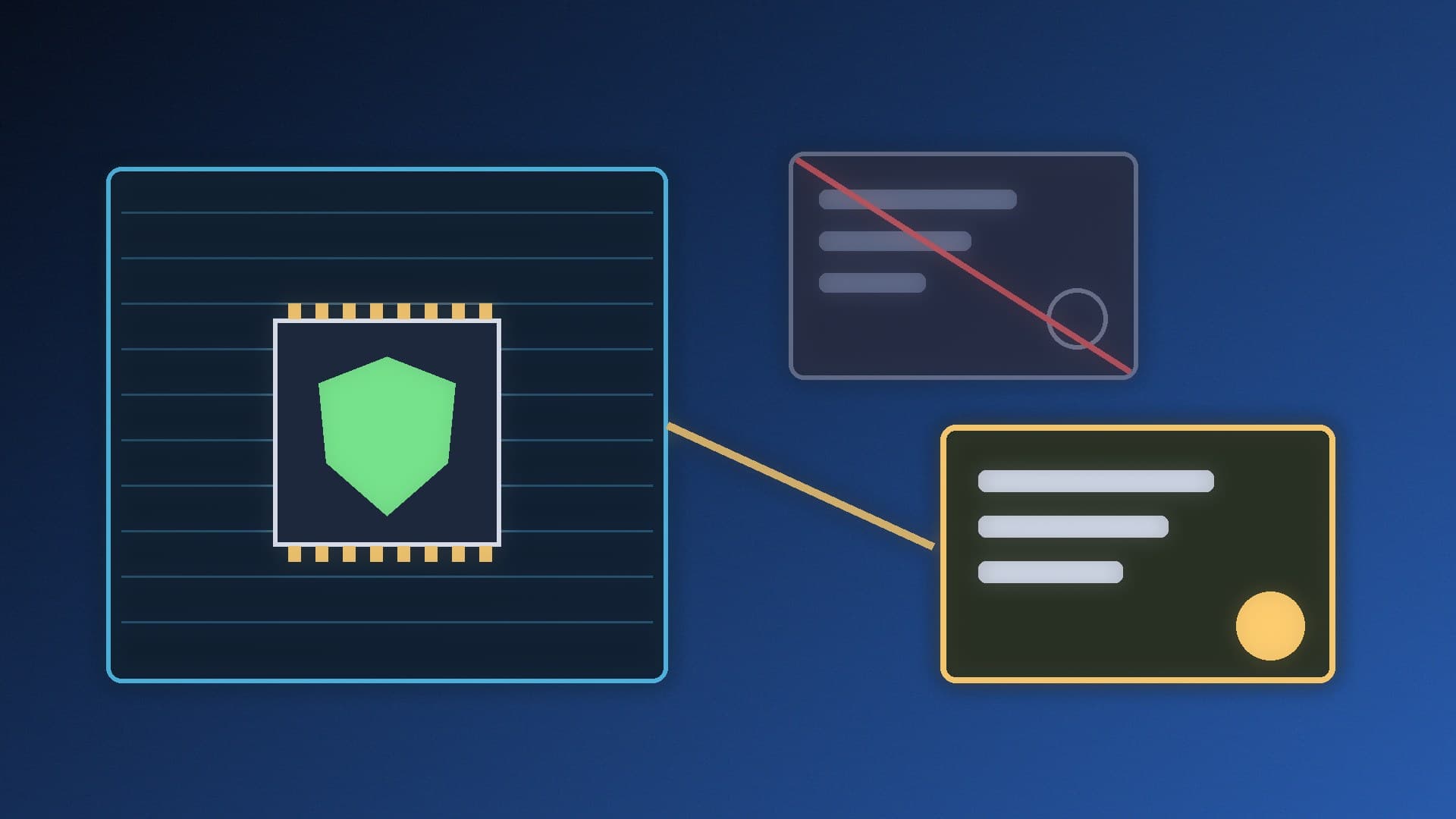
Secure Boot is a UEFI firmware feature that helps make sure only trusted software runs while your PC starts. The firmware checks the digital signature of pre-boot software, such as the Windows boot loader and option ROMs on add-in cards, against a set of trusted certificates stored in the firmware.
Every Windows PC with Secure Boot has carried the same set of Microsoft certificates since Windows 8. Microsoft lists four that are being replaced:
Expiring certificate | Expiry date | Replacement | What it's for |
|---|
Microsoft Corporation KEK CA 2011 | 24 June 2026 | Microsoft Corporation KEK 2K CA 2023 | Signs updates to the allowed (DB) and revoked (DBX) lists |
Microsoft UEFI CA 2011 | 27 June 2026 | Microsoft UEFI CA 2023 | Third-party boot loaders and EFI apps |
Microsoft UEFI CA 2011 | 27 June 2026 | Microsoft Option ROM UEFI CA 2023 | Third-party option ROMs |
Microsoft Windows Production PCA 2011 | 19 October 2026 | Windows UEFI CA 2023 | Signing the Windows boot loader |
Microsoft has split the old third-party certificate into two. That means a system can trust option ROMs, such as the firmware on a graphics card, without also trusting third-party boot loaders.
What happens if your PC doesn't have the new certificates
This isn't a "your PC won't boot" problem. Microsoft says devices without the 2023 certificates will continue to start and work normally, and standard Windows updates will still install. What they lose is new security protection for the early boot process. That covers updates to Windows Boot Manager, the Secure Boot databases and revocation lists, and fixes for newly discovered boot-level vulnerabilities.
Microsoft describes this as a gradual reduction in long-term security, not an immediate failure. It also warns that features relying on Secure Boot, such as BitLocker hardening, device encryption or some third-party boot loaders, could be affected over time.
How to check your Secure Boot certificate status
Since April 2026, Microsoft has been rolling out an update to the Windows Security app that shows Secure Boot certificate status as well as whether Secure Boot is on. It arrives through Windows updates, so install the latest ones first.
Open Windows Security from the Start menu.
Select Device security.
Look at the Secure Boot section, including the coloured badge and the text underneath.
Don't rely on the green tick alone. Microsoft says a green checkmark doesn't by itself confirm your certificates are updated. Look for this exact message:
Secure Boot is on and all required certificate updates have been applied. No further certificate changes are needed.
If you see that, you're done. If Windows Security says Secure Boot is off, see how to enable Secure Boot and TPM first. Make sure you have your BitLocker recovery key to hand before you change firmware settings.
What the other messages mean
"Secure Boot is on, but your device is using an older boot trust configuration that should be updated." The update hasn't arrived yet. Install the latest Windows updates and restart if prompted. If updates are stuck, see how to fix Windows Update when it's stuck.
"...affected by a known issue... Secure Boot certificate updates are temporarily paused..." Microsoft has paused the update for your type of device while it works on a fix with hardware partners. Microsoft says no action is needed and the update will resume automatically. Its separate guidance adds that a firmware update may be needed, which will arrive through your manufacturer's usual update channel.
"...There is not yet enough data to classify your device for automatic update." Your PC needs extra validation before the update can install automatically. Microsoft points you to aka.ms/getsecureboot for more information.
"...does not support the automated Secure Boot certificate update due to hardware or firmware limitations." Contact your PC or motherboard manufacturer. Microsoft says your model may need a firmware update, or may no longer be supported by the manufacturer. Check the maker's Secure Boot support page, and if a new BIOS is available, follow our guide to updating your BIOS safely.
"...this device can no longer receive required updates for the Windows boot experience." Your PC is still using an old certificate after the expiry dates. Microsoft points you to aka.ms/getsecureboot for guidance.
Should you dismiss the warning?
Windows Security lets you dismiss yellow Secure Boot warnings, which pauses the notifications until the status changes. Microsoft advises against this if your PC hasn't received the updated certificates, because devices with outdated certificates and boot loaders might not be able to receive future security updates for the Windows startup process. Only dismiss it once you've confirmed there's genuinely nothing more you can do, for example because your manufacturer has said your model won't get a firmware update.
Custom-built PCs
If you built your own PC, you are effectively the manufacturer. If Windows Security reports a hardware or firmware limitation, check your motherboard maker's support page for your board for a BIOS update that mentions the 2023 Secure Boot certificates. Not every older board will get one, so treat that as a factor when you plan your next upgrade.
Our verdict
For most Windows 11 PCs, the 2023 Secure Boot certificates arrive automatically through Windows Update, so all you need to do is confirm it. Open Windows Security, go to Device security and read the Secure Boot text, not just the badge colour. If it says all required certificate updates have been applied, you're done. If not, install Windows updates and restart, then check your PC or motherboard maker's support page for a firmware update. A PC without the new certificates still boots, but it will gradually miss out on boot-level security fixes.