The requirements and explanations below come from Microsoft's DirectX developer blog posts on DirectStorage, checked on 24 November 2026.
DirectStorage is a Microsoft API that changes how games read data from storage. It isn't a setting you switch on in Windows: game developers build it into their games, and it then works on any PC that meets the requirements. What you can do is make sure your PC gets the most out of it. This guide explains what DirectStorage does, what Microsoft recommends, and how to check your own system.
What DirectStorage does
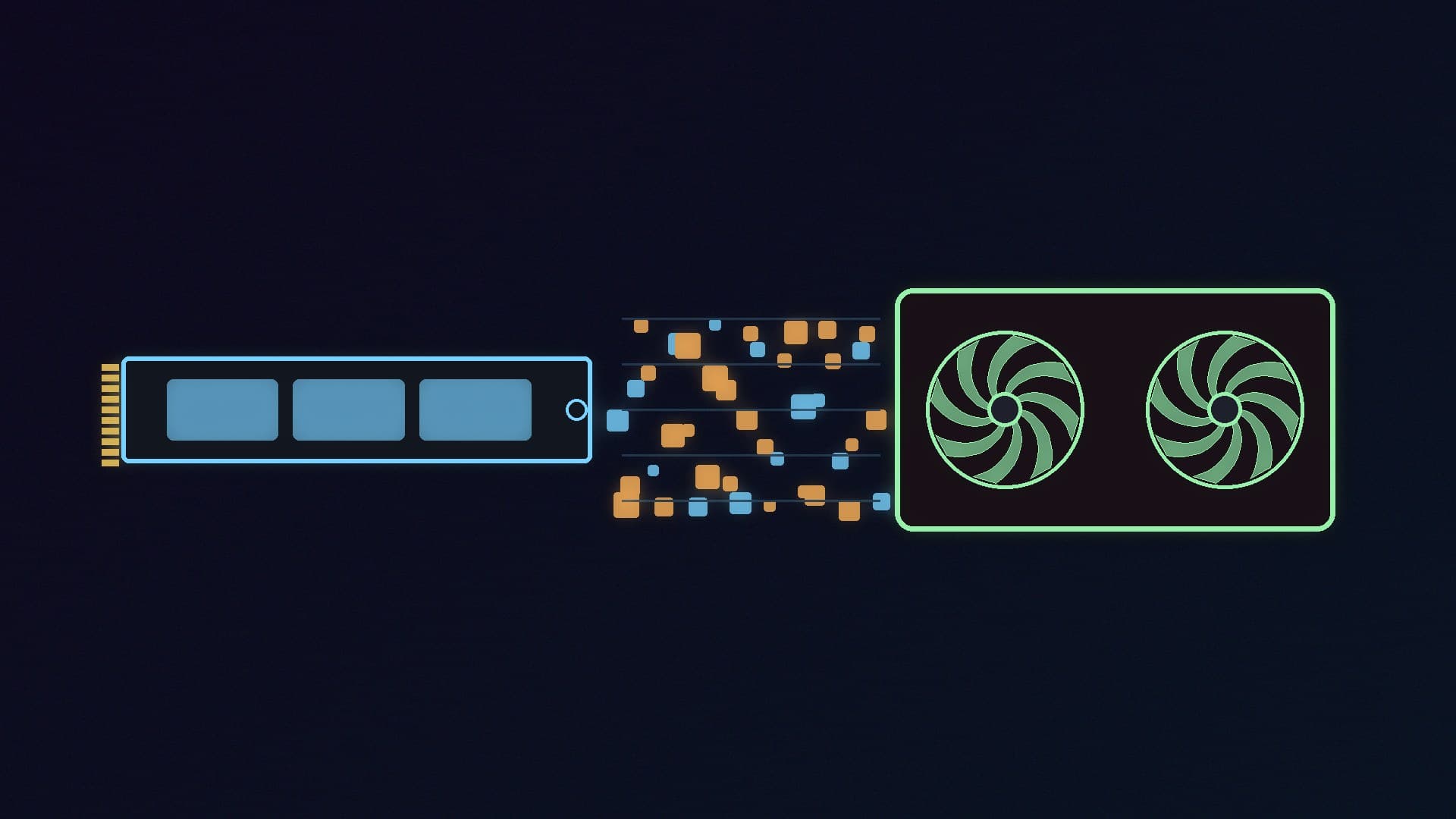
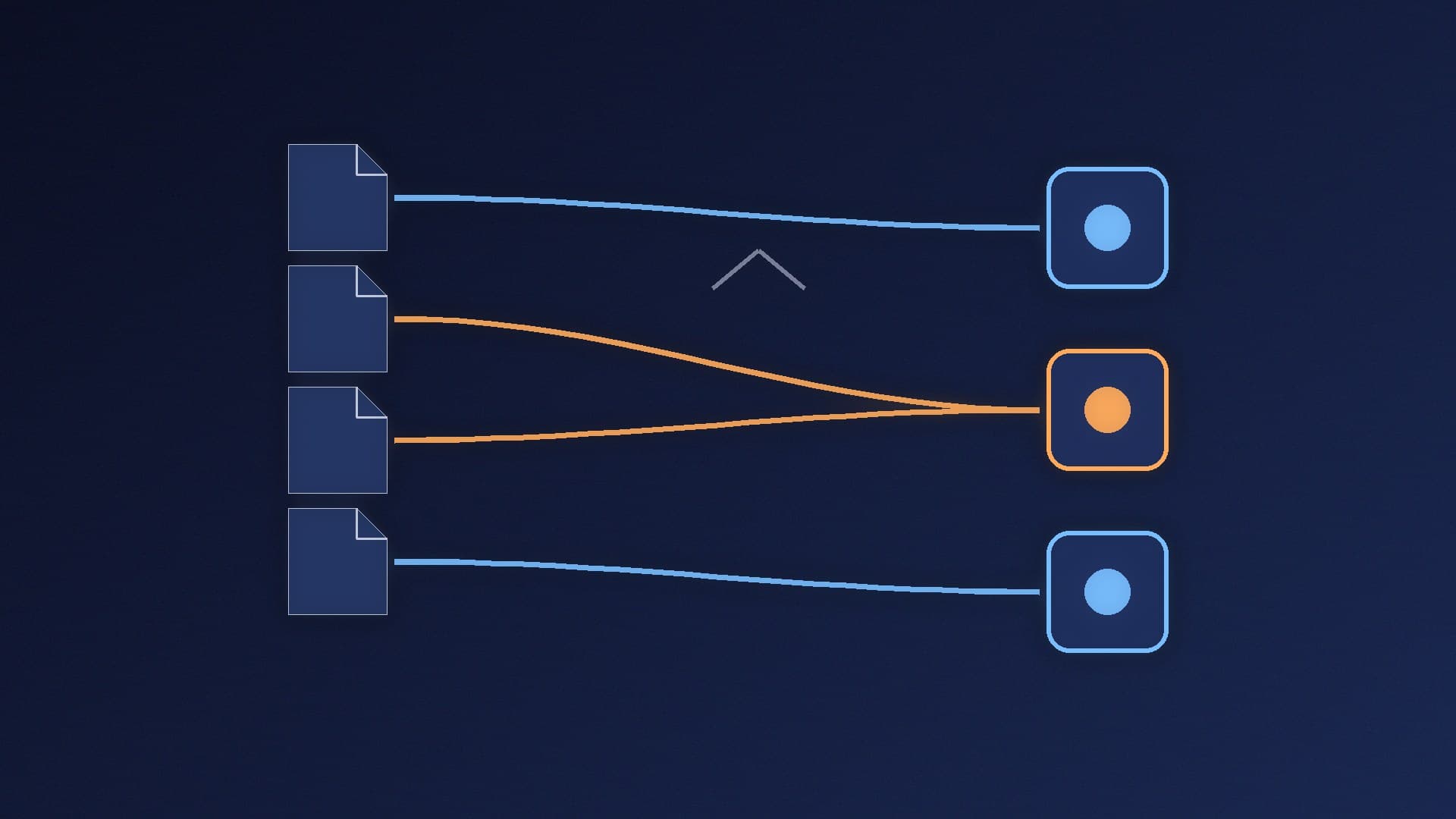
Modern games stream textures and other assets in as you move through the world, which means tens of thousands of small read requests every second. Microsoft explains that older storage APIs weren't designed for that many requests, so even a fast NVMe SSD couldn't be used to its full potential, and the per-request overhead added up on the CPU. DirectStorage cuts that overhead by letting games batch many requests together and get notified when they finish.
Since DirectStorage 1.1, games can also decompress assets on the graphics card using a format called GDeflate, instead of tying up CPU cores. DirectStorage 1.2 added an option for developers to use buffered reads for slower hard drives, so the same game code can work on an HDD as well as an SSD.
What your PC needs
Microsoft's guidance for gamers is:
Windows: DirectStorage is compatible with Windows 10, but Windows 11 has the latest storage optimisations built in and is Microsoft's recommended choice for gaming.
Storage: You may see benefits on any kind of drive, but installing games on an NVMe SSD maximises performance.
Graphics card: GPU decompression is supported on all DirectX 12 graphics cards with Shader Model 6.0. Microsoft also recommends updating to the latest graphics drivers, because AMD, Intel and NVIDIA can add their own optimisations.
Step 1: Check you're on Windows 11
Press Windows + R, type winver and press Enter. The window shows your Windows edition, version and build. If you're still on Windows 10, DirectStorage games will run, but Microsoft recommends Windows 11 for its newer storage stack.
Step 2: Check your game drive is an NVMe SSD
Open Task Manager (Ctrl + Shift + Esc) and select Performance. Each drive is listed as a disk; selecting one shows its model name and type. For more detail, go to Settings > System > Storage > Advanced storage settings > Disks & volumes and open the properties of your game drive. If the model name doesn't make it obvious, search for it on the maker's website to confirm it's an NVMe drive rather than SATA. Our NVMe vs SATA SSD guide explains the difference.
Step 3: Check your graphics card supports DirectX 12
Press Windows + R, type dxdiag and press Enter. On the Display tab, look at Feature Levels under Drivers: a card that lists 12_0 or higher supports DirectX 12. It's worth checking, especially on an older or second-hand card.
Step 4: Update your graphics driver
Because GPU decompression relies on the graphics driver, install the latest driver from NVIDIA, AMD or Intel. Our guide to updating graphics drivers covers all three.
Step 5: Install DirectStorage games on your fastest SSD
DirectStorage can only be as quick as the drive the game is installed on. If you have a fast NVMe SSD and an older or SATA drive, move your newest games to the NVMe one. It's also worth checking your drive is healthy and performing as it should; see how to check SSD health.
Do you need a PCIe 5.0 SSD?
Microsoft's recommendation is simply an NVMe SSD; it doesn't call for a particular PCIe generation. A good PCIe 4.0 drive such as the Samsung 990 Pro, WD Black SN7100 or Crucial P310 is a sensible choice for a gaming PC. We look at whether the newer drives are worth it in PCIe 4.0 vs PCIe 5.0 SSD, and our best SSD guide has our current picks.
Our verdict
There's nothing to switch on for DirectStorage: if a game uses it, it works automatically. To get the most from it, run Windows 11, install your games on an NVMe SSD, use a DirectX 12 graphics card and keep its driver up to date. Use the steps above to check your own PC takes advantage of it.