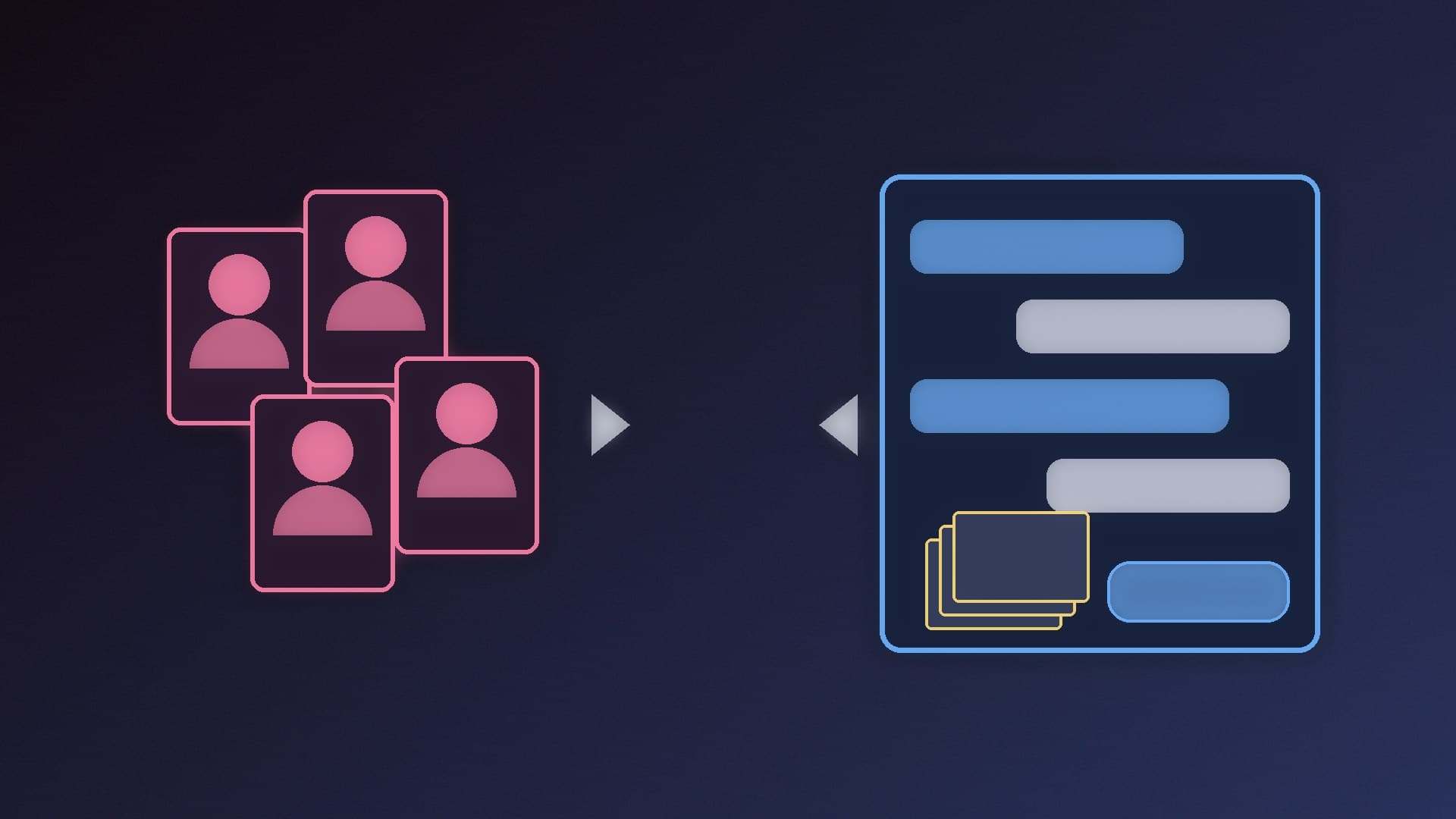
Once you've got a local AI model running in Ollama, KoboldCpp or llama.cpp, you'll probably want a nicer way to talk to it than a terminal window. SillyTavern and Open WebUI are two of the best-known front ends, and both run in your web browser and connect to models on your own PC. But they're built for very different people. SillyTavern calls itself an "LLM frontend for power users", built around characters, roleplay and prompt control. Open WebUI aims to be a private, self-hosted ChatGPT-style platform for individuals and teams, with documents, tools and user management built in.
It's based on the official SillyTavern and Open WebUI documentation and the Open WebUI README, read on 26 November 2026.
At a glance
| SillyTavern | Open WebUI |
|---|
Built for | Power users, character chat and roleplay, prompt control | Everyday ChatGPT-style use, documents, teams |
Install | Node.js 20+ plus Git, or the SillyTavern Launcher; also Docker and Android | Python 3.12 (pip or uv), Docker, or a desktop app |
Local back ends | KoboldCpp, llama.cpp, Ollama, Text Generation WebUI, TabbyAPI and more | Ollama and OpenAI-compatible APIs |
Core idea | Character cards | Models, knowledge bases and tools |
Documents (RAG) | Built-in RAG for chats | Knowledge bases, 13 vector databases, hybrid search |
Multiple users | Optional multi-user mode, not meant as security | Multi-user from the start, with roles, groups and SSO |
Licence | AGPL-3.0 | Open WebUI License (requires keeping Open WebUI branding) |
What each app is for
SillyTavern began in February 2023 as a fork of TavernAI and, according to its documentation, now has more than 300 contributors. It's built around character cards: collections of prompts that define how the AI behaves, which the documentation compares to ChatGPT's GPTs or Poe's bots. A card can be a fictional character, a famous personality, a scenario or a task-specific assistant. On top of that come World Info (lore that can be pulled into the prompt), group chats where several characters talk to you and each other, user personas, a chat command system with its own scripting engine, and detailed text generation settings with community presets. The project openly says it embraces "the steep learning curve as part of the fun".
Open WebUI describes itself as "a home for AI": an extensible, self-hosted platform built to run entirely offline. Its feature list reads like a private ChatGPT with extras: multi-model chats where you compare two models side by side, file and image uploads, web search with citations, code execution, memory across conversations, folders and tags, voice and video calls, image generation through ComfyUI and others, and scheduled automations. You can wrap any model with a system prompt, tools and knowledge to build custom agents, such as a "Meeting Summarizer" with your template.
Connecting to your local models
Both apps are only interfaces. You still need a back end to actually run the model on your GPU.
SillyTavern supports a long list of back ends. Its API Connections guide covers local options including KoboldCpp, llama.cpp, Ollama, Oobabooga's Text Generation WebUI and TabbyAPI, as well as cloud services and the volunteer-run AI Horde, which it can use out of the box. It also explains the difference between Chat Completion and Text Completion APIs and includes most instruct templates, which matters for the fine control roleplayers want. Our guide to setting up SillyTavern with a local LLM walks through connecting it to a back end.
Open WebUI connects to Ollama and to OpenAI-compatible APIs for local and cloud models; its documentation lists providers including Ollama, OpenAI, Anthropic and vLLM. Its Docker image is also available in an :ollama version bundled with Ollama, and a :cuda version with CUDA acceleration. See our guide to installing Open WebUI with Ollama for the most common setup.
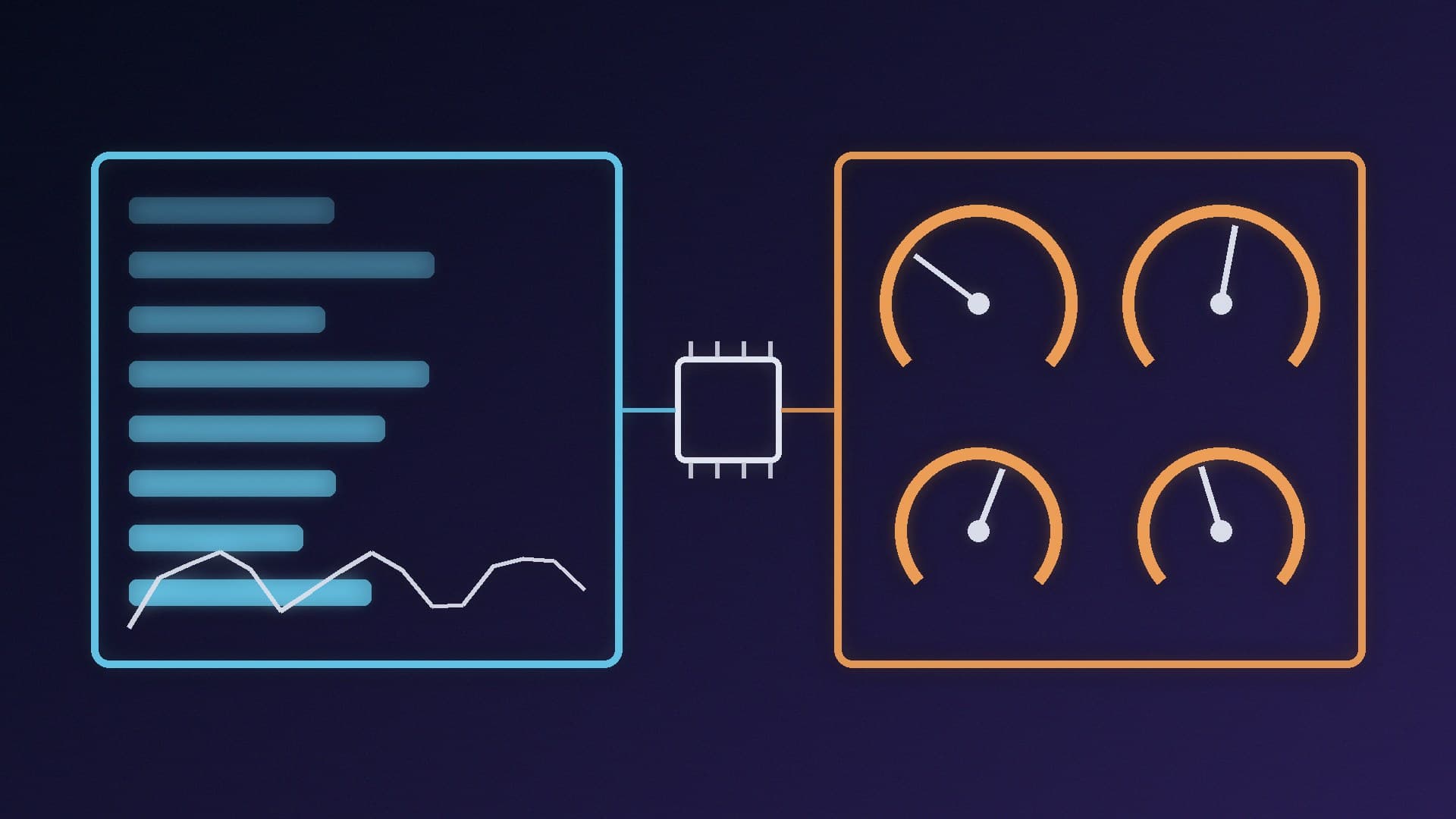
Neither app changes how fast your model runs: that depends on the back end and your graphics card. SillyTavern's own documentation says the app itself will run on anything that can run Node.js 20 or higher, but recommends an NVIDIA RTX 3000-series card with at least 6GB of VRAM if you want to run models locally.
Installation
SillyTavern on Windows is installed with Node.js and Git. You clone the release branch into a folder of your choice and double-click Start.bat, which installs the requirements and opens SillyTavern in your browser. The documentation is emphatic that you shouldn't install it in a Windows-controlled folder such as Program Files, and shouldn't run Start.bat as administrator. There's also a SillyTavern Launcher, a GitHub Desktop route, Docker and even Android. The release branch is recommended for most people and is typically updated about once a month; the staging branch updates several times a day and "may break at any time".
Open WebUI can be installed with Python 3.12 (pip install open-webui, then open-webui serve) or run in Docker, after which you open it in your browser. A native desktop app for Windows, macOS and Linux is also available, which runs Open WebUI without Docker or manual setup. The first account you create becomes the administrator.
If you're comfortable with Docker, Open WebUI is quick to get running. If you'd rather avoid Docker, SillyTavern's Git-and-batch-file install is straightforward, although Open WebUI's desktop app now gives it a no-Docker route too.
This is where Open WebUI pulls clearly ahead. It lets you build knowledge bases from your documents, choose between vector search and injecting whole documents, and use hybrid search with reranking. Its documentation lists 13 vector databases and eight document extraction engines, and models can search and read your documents themselves. It also supports Python tools, MCP servers and OpenAPI servers, and its Open Terminal feature gives the AI a real computing environment to run code in. If you mainly want to chat with your own documents, our roundup of the best local AI document chat apps covers more options.
SillyTavern does have built-in RAG support for adding documents to chats, and extensions for web search, image generation with Stable Diffusion or FLUX, text-to-speech, automatic summaries and translation. But its tools are aimed at enriching conversations and stories rather than at research or work.
Sharing with your household or team
Open WebUI is multi-user from day one, according to its documentation, with roles, user groups, per-model access control, single sign-on (SSO, OIDC and LDAP), two-factor sign-in, API keys, and usage analytics for administrators. If you want to run one AI server for a family or small office, it's built for exactly that.
SillyTavern has an optional multi-user mode, enabled in config.yaml, that gives each person their own settings, extensions and data, with admin and user roles. But its documentation is unusually frank: user passwords "are not a security feature", all user data, including chat history and API keys, is stored in plain text on the server, and you shouldn't use SillyTavern on a public server or with untrusted users.
Licence
SillyTavern is released under the AGPL-3.0 open-source licence, and the project says it will always be free and open source and doesn't accept donations for the project itself. Open WebUI's README says it includes code under the Open WebUI License, which requires preserving the Open WebUI branding, alongside earlier contributions under their original licences. That's unlikely to matter for home use, but it's worth reading the licence if you plan to rebrand it for a business.
Which should you choose?
Choose SillyTavern if you want character chat, roleplay or interactive fiction, enjoy tweaking prompts, samplers and instruct templates, or want group chats with several AI characters. It's also the more natural fit if you use KoboldCpp, Text Generation WebUI or TabbyAPI, which it supports directly. Our comparison of KoboldCpp vs LM Studio can help you pick a back end.
Choose Open WebUI if you want a private alternative to ChatGPT for everyday questions, writing, coding and working with documents, or you want to share one AI server with other people safely. It also pairs naturally with Ollama: see our comparison of Ollama vs Open WebUI for how the two fit together, and our roundup of the best Ollama front ends for other choices.
You don't have to pick only one. Both can connect to the same back end, so you can run Ollama or llama.cpp once and point both front ends at it.
Our verdict
For most people who want a private, ChatGPT-style assistant on their own PC, Open WebUI is the better choice: it's easier to live with day to day, far stronger for documents and tools, and properly built for multiple users. SillyTavern is the clear pick for character chat and roleplay, and for power users who want deep control over every part of the prompt. If you share a server, remember SillyTavern's own warning that its multi-user passwords aren't a security feature.