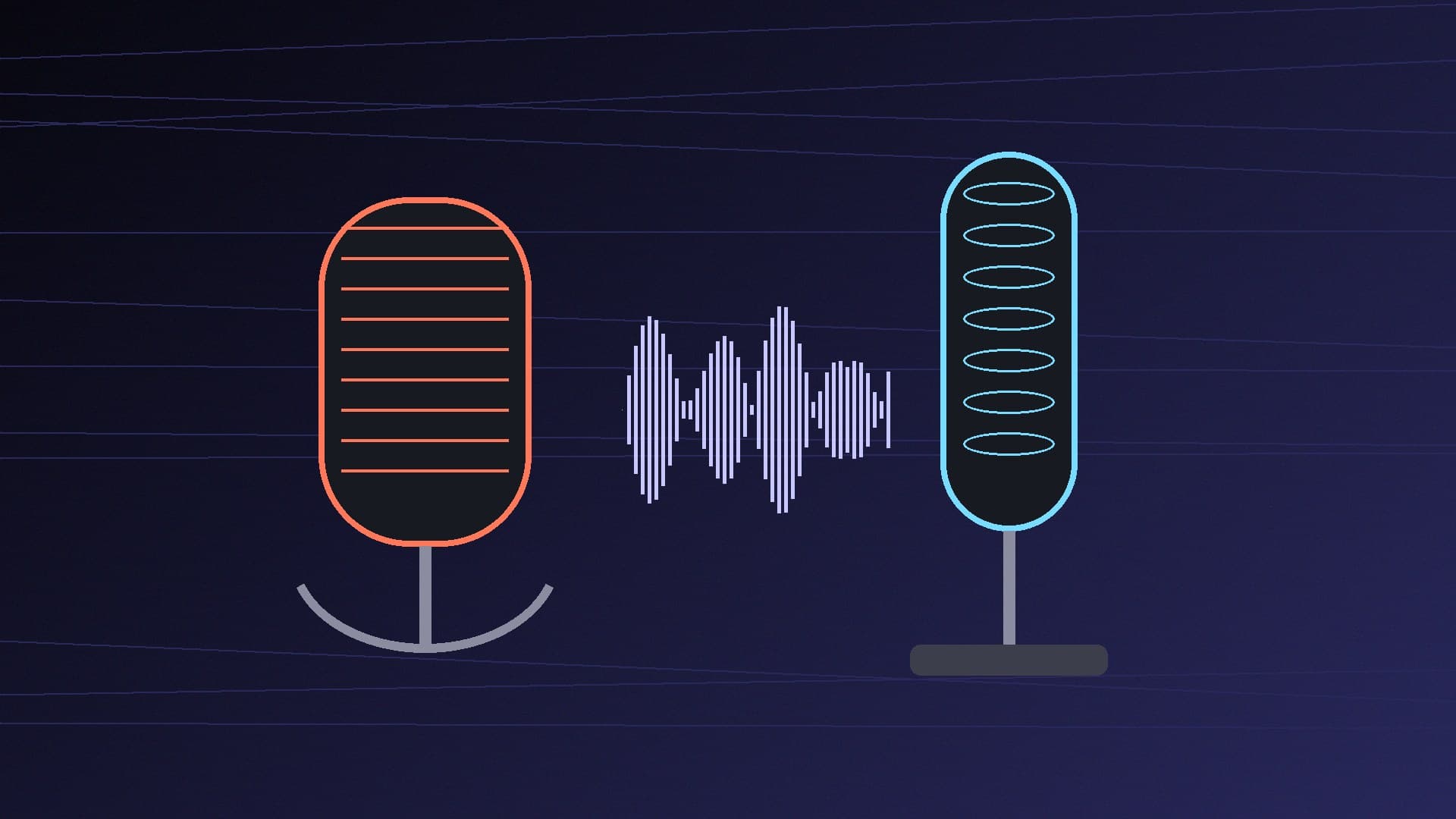
If you want to play games from your desktop PC on a laptop, tablet, phone or TV in another room, the free combination of a streaming host on the PC and the Moonlight client on the other device is one of the best ways to do it. The original open-source host is Sunshine. Apollo is a fork of Sunshine that adds features aimed at a smoother experience on Windows, most notably a virtual display that matches whatever device you're streaming to. Both are free and open source, but they've taken quite different paths in 2026.
New to the idea? Our guide to streaming games with Sunshine and Moonlight covers the basic setup, and Parsec vs Steam Remote Play compares two other popular options.
The short answer
Choose Sunshine if you want the actively maintained, cross-platform host. It runs on Windows, Linux, macOS and FreeBSD, has a published feature matrix, and was still getting new builds in late November 2026.
Choose Apollo if you're on Windows, stream to devices with unusual screen sizes (tablets, phones, handhelds) and want the host to create a matching virtual monitor automatically, and you're comfortable using software that hasn't had a stable release since July 2025.
At a glance
| Sunshine | Apollo |
|---|
What it is | Self-hosted game stream host for Moonlight | Fork of Sunshine; host for Artemis (Moonlight Noir) and Moonlight clients |
Price and licence | Free, open source | Free, open source |
Host platforms | Windows, Linux, macOS, FreeBSD | Windows-focused (its requirements table also lists macOS and Linux, but the virtual display is Windows only) |
Minimum Windows version (per README) | Windows 11 | Windows 10 (HDR needs Windows 11 23H2 or later) |
Hardware encoding | AMD, Intel and NVIDIA GPUs; software encoding too | AMD, Intel and NVIDIA GPUs; software encoding too |
Built-in virtual display | Not listed in its README feature tables | Yes, matches each client's resolution and frame rate |
Per-client permissions | Not listed | Yes |
Clipboard sync | Not listed | Yes |
Latest stable release (GitHub) | 15 September 2026, with pre-releases on 23 and 26 November 2026 | v0.4.6, 13 July 2025 (last pre-release August 2025) |
Documentation | Full docs on Read the Docs | Points to Sunshine's documentation plus its own wiki |
What Sunshine does
Sunshine describes itself as a self-hosted game stream host for Moonlight, offering low-latency streaming with hardware encoding on AMD, Intel and NVIDIA GPUs, plus software encoding if you don't have a supported encoder. You configure it and pair clients from a web interface in your browser, either on the host PC or from a phone.
Its README includes detailed compatibility tables. On Windows it captures the screen with DXGI Desktop Duplication, with partial support for Windows.Graphics.Capture. It can emulate a range of gamepads on the host, including generic, DualShock 4, DualSense, Switch Pro, Xbox 360, Xbox One and Xbox Series controllers, although its footnotes say that on Windows all profiles need the separately installed and licensed Virtual HID Broker, while Xbox 360 and DualShock 4 emulation can also use ViGEmBus. On Linux it supports a long list of capture methods, including KMS/DRM, Wayland (wlroots), X11, XDG Desktop Portal and KWin Screencast.
Requirements: Sunshine's minimum requirements table, which the project says is a work in progress and shouldn't be used to make buying decisions, lists an AMD GPU with VCE 1.0 or higher, an Intel Skylake or newer chip with Quick Sync on Windows, or an NVENC-capable NVIDIA card, a Ryzen 3 or Core i3 CPU and 4GB of RAM. The current README lists Windows 11 as the minimum Windows version, alongside macOS 15, Ubuntu 22.04, Debian 13, Fedora 43 and FreeBSD 15.1. That matters if your gaming PC is still on Windows 10.
Development: the project now lives under the SunshineStream organisation on GitHub, with documentation from LizardByte. Its releases page showed a stable release on 15 September 2026 and pre-release builds on 23 and 26 November 2026, so it's clearly under active development.
What Apollo does
Apollo is built on Sunshine's code and keeps the same core job: low-latency streaming with hardware encoding on AMD, Intel and NVIDIA GPUs, configured through a web UI. It's designed primarily for Artemis (also called Moonlight Noir), a modified Moonlight client from the same developer, and its README refers to Artemis and Moonlight clients alike. What it adds is the reason people choose it:
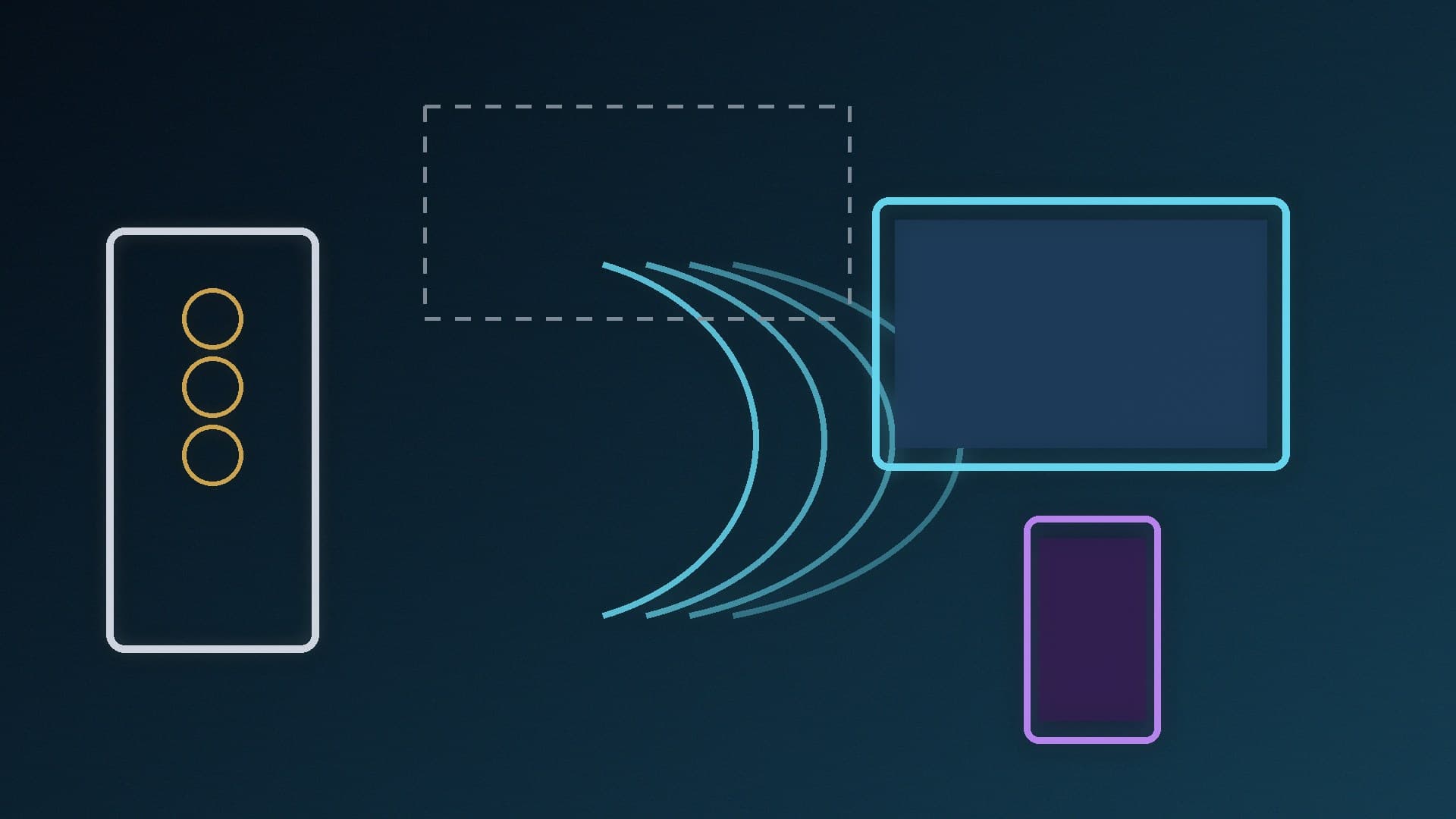
Built-in virtual display with HDR support. Apollo uses the SudoVDA virtual display driver to create a monitor when a stream starts and remove it when the app quits. The virtual display automatically matches the client's resolution and frame rate, so a tablet with an unusual aspect ratio gets a native-resolution picture without you changing your PC's display settings by hand. Apollo gives each client a fixed identity, so Windows remembers display settings for each device.
Permission management. The first client you pair gets full permissions; later clients can only view streams and list apps until you grant more, such as launching apps or using the mouse and keyboard. That's useful if you share access with family members.
Clipboard sync, input-only mode, and commands that run when a client connects or disconnects, which the project's wiki uses for tricks such as auto-pausing games.
Dual-GPU laptop support. Apollo says you can set the adapter to your dedicated GPU and enable headless mode, so frames are rendered and encoded on the dGPU without a dummy HDMI plug.
Limits: Apollo's README says the virtual display is currently Windows only, with Linux support planned. HDR needs Windows 11 23H2 or later and is generally supported on 24H2. The developer is frank that HDR streaming quality depends heavily on the client device, and includes a note that enabling HDR is generally not recommended with any streaming solution at the moment. Apollo also warns you to remove other virtual display tools to avoid conflicts. For general usage, it points to Sunshine's documentation.
Development: this is the big caveat. Apollo's GitHub releases page lists v0.4.6, published on 13 July 2025, as the latest stable release, with a v0.4.7 alpha in August 2025. We found no newer releases as of 26 November 2026, so you'd be running a host that hasn't had an official release for more than a year, with whatever bugs and driver compatibility issues that might bring.
Key differences
Maintenance matters for a network service. A streaming host listens for connections and talks to your graphics driver, so regular updates count. Sunshine's steady flow of releases in 2026 is a strong point in its favour. Apollo's long gap since its last release doesn't mean it has stopped working, but it does mean you're relying on an older codebase.
Virtual display is Apollo's killer feature. Without a virtual display, streaming to a device whose screen doesn't match your monitor usually means letterboxing, changing resolutions manually or buying a dummy plug. Apollo automates all of that on Windows. If you stream to a single TV at the same resolution as your monitor, this matters much less.
Platform support. Sunshine runs on Linux, macOS and FreeBSD as well as Windows, which makes it the only choice of the two if your host isn't a Windows PC. Apollo's extra features are Windows-centric.
Windows 10. The current Sunshine README lists Windows 11 as the minimum, while Apollo's README still lists Windows 10. If you can't upgrade, check the requirements of the exact Sunshine version you plan to install. Our guide to updating to Windows 11 26H2 may also help.
Shared PCs. Apollo's per-client permission system is genuinely useful if several people stream from one machine. Sunshine's README doesn't list an equivalent.
Both need a decent network. The two projects share the same guidance: a 5GHz 802.11ac Wi-Fi connection at minimum, with wired CAT5e Ethernet suggested for 4K. Waking a sleeping host remotely is easier with Wake-on-LAN set up in Windows 11.
Our verdict
For most people, Sunshine is the safer choice: it's the original project, it runs on every major desktop OS, and it was still shipping new builds in November 2026. Apollo's automatic virtual display, per-device permissions and clipboard sync are genuinely clever and solve real annoyances when streaming to tablets, phones and handhelds from a Windows PC, but it hasn't had a stable release since July 2025. Try Apollo if those features are exactly what you need and you're happy to accept that risk; otherwise install Sunshine and pair it with Moonlight.