Meta's Segment Anything models are the go-to open models for cutting objects out of photos and tracking them through video. SAM 2 arrived in 2024 and was updated to SAM 2.1 that September; SAM 3 followed in November 2025, with SAM 3.1 checkpoints in March 2026. SAM 3 is the more capable model, but SAM 2.1 is smaller, comes in four sizes, has a standard open-source licence and doesn't require an access request. This comparison uses Meta's GitHub repositories, model cards and release notes. The figures quoted are Meta's own.
The short version
| SAM 2.1 | SAM 3 (and 3.1) |
|---|
Released | July 2024 (SAM 2); 2.1 checkpoints 29 September 2024 | November 2025; 3.1 checkpoints 27 March 2026 |
Size | Four checkpoints: 38.9M, 46M, 80.8M and 224.4M parameters | One model, 848M parameters |
Prompts | Clicks, boxes and masks, one object at a time | Text phrases and example boxes for every matching object, plus clicks, boxes and masks |
Video tracking | Yes, with streaming memory | Yes, tracker inherited from SAM 2; 3.1 adds Object Multiplex |
Python / PyTorch | Python 3.10+, PyTorch 2.5.1+ | Python 3.12+, PyTorch 2.7+, CUDA 12.6+ |
Weights | Direct download | Gated on Hugging Face, manual approval |
Licence | Apache 2.0 (BSD-3-Clause for one bundled component) | Meta's custom SAM License |
The big difference: text prompts
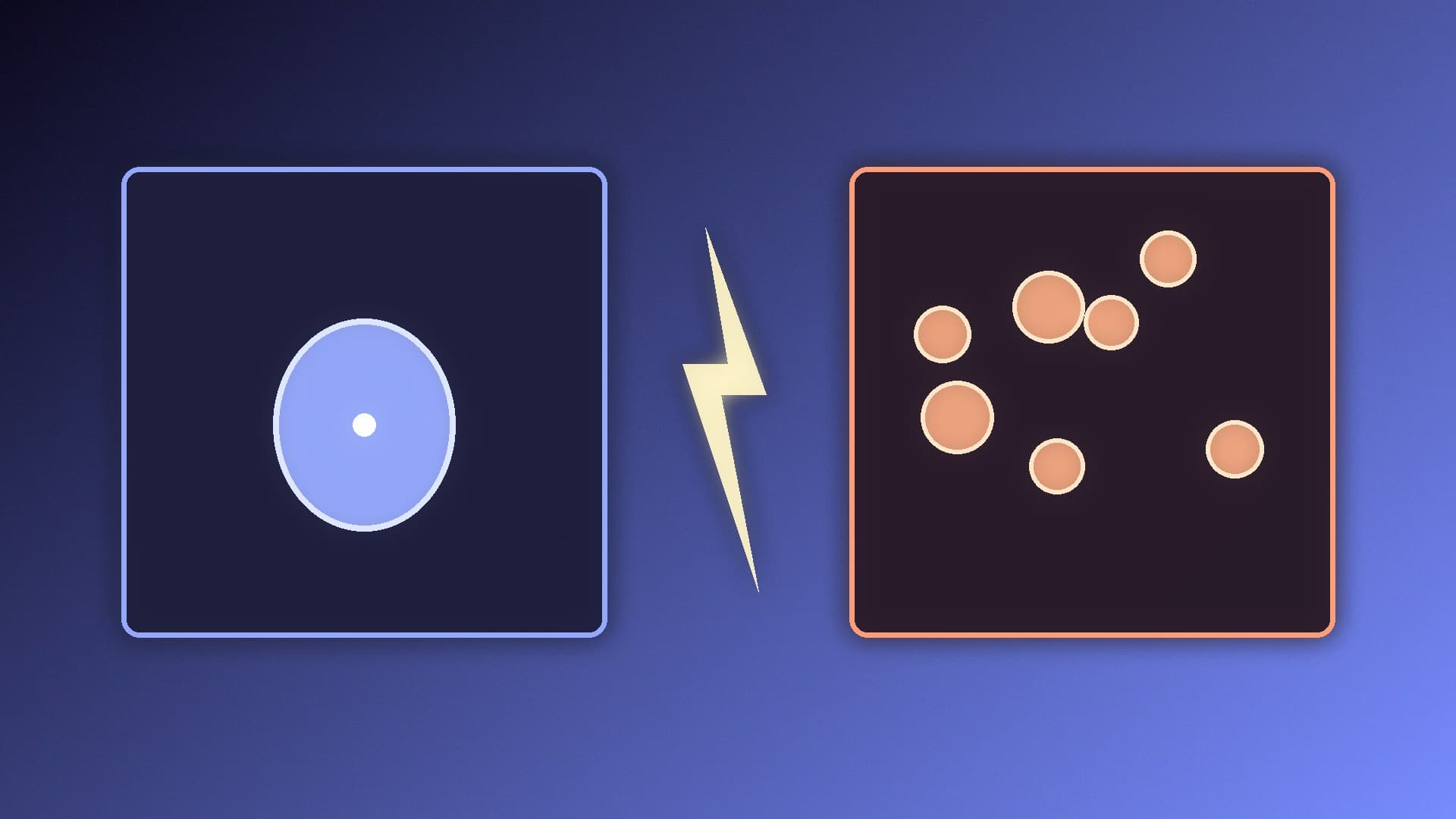
SAM 2 is a promptable model: you click a point, draw a box or supply a rough mask, and it segments that one object, then tracks it through a video. That's ideal when you know exactly which object you want, for example to cut a person out of a clip or mask a product in a photo.
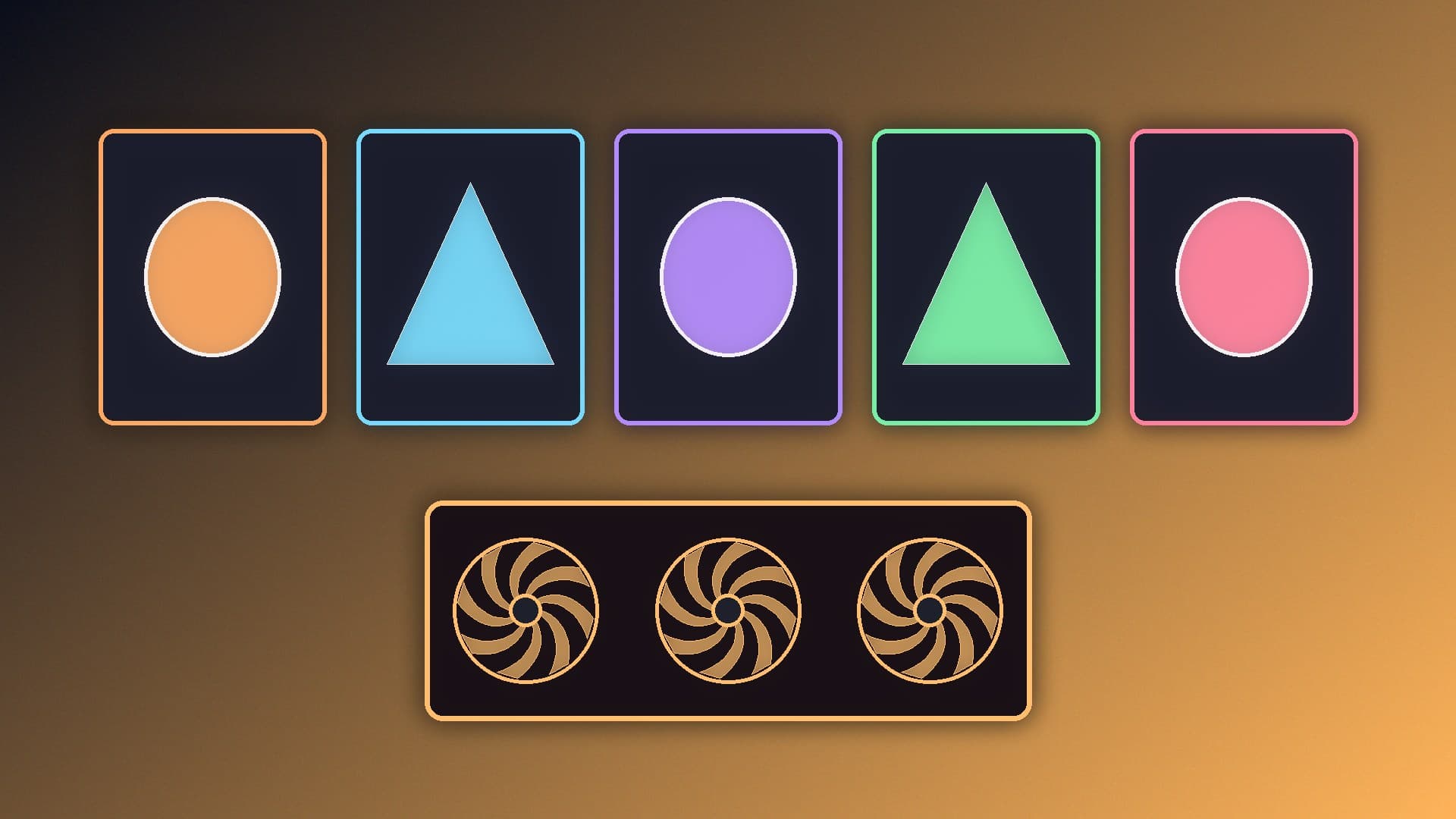
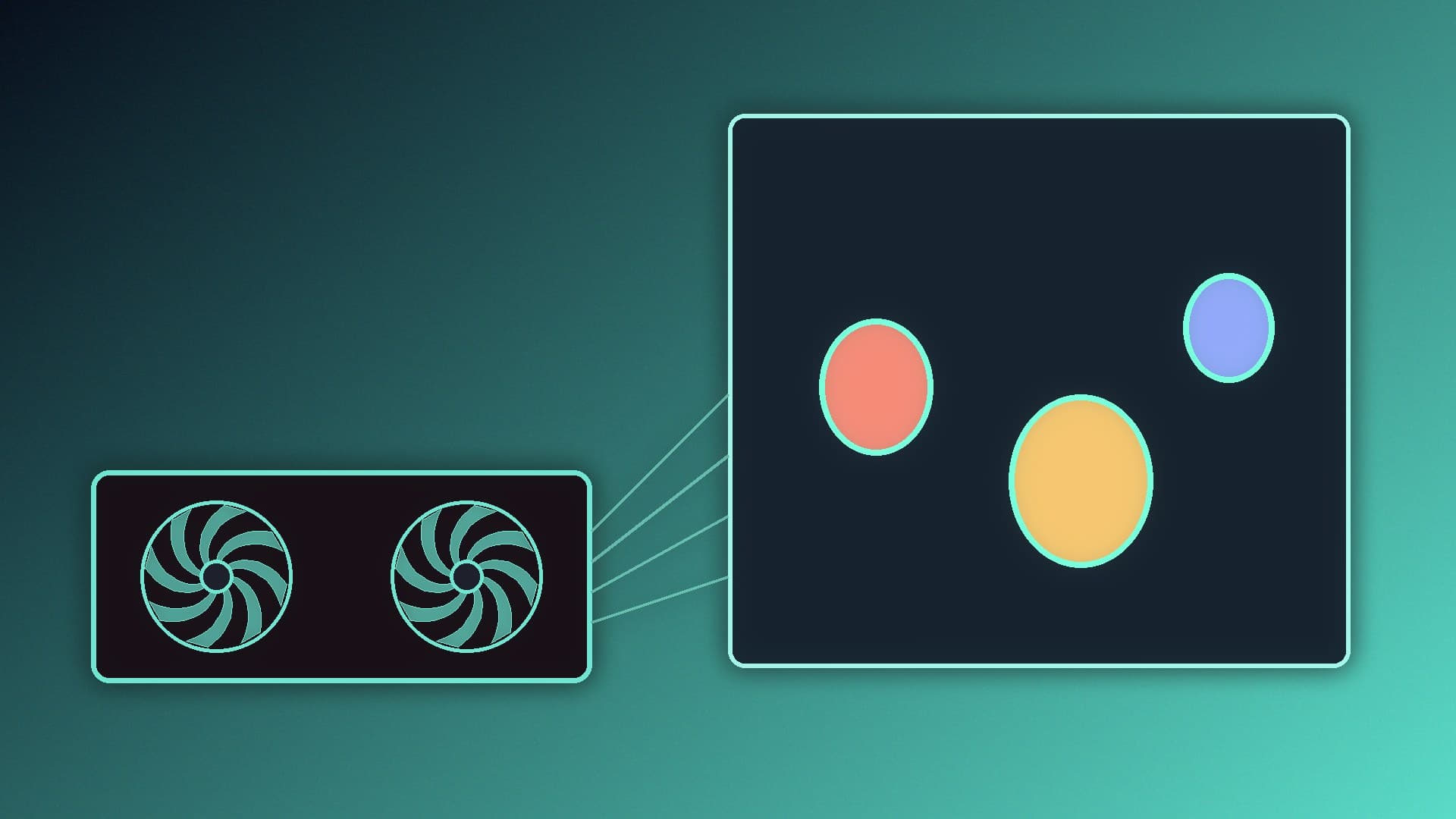
SAM 3 adds what Meta calls promptable concept segmentation. Type a short phrase and it returns a mask for every instance of that concept in the image or video, each with its own ID. You can also draw a box around one example and ask it to find similar objects. Meta says SAM 3 reaches 75-80% of human performance on its SA-Co benchmark of 270,000 unique concepts, and it keeps the click, box and mask prompting of SAM 2.
If you're labelling a dataset, counting objects or applying an effect to "every car" in a video, SAM 3 saves a lot of clicking. If you only ever segment one thing you've pointed at, SAM 2.1 does the job.
Size and speed
SAM 2.1 comes in four sizes, which is useful on modest hardware. Meta's own measurements on an Nvidia A100 data-centre GPU (PyTorch 2.5.1, CUDA 12.4) are:
SAM 2.1 checkpoint | Parameters | Meta's speed on A100 |
|---|
Tiny | 38.9M | 91.2 FPS |
Small | 46M | 84.8 FPS |
Base Plus | 80.8M | 64.1 FPS |
Large | 224.4M | 39.5 FPS |
SAM 3 is a single 848M-parameter model, almost four times the size of SAM 2.1 Large, so expect it to be slower and to need more VRAM on the same card. Meta doesn't publish a like-for-like FPS figure. Ultralytics' documentation cites 30ms per image with more than 100 detected objects on an H200 GPU. Neither figure reflects a home graphics card, so treat them as relative guides only.
For video with many objects, SAM 3.1's Object Multiplex groups objects and processes them together. Meta reports a roughly 7x speed-up when tracking 128 objects on a single H100 compared with the original SAM 3 release.
Accuracy
On the SA-V video object segmentation test set, Meta's published J&F score is 79.5 for SAM 2.1 Large, 84.4 for SAM 3 and 85.1 for SAM 3.1. These come from Meta's own repositories and release notes, so they are developer figures. SAM 2 can't be scored on SAM 3's text-prompt benchmarks at all, because it doesn't accept text.
Hardware and installation
Both models are built for Nvidia GPUs. SAM 3's README lists a CUDA-compatible GPU with CUDA 12.6 or newer, Python 3.12 and PyTorch 2.7. SAM 2's requirements are older and looser (Python 3.10, PyTorch 2.5.1), and Meta says the optional custom CUDA extension can fail to build without affecting results in most cases. On Windows, the SAM 2 README strongly recommends WSL with Ubuntu, and we'd use the same approach for SAM 3. Our guide to WSL2 for GPU-accelerated local AI covers the setup.
Neither repository gives a minimum VRAM figure. SAM 2.1's Tiny and Small checkpoints are under 50M parameters each, so they're much lighter to run. For SAM 3, especially on video, we'd want a 16GB card such as the ASUS RTX 5060 Ti 16GB Dual OC, and serious video or dataset work benefits from something like the Nvidia GeForce RTX 5090 Founders Edition. These are our suggestions, not Meta's requirements. See our pick of the best 16GB graphics cards for local AI for more options.
The other practical difference is access. SAM 2.1 checkpoints download directly from links in Meta's repository. SAM 3 and SAM 3.1 weights are gated on Hugging Face: you request access, agree to share your Hugging Face account information with Meta and wait for manual approval. Our guide on how to run SAM 3 locally walks through the process.
Licences
SAM 2 is released under the Apache 2.0 licence, with a BSD-3-Clause licence for one bundled component. Both are familiar and permissive. SAM 3 uses Meta's custom SAM License, which grants a royalty-free right to use, modify and redistribute the model, with conditions such as trade-control compliance and passing the licence on when you share it. Hobbyists won't notice much difference, but businesses should have the SAM License reviewed before building on SAM 3.
Which should you choose?
Choose SAM 3 (with the 3.1 checkpoints) if:
You want to segment by typing what you're looking for
You need every instance of an object, not just one
You track lots of objects in video and have a recent Nvidia GPU
Choose SAM 2.1 if:
You only need click- or box-based segmentation of individual objects
You want a small, fast model for an older or entry-level GPU
You need a standard Apache 2.0 licence or want to avoid the gated download
You don't have to commit to one: tools such as the Ultralytics Python package and the X-AnyLabeling desktop app support both SAM 2 and SAM 3, so you can try each on your own images.