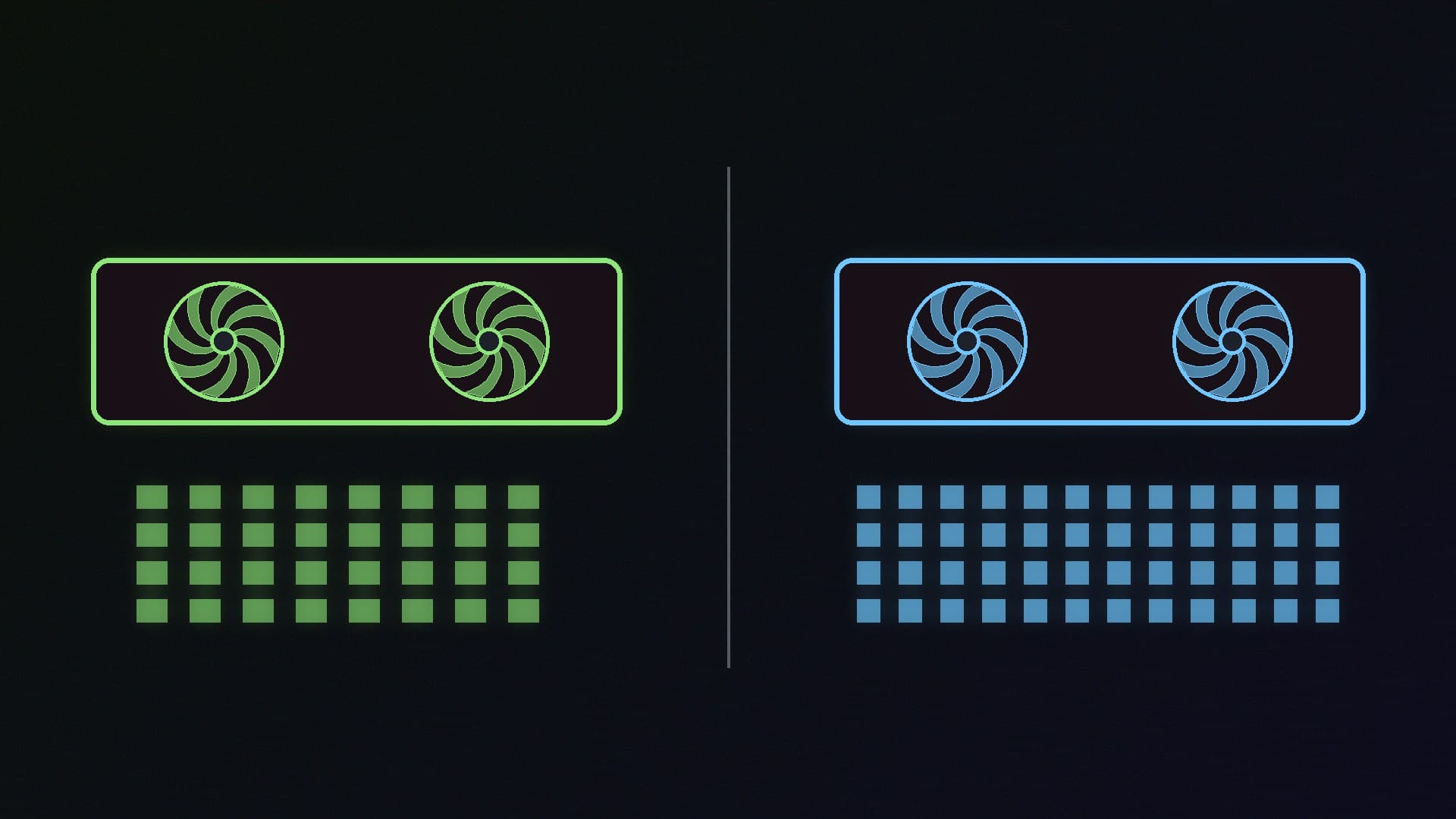
NVIDIA's GeForce RTX 5050 and RTX 5060 sit at the bottom of the RTX 50 desktop range, and on a shop shelf they look very similar: 8GB of memory, a single 8-pin power connector, the same display outputs and the same DLSS 4 feature list. Underneath, the RTX 5060 has a much bigger GPU and faster memory. The question for a UK buyer is whether that is worth the extra money when prices are this unsettled.
This comparison uses NVIDIA's official UK specification pages, board partners' specification pages from Gigabyte and MSI, and approximate UK prices from the SpecPrice UK tracker on 24 November 2026 (approximate, Nov 2026). We haven't quoted frame rates or performance percentages; the core and memory figures below show the size of the gap, not a measured result.
Specs side by side
| GeForce RTX 5050 | GeForce RTX 5060 |
|---|
Architecture | Blackwell | Blackwell |
CUDA cores | 2,560 | 3,840 |
Boost / base clock | 2.57GHz / 2.31GHz | 2.50GHz / 2.28GHz |
AI TOPS (NVIDIA figure) | 421 | 614 |
Memory | 8GB GDDR6 | 8GB GDDR7 |
Memory bus | 128-bit | 128-bit |
Memory speed (partner cards) | 20Gbps | 28Gbps |
Total graphics power | 130W | 145W |
Required system power | 550W | 550W |
Power connector | 1x 8-pin (or 300W+ PCIe Gen 5 cable) | 1x 8-pin (or 300W+ PCIe Gen 5 cable) |
Encoder / decoder | 1x 9th-gen NVENC, 1x 6th-gen NVDEC | 1x 9th-gen NVENC, 1x 6th-gen NVDEC |
DLSS | DLSS 4 with Multi Frame Generation | DLSS 4 with Multi Frame Generation |
Max GPU temperature | 87°C | 89°C |
Specifications are from NVIDIA's RTX 5050 and RTX 5060 family pages. Memory speeds are from the Gigabyte and MSI cards listed in the sources, as NVIDIA's pages give the memory type and bus but not the speed.
The GPU: 50% more CUDA cores on the RTX 5060
The headline difference is the GPU itself. The RTX 5060 has 3,840 CUDA cores against the RTX 5050's 2,560, which is 50% more, while both run at similar boost clocks. NVIDIA also lists 614 AI TOPS for the RTX 5060 against 421 for the RTX 5050, and 58 against 40 TFLOPS for the ray tracing cores. Those are NVIDIA's theoretical figures, not game benchmarks, but they point the same way: the RTX 5060 is the substantially faster chip.
Memory: same 8GB, different speed
Both cards have 8GB on a 128-bit bus, so the amount of memory is not a reason to pick one over the other. The difference is the type: the RTX 5050 uses GDDR6, which runs at 20Gbps on the Gigabyte and MSI cards we checked, while the RTX 5060 uses GDDR7 at 28Gbps. That gives the RTX 5060 about 40% more memory bandwidth on paper.
The bigger point is that 8GB is the limit on both. If you want more graphics memory for newer games at high settings or for local AI, look at a 16GB card instead; our RTX 5060 Ti 8GB vs 16GB guide explains when the extra memory matters.
Features: identical
This is where the RTX 5050 does well. NVIDIA lists the same feature set for both: DLSS 4 with Super Resolution, Ray Reconstruction, Frame Generation and Multi Frame Generation, Reflex 2, NVIDIA Broadcast, the same ninth-generation NVENC encoder with AV1, PCIe Gen 5 and Resizable BAR support. Both support up to four monitors, with three DisplayPort outputs and one HDMI output on NVIDIA's reference design. If you mainly want a modern card for streaming, video encoding or a media PC, the RTX 5050 gives you the same encoder as the RTX 5060.
Power, size and fitting
NVIDIA rates the RTX 5050 at 130W and the RTX 5060 at 145W, and lists the same 550W required system power for both. Each needs one 8-pin PCIe connector. Sizes depend on the card maker. Two examples from MSI's specification pages:
MSI GeForce RTX 5050 8G VENTUS 2X: 197 x 120 x 41mm, 130W, 550W power supply recommended.
MSI GeForce RTX 5060 8G GAMING: 248 x 135 x 41mm, 155W, 550W power supply recommended.
MSI says both use a PCIe Gen 5 x16 slot but only eight lanes. That matters if you're upgrading an older PC with a PCIe 3.0 slot; our guide to checking your GPU's PCIe link speed shows how to see what you're getting.
For small form factor PCs, Gigabyte makes low-profile versions of both GPUs at 182 x 69 x 36mm, each with an 8-pin connector and a low-profile bracket in the box.
Our database has specifications for several standard-size cards based on these GPUs, including the ASUS RTX 5050 8GB Dual OC, the ASUS RTX 5060 8GB Dual OC and the MSI RTX 5060 8GB Ventus 2X OC.
UK prices in late November 2026
Prices are moving a lot this month. On 24 November 2026, the SpecPrice UK tracker listed:
RTX 5060: £429.98 at Scan for a ZOTAC Twin Edge OC White model, against a 30-day median of £424.95, which SpecPrice rated "same as usual" (approximate, Nov 2026).
RTX 5050: £379.99 at Scan for the Gigabyte OC Low Profile model, against a 30-day low of £319.99 and median of £349.99, which SpecPrice flagged as a price that had gone up before the sale (approximate, Nov 2026).
On those figures the gap is about £50, which is small for 50% more CUDA cores and faster memory. Standard-size RTX 5050 cards may be cheaper than the low-profile model SpecPrice tracked, so compare like with like at Scan, Overclockers, Box and other UK retailers. Our Black Friday GPU upgrade checklist covers how to judge a deal.
Which should you buy?
Choose the RTX 5060 if: you're buying mainly for gaming. It's the much bigger GPU with faster memory, and at late-November UK prices the extra cost was modest. It's also worth comparing with AMD's alternatives in our RTX 5060 vs RX 9060 XT 16GB guide and Intel's in Arc B580 vs RTX 5060.
Choose the RTX 5050 if: you can find it clearly cheaper than the RTX 5060, you want a slightly lower power draw, or you mainly need a modern card for video encoding, a media PC or light gaming, where its identical feature set and NVENC encoder matter more than raw speed.
Our verdict
The RTX 5060 is the better buy for most people. NVIDIA's specs give it 3,840 CUDA cores to the RTX 5050's 2,560 and faster 28Gbps GDDR7 memory, for only 15W more power and the same 550W system requirement. With SpecPrice showing only about £50 between the two at Scan on 24 November 2026 (approximate, Nov 2026), the RTX 5050 only makes sense if you find it noticeably cheaper or you want its features for encoding or a media PC rather than gaming. Both have just 8GB of memory, so if you plan to keep the card for years, consider a 16GB card.