Every desktop motherboard has audio built in, and for many people it's all they'll ever need. But headphone fans often recommend a USB DAC (digital-to-analogue converter), usually combined with a headphone amplifier, as one of the most worthwhile upgrades for a PC. So which is right for you? It depends mostly on your headphones, how you connect them and whether you can hear a problem with your current setup.
This comparison uses the makers' official specifications for three current Intel B860 motherboards and FiiO's K11 desktop DAC/amp, plus Microsoft's documentation for Windows' USB audio driver, all read on 24 November 2026. Specs such as signal-to-noise ratio (SNR) are each maker's own figures, measured their own way. Use them as a guide, not as direct comparisons.
What each option actually is
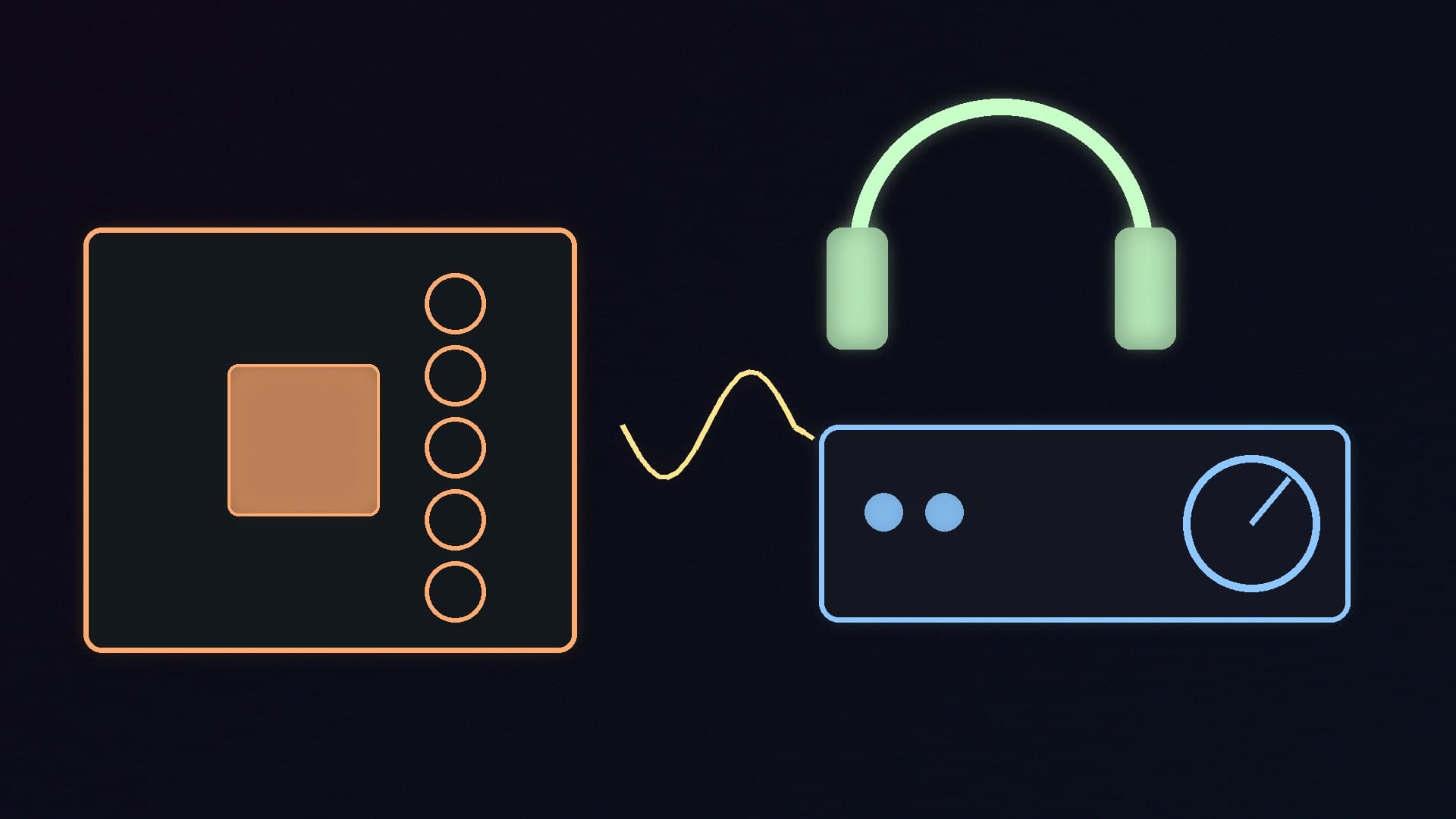
Onboard audio is a codec chip on the motherboard, usually from Realtek. It turns digital audio into the analogue signal sent to the rear-panel jacks and to your case's front-panel headphone socket through the HD audio header. Quality varies with the codec and with the effort the board maker puts into the circuit around it.
A USB DAC moves that conversion into a separate box outside the PC. Desktop units such as FiiO's K11 also include a headphone amplifier, a volume knob and extra inputs and outputs. The PC sends it digital audio over USB, so the analogue circuitry is outside the PC case.
How onboard audio differs from board to board
Board makers' specifications show how wide the gap between cheaper and pricier motherboards can be:
Motherboard | Codec and audio features (maker's spec) |
|---|
MSI PRO B860-P WIFI | Realtek ALC897, 7.1-channel High Definition Audio |
ASUS TUF Gaming B860-Plus WiFi | Realtek 7.1 HD audio codec, up to 24-bit/192kHz playback; audio shielding, dedicated audio PCB layers, premium audio capacitors, optical S/PDIF out |
ASUS ROG Strix B860-F Gaming WiFi | ROG SupremeFX ALC4080 with a Savitech SV3H712 amplifier; 120dB SNR stereo playback, 110dB SNR recording input, up to 32-bit/384kHz on the front panel; impedance sensing for front and rear headphone outputs |
Two details from the ASUS specs show how this works in practice:
On the TUF board, ASUS notes that 32-bit/192kHz isn't supported for 7.1 surround because of HD audio bandwidth limits.
On the Strix board, the highest-resolution playback is quoted for the front panel. ASUS also says the rear line out doesn't support spatial audio, so for spatial audio you should use the front jack or a USB audio device.
In other words, a better board can give you a better headphone output, but the front-panel socket, the case wiring and the specific jack you plug into all affect the result.
What a desktop USB DAC/amp adds
FiiO lists the following for the K11:
Formats: up to 384kHz/32-bit PCM and DSD256, over a USB-C input.
Inputs: USB, optical and coaxial, so it can also take audio from a console or TV.
Outputs: 4.4mm balanced and 6.35mm headphone jacks, plus RCA and coaxial outputs for speakers or another amplifier.
Power: a separate DC 12V 2A adapter. FiiO quotes up to about 1,400mW per channel into 32 ohms from the balanced output, about 520mW per channel into 32 ohms from the single-ended output, and about 60mW per channel into 300 ohms from the single-ended output (all at high gain, with under 1% THD+N).
Noise and distortion: SNR of at least 123dB (A-weighted), and THD+N under 0.00035% from the line output.
Driver-free mode: a USB DAC mode that doesn't need a driver.
Two things stand out. First, a desktop DAC/amp has far more output power and connection choice than any motherboard jack, including balanced headphone outputs. Second, its circuitry has its own power supply, outside the PC.
Drivers: does a USB DAC need software?
Usually not on Windows. Microsoft's documentation says a USB Audio 2.0 class driver (usbaudio2.sys) has shipped with Windows since Windows 10 version 1703. It shows up in Device Manager as "USB Audio Class 2 Device", or under the product's own name if the device provides one. Microsoft also says that if the maker supplies its own driver, on the PC or through Windows Update, that driver replaces the class driver. Some DACs offer a maker driver for features such as ASIO or DSD playback. FiiO's driver-free mode on the K11 points the same way: basic playback works out of the box.
Onboard audio, by comparison, relies on the motherboard maker's Realtek driver and audio app for features such as jack retasking and surround settings.
Head to head
| Onboard audio | USB DAC/amp (e.g. FiiO K11) |
|---|
Cost | Included with the motherboard | Extra purchase |
Set-up | Nothing to add | One USB cable, plus mains power for desktop units |
Headphone power | Modest; varies by board | Much higher; FiiO quotes up to about 1,400mW per channel balanced |
Balanced headphone output | No | Yes (4.4mm on the K11) |
Extra inputs | No | Optical and coaxial on the K11 |
Surround/7.1 output | Yes, on analogue jacks; S/PDIF on many boards | Mostly stereo |
Microphone input | Yes | Not on the K11; use your headset's or a USB mic |
Moving between PCs | No | Yes |
That last point about microphones matters for gaming headsets. A desktop DAC/amp like the K11 is for listening. If you use a 3.5mm headset with a built-in mic, you'll still need the PC's mic input, or a separate USB microphone. Our USB vs 3.5mm gaming headset comparison covers that choice.
When onboard audio is enough
You use speakers or an ordinary gaming headset, and you can't hear any hiss, hum or interference at your usual volume.
You want surround output from the analogue jacks, which most stereo DACs don't offer.
Your board has a better codec and a dedicated headphone amplifier, such as the ALC4080 on ASUS's ROG Strix B860-F.
You'd rather spend the money on better headphones. In most setups, the headphones themselves make the biggest difference.
When a USB DAC is worth it
You hear background noise. Hiss, buzzing or noise that changes when you move the mouse or the GPU is busy usually points to interference reaching the analogue output, often through the front-panel wiring. An external DAC does its digital-to-analogue conversion outside the PC. Try the rear jacks first, as our front audio jack fix guide explains.
Your headphones are hard to drive. High-impedance or low-sensitivity headphones may need more power than an onboard jack can supply comfortably. Check the headphones' specs against the amplifier's quoted output into that impedance.
You want a balanced output or a physical volume knob on your desk.
You switch between devices. A DAC with optical and coaxial inputs can serve a PC, a console and a TV.
Our verdict
For most PC gamers, onboard audio is good enough, especially on a board with a decent codec and headphone amplifier, such as the ALC4080-based ROG Strix B860-F. Keep onboard audio if you can't hear a problem, use a mic-equipped 3.5mm headset or want analogue surround. Choose a USB DAC/amp if you hear hiss or interference, use demanding headphones, or want balanced outputs and more inputs. A desktop unit like FiiO's K11 adds far more output power and connections than any motherboard jack, and Windows supports USB Audio 2.0 devices with its own built-in driver. This comparison is based on the makers' specifications.