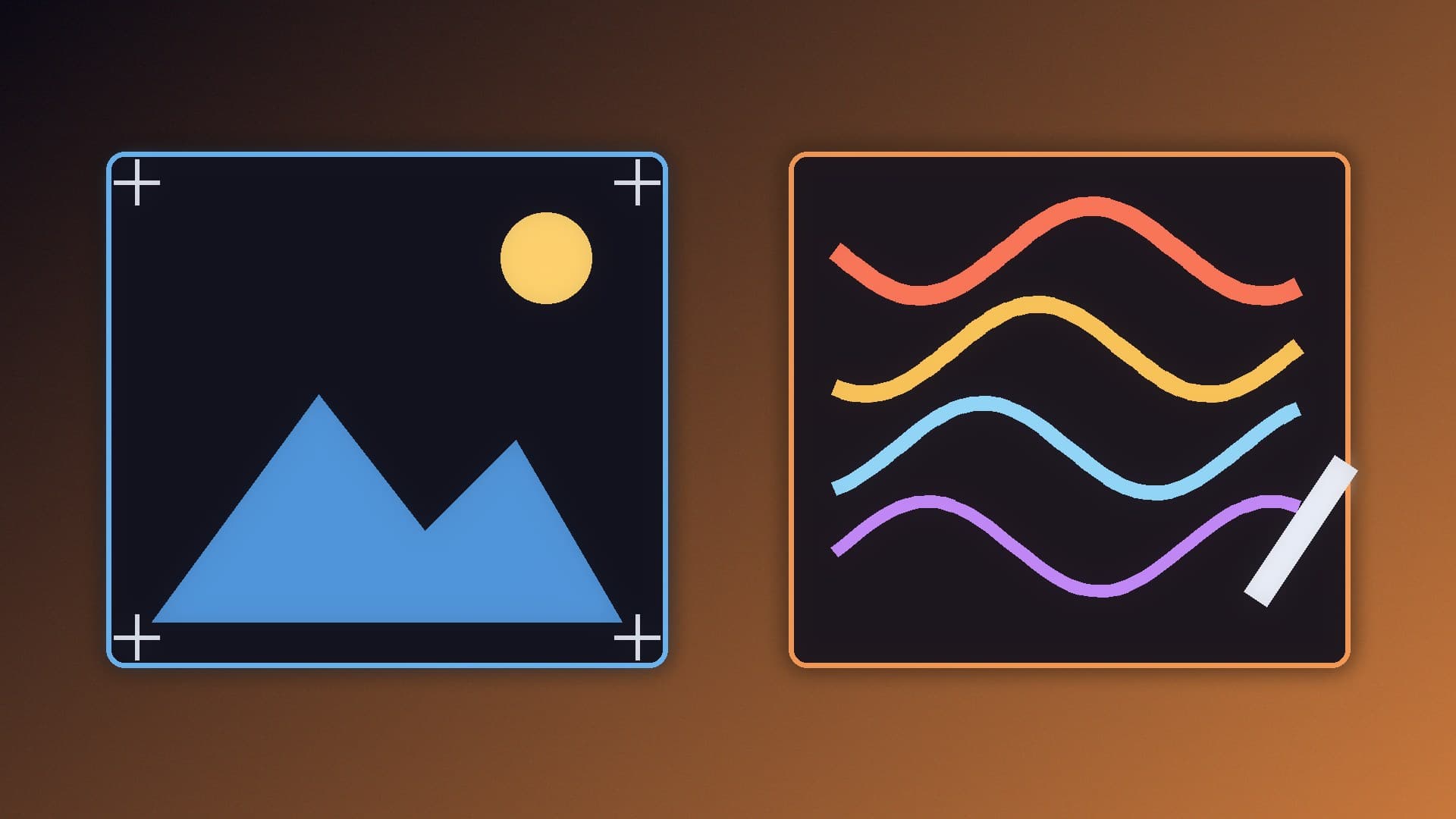
GIMP and Krita are two of the best-known free, open-source alternatives to Photoshop on Windows, and both had busy 2026s: GIMP 3.2.8 arrived on 2 November and Krita 5.3.5 on 25 November. They often get lumped together, but they're built for different jobs. GIMP is a general image editor for photo retouching, compositing and graphic design. Krita is a digital painting program for illustration, concept art, comics and animation. We compare them using each project's official feature pages, release notes, downloads and system requirements.
At a glance
| GIMP | Krita |
|---|
Latest version (28 Nov 2026) | 3.2.8 (2 Nov 2026) | 5.3.5 (25 Nov 2026) |
What it's for | Photo manipulation, retouching, compositing, graphic design | Digital painting, illustration, concept art, comics, textures, animation |
Licence | Free software: you can change and redistribute its source code | GNU GPL v3 |
Windows support (installer) | Windows 10 1903 or newer, x86_64 and ARM64 | Windows 8.1 or higher; no 32-bit in new versions |
Store version | Microsoft Store (Windows 11, or Windows Server 2022 build 20348, or newer) | Paid versions on Microsoft Store, Steam and Epic, with automatic updates |
Portable option | Not listed on Windows | Windows Portable download |
RAM | Not listed | 4 GB minimum, 16 GB recommended |
GPU | Not listed | OpenGL 3.0 or higher / Direct3D 11 |
Non-destructive editing | Non-destructive filters (3.0); text, link and vector layers (3.2) | Filter layers, vector layers, group and file layers |
Animation | No built-in animation timeline listed | Built-in 2D animation workspace and timeline |
Scripting | C, C++, Python 3, Scheme and more | Python (PyQt and Krita API) |
What each one is designed to do
GIMP describes itself as a cross-platform image editor with "sophisticated tools" for graphic designers, photographers, illustrators and scientists. Its home page focuses on photo manipulation (retouching, restoring and creative composites), original artwork, graphic design elements such as icons and UI mock-ups, and scripted image manipulation.
Krita is clearer about its scope. Its manual says it's a tool for "digital painting and creating artworks from scratch". It specifically supports illustrations, concept art, matte painting, textures, comics and animations, and it says plainly that Krita "is not intended as a replacement for Photoshop". The manual adds that other programs may have more features for image manipulation tasks, such as stitching photos together.
That's the core of this comparison. For editing photos, GIMP is the right tool. For drawing or painting, Krita is.
Photo editing and design: GIMP's strengths
GIMP 3.0, released after seven years of development, was a major overhaul. It moved to a GTK3 interface, which the GIMP team says brought much better UI scaling on HiDPI screens and much better support for tablet input. It also added non-destructive (NDE) filters. In GIMP 2.10, filters were merged into the layer straight away, but they now stay editable by default. GIMP 3.0 lets you select multiple layers with standard shortcuts, too.
GIMP 3.2 builds on that with "non-destructive layers":
Link layers bring an external image into your composition and update automatically when the original file changes in another app. GIMP compares them to Photoshop's linked smart objects.
Vector layers let you create a path with its own stroke and fill, which you can keep editing and transform non-destructively.
Non-destructive filters now work on channels as well as layers. Setting an empty layer group to Pass through mode applies its filters to everything below, which GIMP says recreates an adjustment-layer workflow.
A new Vibrance filter adds selective saturation without over-saturating skin tones.
For print and design work, GIMP 3.0 can import and export CMYK JPEGs, TIFFs, PSDs and JPEG XL files, soft-proof against a CMYK profile, and its new PSD export dialog can save clipping paths, CMYK profiles and metadata. GIMP describes its colour management as "top-notch" and says it fits into workflows with other free tools such as Scribus and Inkscape.
Painting and illustration: Krita's strengths
Krita's feature list is aimed squarely at artists:
Over 100 preloaded brushes and more than 9 brush engines, including Color Smudge, Shape, Particle and a filter engine, with a tagging system to organise your brushes.
Brush stabilisers, with three different ways to smooth strokes, plus a Dynamic Brush tool that adds drag and mass.
Drawing assistants for vanishing points, ellipses and even fisheye perspective.
Wrap-around mode for painting seamless textures and patterns.
Vector and text tools for comic panels and word bubbles, using SVG.
A resource manager for importing and sharing brush and texture bundles.
GIMP isn't helpless for painting. Its 3.2 release updated the MyPaint Brush tool with 20 new brushes, made it respond to canvas rotation and stylus barrel rotation, and added a pressure "Gain" slider. It also added an Overwrite paint mode that GIMP recommends for pixel art. But painting tools are Krita's whole focus.
Animation
Krita has a full 2D animation workspace. Its feature page lists layered animation with audio, timelines with thousands of frames, onion skinning, opacity and position tweening, adjustable frame rates, and export to video or image sequences. GIMP's feature and release pages don't list a comparable animation timeline, so for frame-by-frame animation Krita is the clear choice.
Both take colour seriously, in different ways. Krita supports full colour management through LCMS for ICC profiles and OpenColorIO for EXR, comes with a range of ICC working-space profiles, and says it's "the only painting application" that lets you open, save, edit and author HDR and scene-referred images. GIMP's colour strength is on the print side, with CMYK import/export and soft-proofing.
Both open Photoshop files. Krita says it can load and save PSD files, and GIMP 3.0 improved PSD import and export compatibility. If you're doing colour-critical work in either app, make sure your monitor is calibrated in Windows 11 first.
Graphics tablets
Both support pen tablets. GIMP says GTK3 brought much better tablet input, and its MyPaint brushes now use stylus barrel rotation where your pen supports it. Krita's system requirements list any tablet compatible with your operating system. Its FAQ says Krita 3.3.0 and later support the Windows Pointer API (Windows Ink) natively, so Surface Pro and other N-Trig pens should work out of the box once you enable Windows Ink in Settings > Configure Krita > Tablet. If you have a Wacom tablet, install its driver first. Our Wacom driver guide walks you through it.
Krita is the only one of the two that publishes system requirements: Windows 8.1 or higher, 4 GB of RAM at minimum with 16 GB recommended, and a GPU with OpenGL 3.0 or Direct3D 11. Krita says its OpenGL or Direct3D canvas (the Windows version can use Direct3D 11 instead of OpenGL) speeds up canvas rotation and zooming and looks better zoomed out. In our view, most recent graphics cards and integrated GPUs should meet that bar, so a budget card such as the ASUS Dual GeForce RTX 5060 OC is plenty. Krita's 16 GB recommendation suggests memory is the bigger consideration, and a 32 GB DDR5 kit such as the Crucial Pro DDR5-6000 32GB (2x16GB) comfortably exceeds Krita's 16 GB recommendation. The GPU and RAM picks are our suggestions, not requirements from either project.
GIMP's download page only lists operating system requirements: Windows 10 version 1903 or newer for the installer, with x86_64 and ARM64 in one download. GIMP 3.2.0 was the last 32-bit Windows release, and Krita's new Windows versions don't support 32-bit either.
Installing and updating
GIMP is free software and is also available on the Microsoft Store. In May 2026 the GIMP team raised the Store version's minimum to Windows 11 or Windows Server 2022 (build 20348) to fix a potential data loss problem; the standard installer still supports Windows 10 1903 or newer. Plug-in users should note that GIMP 3 moved to Python 3 and a new API, which broke compatibility with GIMP 2.10 plug-ins and scripts. The API is now stable across GIMP 3.x.
Krita is free from krita.org as an installer or a portable build, plus nightly "Krita Plus" (bug fixes only) and "Krita Next" (bleeding-edge, for testing) builds. The Microsoft Store, Steam and Epic Games Store versions are paid. Krita says you get automatic updates when new versions come out, the money (after store fees) supports development, and the Microsoft Store version needs Windows 10 or above. The Windows installer also includes a shell extension that shows .kra thumbnails in File Explorer.
Which should you choose?
Choose GIMP if you mainly edit photos, retouch, build composites, make thumbnails and graphics, or prepare CMYK files for print, and you want non-destructive filters and the new link and vector layers.
Choose Krita if you draw or paint with a tablet, make comics, concept art, textures or 2D animation, or want HDR painting and a huge brush library.
Many artists use both, since they're free and suit different stages of a project. For simpler edits, see our Paint.NET vs GIMP comparison. If you want AI tools inside Krita, read how to use Krita AI Diffusion.