Crucial's X9 Pro and X10 are pocket-sized USB-C portable SSDs aimed at quite different buyers. The X9 Pro is a 10Gbps drive rated for matching 1,050 MB/s reads and writes with a five-year warranty; the X10 is a 20Gbps drive rated for up to 2,100 MB/s reads, is offered in larger capacities and is more rugged, but carries a three-year warranty. The catch is that the X10's extra speed needs a port many PCs and laptops don't have.
Key specs compared
Crucial X9 Pro | Crucial X10 | |
|---|---|---|
Interface | USB 3.2 Gen 2 (10Gb/s) | USB 3.2 Gen 2x2 (20Gb/s) |
Sequential read (up to) | 1,050 MB/s | 2,100 MB/s |
Sequential write (up to) | 1,050 MB/s | Not listed on Crucial's spec block |
Capacities in our database | 1TB, 2TB, 4TB | 1TB, 2TB, 4TB, 6TB, 8TB |
Dust and water resistance | IP55 | IP65 |
Drop resistance (Crucial's rating) | Up to 2 m | Up to 3 m |
Warranty | Limited 5-year | Limited 3-year |
Cable | USB-C cable included | USB-C cable included |
Crucial says its MB/s figures are maximum sequential speeds measured on a high-performance desktop with CrystalDiskMark, and that your performance may vary. Both drop ratings are for a fall onto a carpeted floor without impact to data, according to Crucial's footnotes.
What's the same
Both are compact USB-C drives that Crucial lists as compatible with Windows, Mac, Android, iPad and Linux, and both ship with a USB-C cable. On the X9 Pro page Crucial notes that a USB-C to USB-A adapter is sold separately, so if your PC only has USB-A ports, budget for that. Out of the box, how a drive works across Windows and Mac depends on its file system; our guide to NTFS vs exFAT vs FAT32 explains which to choose.
The difference: speed, ports and toughness
The X10 only doubles up on a 20Gbps port
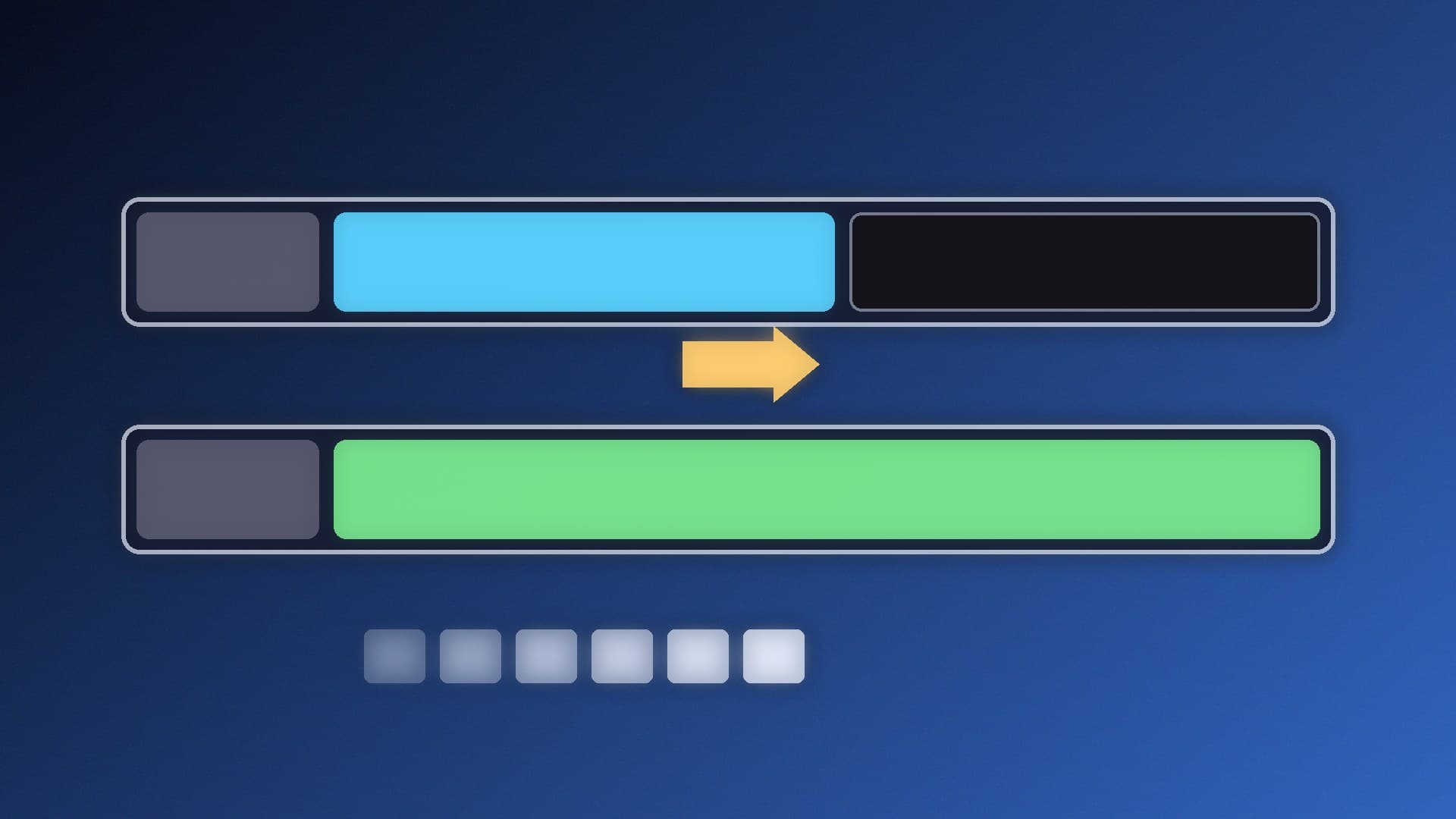
Crucial rates the X10 at up to 2,100 MB/s reads, twice the X9 Pro's 1,050 MB/s. That speed relies on USB 3.2 Gen 2x2, a 20Gbps mode that many PCs and laptops don't have. Plugged into an ordinary 10Gbps USB port, the X10 falls back to 10Gbps, which puts it in the same speed class as the X9 Pro. Our USB 3.2 Gen 1 vs Gen 2 vs Gen 2x2 explainer shows how to tell the ports apart. If you're not sure your PC has a Gen 2x2 port, check the motherboard or laptop manual before paying for the X10's headline speed.