Stability Matrix, the free, open-source package manager and image generator front end for local AI art tools such as ComfyUI, Forge and InvokeAI, has released version 2.17.0. The update landed on GitHub on 24 November 2026, and its developers, Lykos AI, call it "the biggest update we've put out in a long while".
This report is based on Lykos AI's official release notes and technical notes for 2.17.0 and the Stability Matrix README, read on 27 November 2026. If you're new to the app, our guide to installing Stability Matrix covers the basics.
What's new in Stability Matrix 2.17
The headline additions are aimed at people with big model libraries and long generation sessions:
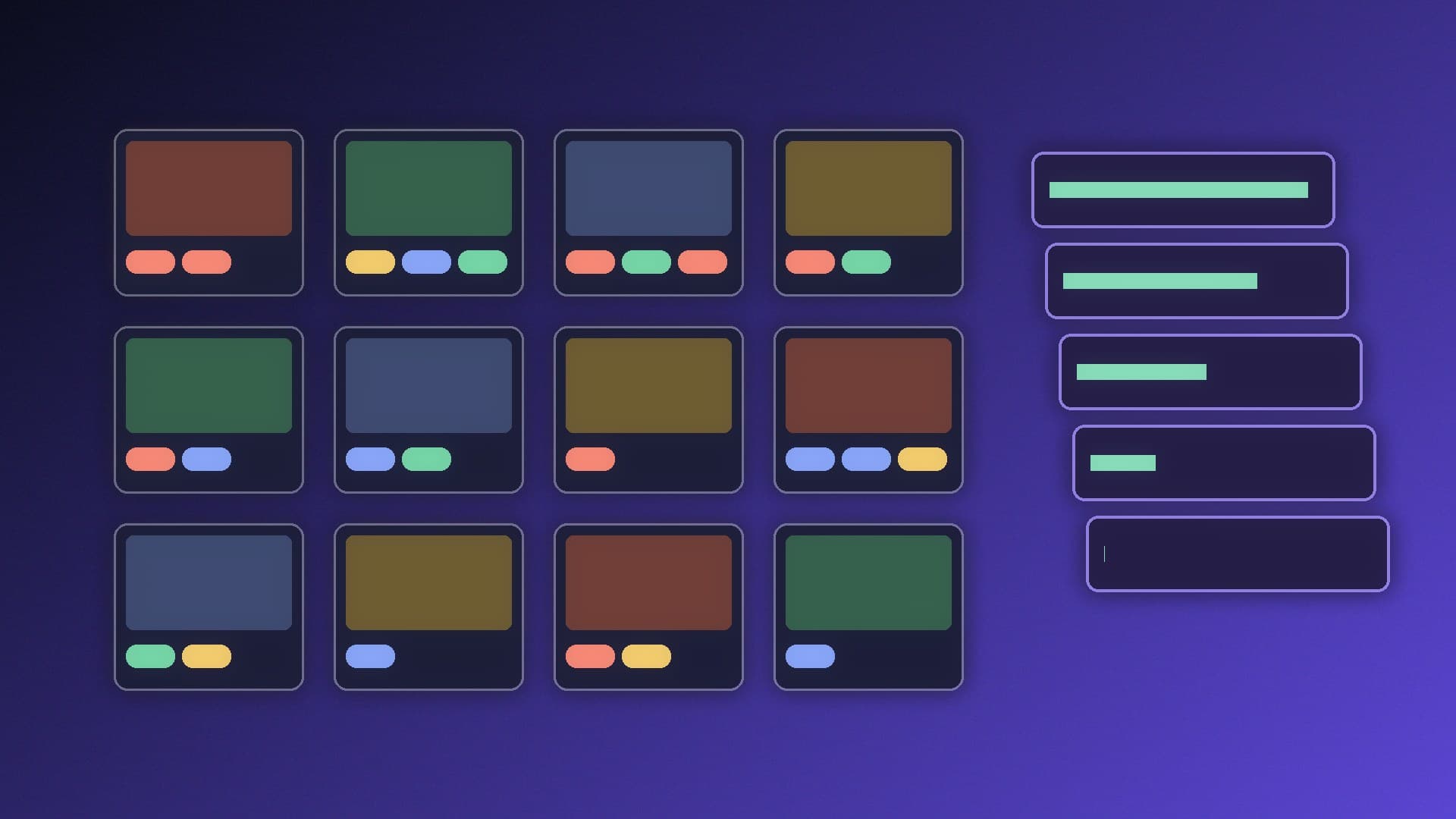
Model categories. You can now tag any model in the Checkpoint Manager with as many custom categories as you like, such as Character, Style or Concept. They appear as coloured chips on each model card, and you can filter by them in the sidebar, with
@namein the search box, or in the Inference model picker. Lykos AI says this was the most requested item on its feature tracker. Categories are stored in each model's.cm-info.jsonfile, so they survive moves and renames.Inference prompt queue. An Add to Queue button next to Generate lets you line up jobs from any Inference tab and run them one after another. Each queued item keeps the full project state, can be reordered or cancelled, and the queue is saved to your library folder so it survives a restart.
MiniMax H3 video with sound. The Text to Video and Image to Video tabs can now generate video with native stereo audio using MiniMax H3, at up to about 15 seconds at 24fps. This needs ComfyUI 0.33 or newer, and GGUF versions of the model work too. Videos now play inside the app, though the in-app preview is muted.
New image and video models in Inference. 2.17 adds workflow profiles for Qwen Image (2512), Krea 2 Turbo, Krea 2 Raw and MOSS Image, plus a dual-expert mode for Wan 2.2 14B video models.
One-click text encoder and VAE downloads. When a model needs a text encoder or VAE you don't have, the model card tells you what's missing and offers the official download. This covers Flux, Flux.2, Z-Image, HiDream, Qwen Image, Krea 2, MOSS Image and others.
A searchable Hugging Face browser. The HuggingFace tab can now search the whole site by downloads, likes or recent updates, or open any repository link, and it shows the total download size before you start. Gated or private repositories work once you add a Hugging Face token. Our guide to downloading models from Hugging Face covers the basics.
Layouts that stick. Rearranged Inference panes are now remembered per tab type, another frequently requested feature.
There's also IP-Adapter support for guiding a generation with a reference image, a Skip Layer Guidance add-on, a What's New viewer under Settings, uv cache management, and a quick-hide hotkey for shared computers that's off by default.