Ollama, the free app many PC owners use to run large language models on their own graphics card, has dropped the free plan from its cloud service. Its pricing page now lists a $0 "Pay as you go" plan that charges per token for every cloud model, instead of a free plan with a small monthly allowance. Running models on your own hardware is not affected: Ollama's pricing page says local use is "always unlimited".
Forge PC hasn't tested Ollama's cloud service. This report is based on Ollama's pricing page and documentation as they stood on 17 November 2026, Ollama's August 2026 pricing announcement, and reporting by MACCUS, which tracked the change through archived copies of the pricing page.
What has changed
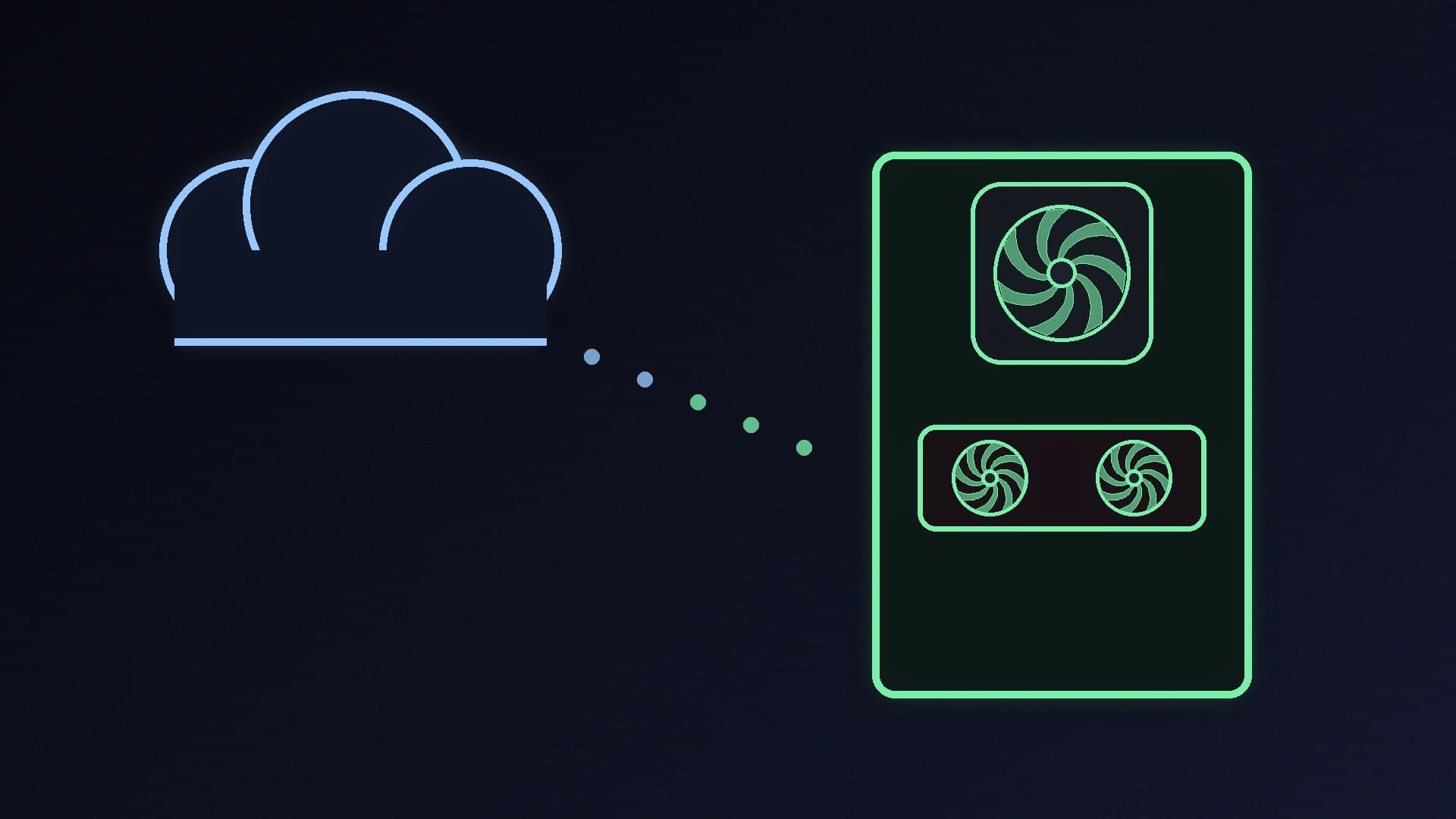
Ollama added cloud models so you can run models too large for a home PC on its servers, using the same app and commands. In its 31 August 2026 announcement, Ollama moved its paid plans to per-token pricing and said the free plan "now includes a small amount of monthly usage for a set of starter models".
That free allowance has now gone. According to MACCUS, an Internet Archive copy of the pricing page from 26 October still showed a "Free" plan with starter credits and one request at a time, while the copy from the morning of 27 October showed "Pay as you go" in its place. MACCUS reports, citing a summary of Ollama's email to users posted by the open-source modelrelay project, that free accounts needed credits for cloud models from 9 November. Ollama hasn't published a blog post about the change, so that date comes from third parties rather than Ollama itself.
The plans now on Ollama's pricing page, billed in US dollars:
Plan | Price (US dollars) | Included usage credits | Concurrent requests |
|---|
Pay as you go | $0 | None; pay per token | 3 |
Pro | $20/month or $200/year | $60 per month | 3 |
Max | $100/month | $300 per month | 10 |
Team (early access) | $500/month | $1,000 per month, shared | 10 |
Ollama says unused included credits don't roll over, and it has no service fees. Per-model prices are listed per million tokens; for example, gpt-oss:20b is $0.07 per million input tokens and $0.30 per million output tokens on the pricing page, with cheaper off-peak rates on some models.
What hasn't changed
If you only run models that you've downloaded to your own PC, nothing changes. The Ollama app is still free, and the pricing page says "Running models on your own hardware is always unlimited." Ollama's FAQ says it doesn't see your prompts or data when you run locally.
The change matters if you, or a tool you use, call models with "cloud" in their name, such as gemma4:cloud. MACCUS reports, citing modelrelay, that accounts without credits get an error instead of an answer from those models.
How to make Ollama local-only
Ollama's FAQ describes a local-only mode that turns off cloud models and web search. Either add this to ~/.ollama/server.json (on Windows, that's the .ollama folder in your user profile):
{
  "disable_ollama_cloud": true
}
or set the environment variable OLLAMA_NO_CLOUD=1. Restart Ollama afterwards; Ollama says its logs will then show "Ollama cloud disabled: true". This is worth doing if you share Ollama with other devices on your network, as in our guide to sharing Ollama on a local network, so nothing can run up a bill by accident.
What it means for PC buyers
The free cloud tier was a handy way to try a model that wouldn't fit in your graphics card's memory. Now that every cloud request costs money, the hardware you own matters more. How large a model you can run locally depends mainly on your GPU's VRAM; see our guides to the best GPU for local LLMs and running a local LLM on 8GB of VRAM. For the wider trade-offs, read cloud AI vs a local LLM PC.
Ollama isn't the only option for local AI. llama.cpp, which reached version 1.0 on 13 November, and LM Studio both run models on your own hardware for free.
Our verdict
Ollama's free cloud allowance has gone, and its cloud models now cost money from the first request, starting at $20 a month for the Pro plan's $60 of credits or pay-as-you-go per token. If you only run models on your own PC, nothing changes and Ollama stays free. If you never use cloud models, turn on local-only mode so nothing is billed by mistake. Forge PC hasn't tested Ollama's cloud service.