FastFlowLM (FLM), a small local AI runtime built for the NPUs in AMD Ryzen AI laptops and mini PCs, can now run language models on the integrated GPU as well. AMD announced the change in a developer article on 19 November 2026. It arrived with FastFlow v1.0.13, released on 13 November.
This is a news report based on AMD's announcement and the project's GitHub page. Forge PC hasn't tested FastFlowLM, and the performance figures below are AMD's own.
What's new
Until now, FastFlowLM was an NPU tool: it ran LLMs on the Ryzen AI neural processing unit, with a command-line interface and an OpenAI-compatible local server. Version 1.0.13 adds a second, GPU-based path through a new backend called oga-hipep. It uses HIP EP, AMD's open-source ONNX Runtime execution provider for AMD GPUs.
According to AMD:
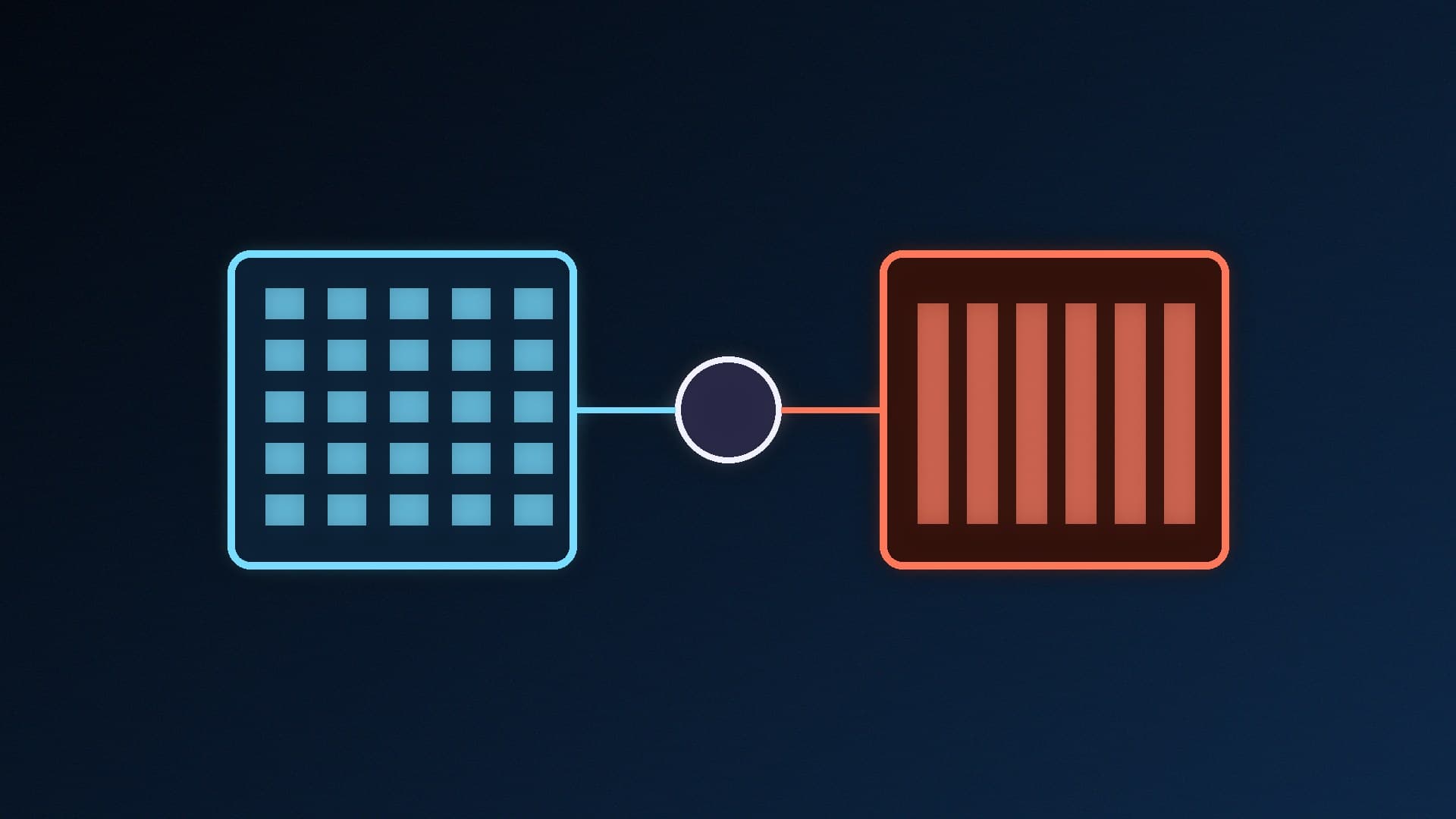
One tool, two paths. NPU and GPU models share the same CLI, local API and conversation format. The model tag decides which hardware runs it, so models with "-oga-hipep:" in their names run on the GPU.
Small download. AMD describes FastFlow as a lightweight runtime of about 17MB.
13 GPU models at launch. The catalogue covers Qwen 2.5, 3.5, 3.6 and 3.8, Gemma 3 and 4, and GPT-OSS. The Qwen 3.5, 3.6 and 3.8 models can also take images as input.
Early access. AMD calls the iGPU flow an early access release, so features and supported configurations may change.
How you use it
AMD lists the commands as flm list to see available models, flm pull to download one (for example qwen3.5-oga-hipep:9b), flm run to chat in the terminal and flm serve to expose the model through the OpenAI-compatible local API. The first time you load one of these GPU models, FastFlow installs the HIP EP runtime automatically.
There's one important catch. AMD says the current version still needs a supported NPU in the machine, even when the model runs on the GPU. In practice, that means this is for Ryzen AI systems. It won't turn a desktop Radeon graphics card into a FastFlowLM machine. HIP EP itself supports the Ryzen AI Max, Ryzen AI 400 and Ryzen AI 300 series, according to AMD.
AMD says that on a Ryzen AI Max (Strix Halo) system at 16K context, the latest HIP EP build reached the first token about 43% sooner than llama.cpp using Vulkan, with decode throughput about 7% higher. These are AMD's figures, not independent results, and AMD notes they are HIP EP measurements rather than end-to-end FastFlow results.
Why it matters
Ryzen AI laptops and mini PCs have had a split between their NPU and GPU for local AI: different tools, different model formats and different APIs. Putting both behind one command line and one local API makes it simpler to try a model on each and keep whichever works better, without changing the app that talks to it. If you're new to the hardware side, see what an NPU is and our NPU vs GPU for local AI explainer. You can watch which one is doing the work with our guide to checking NPU usage in Windows 11.
Owners of desktop Radeon cards have other routes, covered in how to run local AI on an AMD Radeon GPU, and AMD's latest Adrenalin 26.11.2 and ROCm 10.2 releases. Because FLM's server speaks the OpenAI API, apps that already work with Ollama's OpenAI-compatible API should be able to connect in a similar way.
Our verdict
FastFlowLM 1.0.13 lets Ryzen AI laptops and mini PCs run local LLMs on either the NPU or the integrated GPU, from one small runtime, one CLI and one OpenAI-compatible API. AMD claims a faster first token than llama.cpp on Vulkan, but the GPU path is early access and still needs a supported NPU in the system. It's worth trying if you own a Ryzen AI 300, 400 or Max machine. It isn't for desktop Radeon cards.