
Skip to content

NewsOS

Rufus 4.16 Fixes Boot-Time USB Validation on AMI Firmware PCs and Reports USB4 Speeds

Rufus 4.16, released on 17 November 2026, works around a bug in AMI's UEFI NTFS driver that broke Rufus's boot-time USB media validation on many motherboards, now reports USB 3.2 and USB4 speeds properly, fixes the Write as ESP option, updates GRUB to 2.16 and addresses several security issues.

By , Hardware News & Market Editor

4 min read

Rufus 4.16 Fixes Boot-Time USB Validation on AMI Firmware PCs and Reports USB4 Speeds

Rufus, the free Windows tool many PC builders use to make bootable USB drives for installing Windows or Linux, has reached version 4.16. The update was released on 17 November 2026 and its headline change is a workaround for a bug in the NTFS driver found in AMI UEFI firmware, which developer Pete Batard says affects millions of PCs. It also reports faster USB connections properly and fixes a number of bugs and security issues. 16 for this story; it's based on the official Rufus changelog, the GitHub release notes and the developer's bug write-up, checked on 27 November 2026.

What's new in Rufus 4.16

According to the official changelog, the main changes are:

  • AMI NTFS driver workaround. Rufus now works around the AMI NTFS driver bug "so that runtime UEFI media validation can work" on affected PCs.

  • USB 3.2 and newer reported properly. Rufus now reports USB 3.2+ devices, which the changelog lists as USB 3.2 at 20Gbps, USB 4.0 at 40Gbps and USB 4.1 at 80Gbps.

  • Validation fix. "CA 2023" updated files are now taken into account during runtime UEFI media validation.

  • Write as ESP fix. The release notes say a regression meant "Write as ESP" used the whole drive instead of the expected 1GB partition; that's now fixed.

  • Windows setup tweaks. The quality-of-life options for Windows installs can now restore the classic right-click context menu, and Rufus no longer uses Group Policies to suppress the "Do you want to format this drive?" prompt. There are also fixes for a duplicated timezone setting in non-English locales and for local usernames that contain dots, plus a fix for the "Silent" installation option being applied when not all dependencies were met.

  • Updated components. The embedded GRUB bootloader moves to version 2.16, libcdio is updated, and the official UEFI DBX (Secure Boot revocation list) download addresses have been updated because Microsoft changed them.

  • Security fixes. The release addresses multiple reported vulnerabilities. The developer notes that all of them need an already compromised system, a malicious ISO, or a man-in-the-middle, domain or GitHub compromise to exploit.

What runtime UEFI media validation does

Rufus can add a check that runs when you boot from the USB drive, rather than only when it's written. It uses Batard's uefi-md5sum, a UEFI bootloader that verifies every file on the drive against an md5sum.txt list of hashes and then loads the original bootloader. The project's documentation explains the reasoning: flash media, especially cheap USB sticks and SD cards, can fail after they've been written, so checking only at write time isn't enough. It also suggests that if an install throws errors, rebooting to let the check run is a quick way to rule data corruption in or out.

The AMI NTFS bug

Batard's AmiNtfsBug write-up says the AMI UEFI NTFS driver (version 0x10000), which he says is commonly used in firmware from the likes of ASUS, Gigabyte, Dell and Intel, can return the wrong data when reading a file in certain ways. He found it when validating Windows install media written to NTFS: the MD5 checks failed from inside UEFI, but the same files checked out on Windows and Linux, and the errors disappeared with a different UEFI NTFS driver. He says the bug was reported to AMI in early 2024 without a fix, which is why Rufus now works around it.
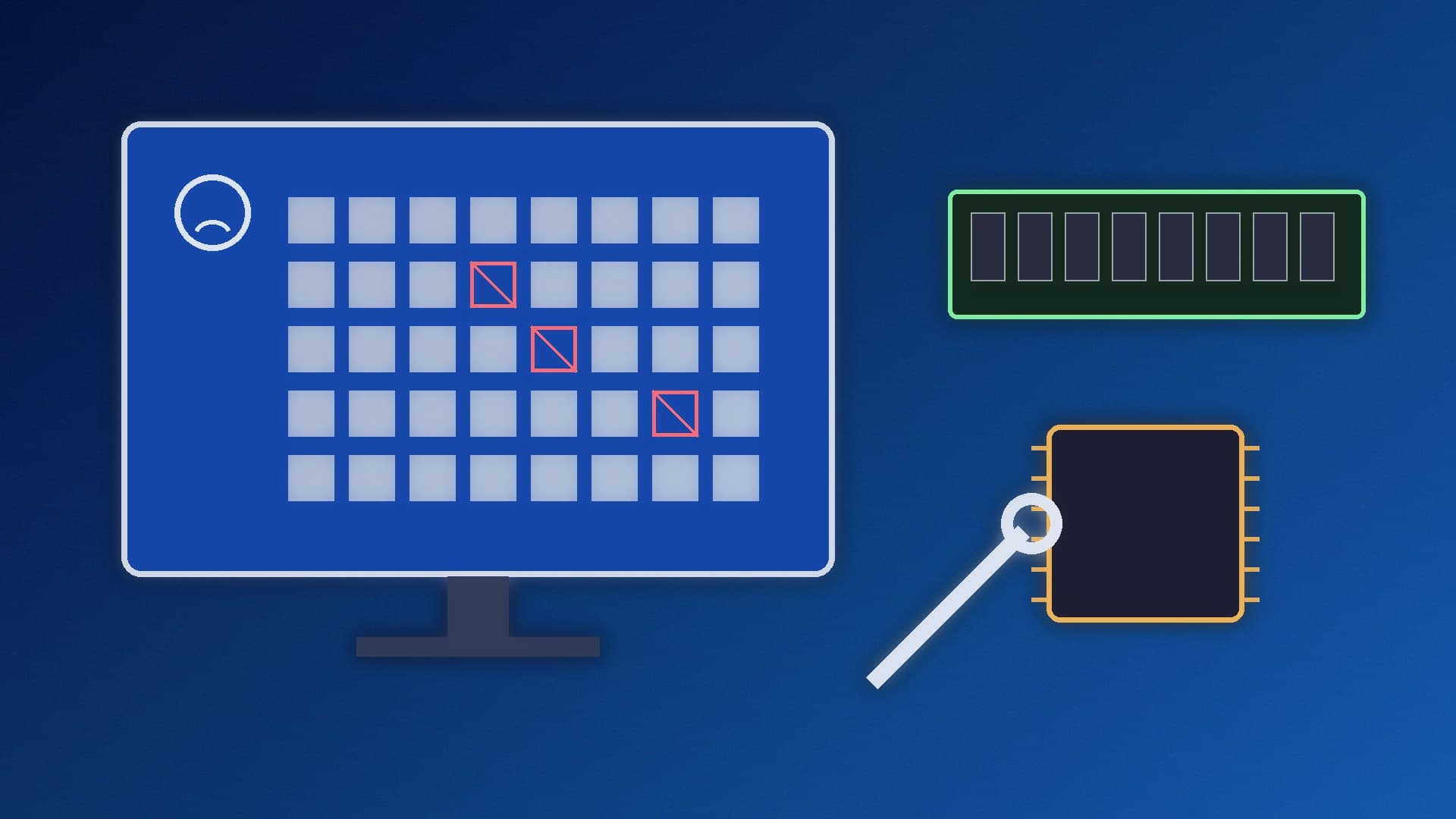
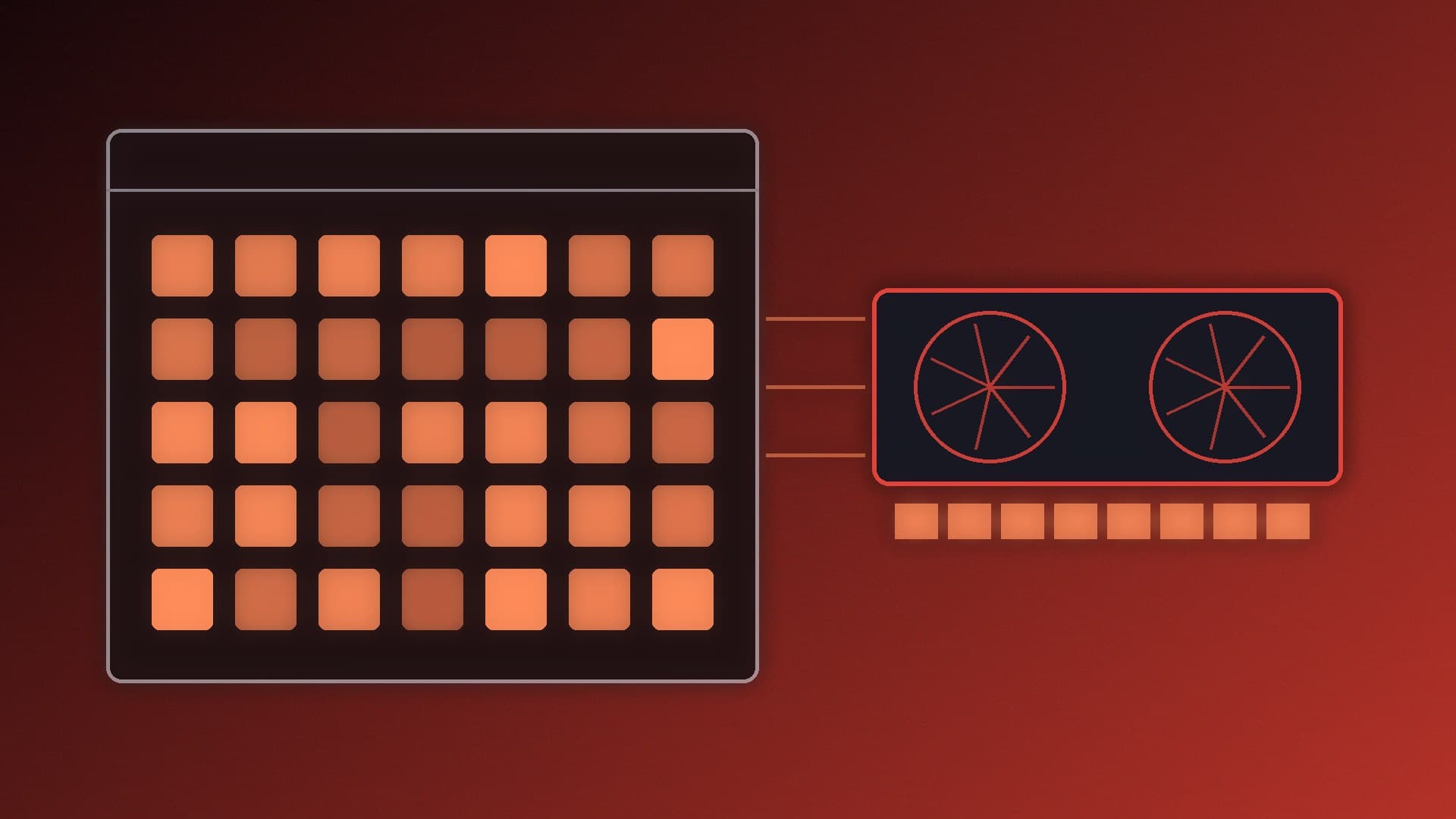
In practice, that meant Rufus's boot-time check could flag errors on a perfectly good USB drive on affected motherboards. Batard's own threat assessment rates the bug's risk to Secure Boot as very low.

Should you update?

If you use Rufus, yes, in our view, especially if you've used the boot-time validation option or make Windows install drives regularly. Rufus comes in standard and portable versions, needs Windows 8 or later, and comes in x64, x86 and Arm64 builds. The developer's site and the GitHub releases page are the official download locations; Rufus 4.16 is dated 17 November 2026 on both.

If you're new to it, our guide to making a bootable USB with Ventoy or Rufus walks through the process, and Rufus vs balenaEtcher explains how it compares. To check that an ISO you've downloaded matches the publisher's checksum before writing it, see how to check a file hash in Windows 11. For what those new USB speed labels mean for your ports, see how to check USB port speed in Windows 11 and USB4 vs Thunderbolt 5. For more boot-drive tools, see the best free bootable USB tools.

Our verdict

Rufus 4.16 is a worthwhile update rather than a dramatic one. The AMI NTFS workaround means its boot-time media check should finally work properly on the many motherboards using AMI's NTFS driver, USB 3.2 and USB4 drives are now reported correctly, and the release includes a long list of bug and security fixes. It's free, so there's no reason not to update.

The bottom line

Rufus 4.16 is a worthwhile update rather than a dramatic one. The AMI NTFS workaround means its boot-time media check should finally work properly on the many motherboards using AMI's NTFS driver, USB 3.2 and USB4 drives are now reported correctly, and the release includes a long list of bug and security fixes. It's free, so there's no reason not to update.

Sources

  1. 01Rufus, Create bootable USB drives the easy way (download and changelog)
  2. 02GitHub, pbatard/rufus Rufus 4.16 release notes
  3. 03GitHub, pbatard/AmiNtfsBug: Detailing the AMI UEFI NTFS driver bug
  4. 04GitHub, pbatard/uefi-md5sum: MD5 checksum validation for UEFI

About the author

Eleanor Shaw

Hardware News & Market Editor

Eleanor covers daily PC hardware news, silicon roadmaps, driver releases and UK retail pricing trends across AMD, Intel and Nvidia. She tracks board-partner specifications, industry standards bodies (PCI-SIG, JEDEC, VESA) and supply-chain shifts affecting British PC builders.

More from Eleanor Shaw

Read next

How to Fix the PAGE_FAULT_IN_NONPAGED_AREA Blue Screen in Windows 11

How-To

How to Fix the PAGE_FAULT_IN_NONPAGED_AREA Blue Screen in Windows 11

PAGE_FAULT_IN_NONPAGED_AREA (bug check 0x50) means Windows referenced invalid memory. Microsoft says a faulty driver or service, antivirus software, a corrupted drive or bad RAM is usually to blame. Work through Event Viewer, drivers, antivirus, chkdsk, a RAM test and crash dumps to fix it.

Marcus Thorne5 min

How to Fix the Kernel-Power Event ID 41 Error in Windows 11

How-To

How to Fix the Kernel-Power Event ID 41 Error in Windows 11

Kernel-Power Event ID 41 means Windows didn't shut down cleanly, not why. Using Microsoft's troubleshooting guidance, we show how to read the BugcheckCode and PowerButtonTimestamp fields in Event Viewer and work through the likely causes: Stop errors, freezes, power supply problems, overheating, memory and overclocking.

Marcus Thorne4 min