A Microsoft patent application published this month describes a system that could use the graphics cards in gaming PCs, laptops and phones to help train AI models while those devices are otherwise idle. Owners would have to opt in, and the filing mentions credits that could be swapped for software, access to AI models or money.
It's an eye-catching idea at a time when GPUs and memory are in short supply, but it is only a patent application. Microsoft hasn't announced a product or service based on it. Forge PC hasn't seen any working software; this report is based on coverage of the published filing by BetaNews, Wccftech and PCMag.
What the filing is
According to BetaNews, the application is titled "Opportunistic Micro-training on Edge Devices Using Spare GPU Utilization" and was published by the US Patent and Trademark Office on 5 November 2026 as US 2026/0349820 A1. It names Microsoft Technology Licensing as the applicant and was filed on 30 April 2025.
The filing argues that ever-larger AI models have pushed GPU demand high enough to cause shortages, while gaming PCs often contain powerful graphics cards that sit largely idle once play stops, BetaNews reports.
How it would work
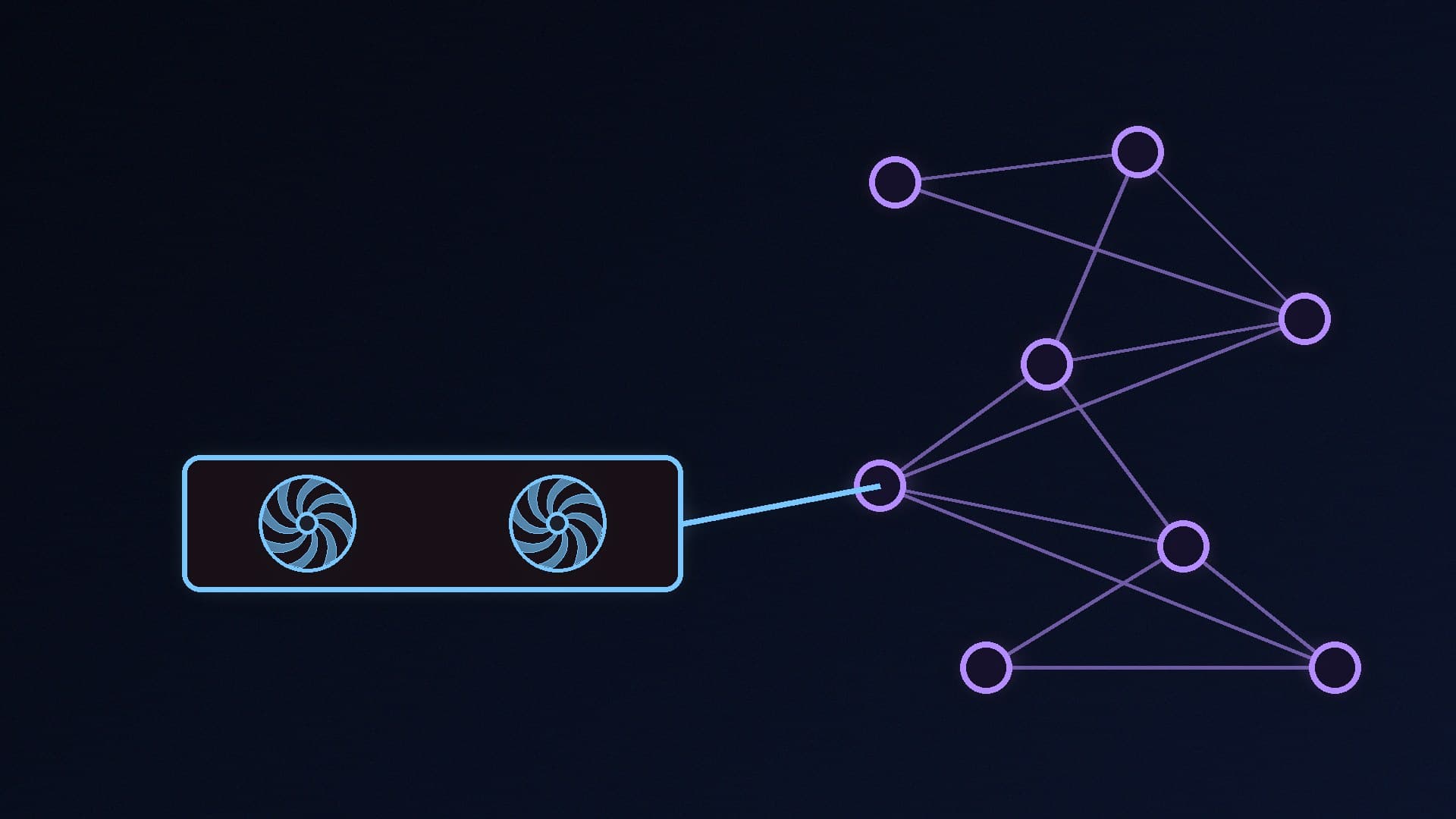
The application describes breaking AI model training into small, independently trainable "micro-tasks" and sending them to participating devices. Based on the coverage:
Splitting the work. The service maps how parts of a model depend on each other, then scores possible splits by the cost of moving data between machines, the extra memory needed for temporary results and how often a device would need to fetch data stored elsewhere.
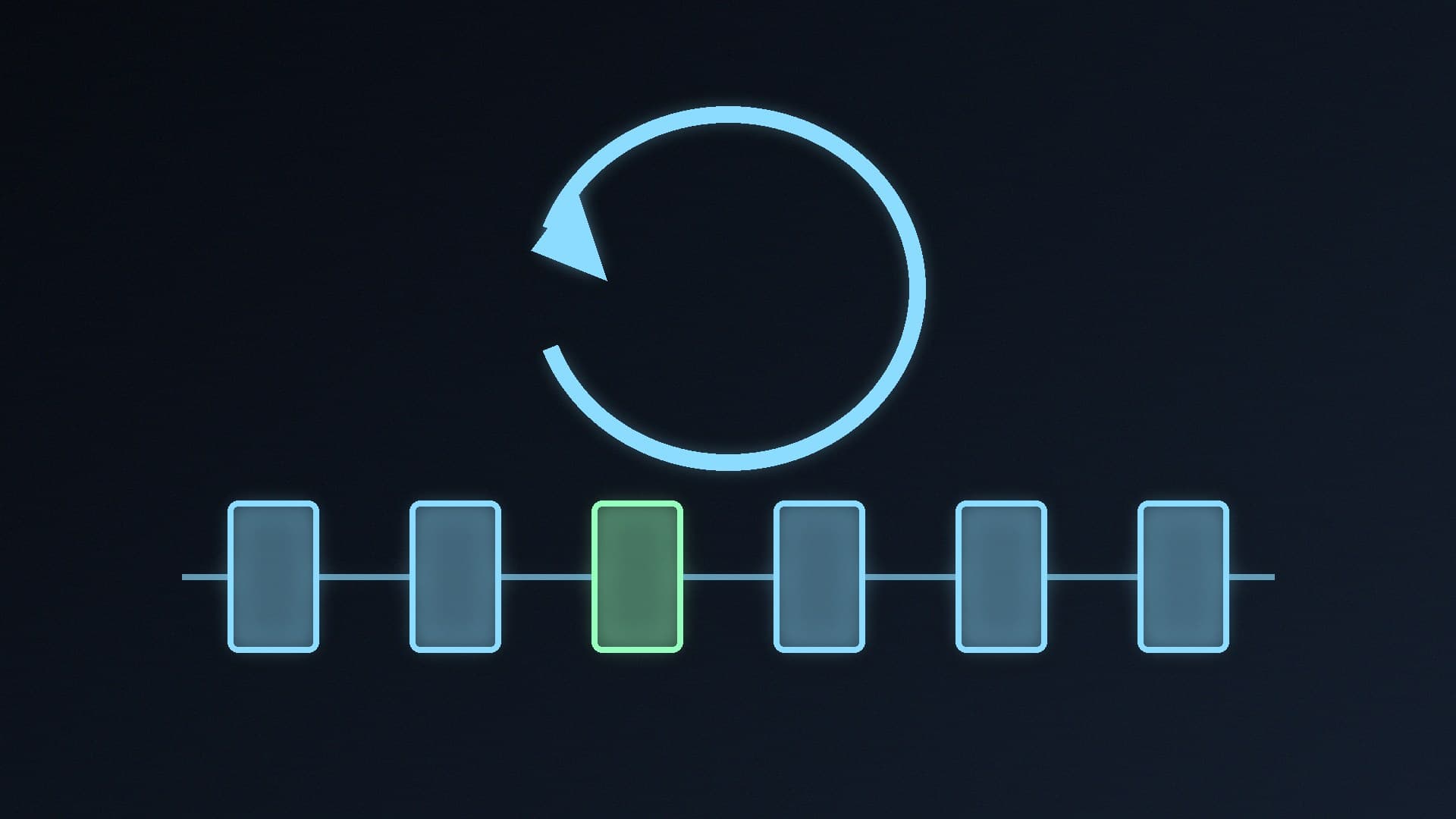
Watching your hardware. Participating devices would be monitored for GPU and CPU load, memory use, temperature, power draw, memory bandwidth and compute queue depth. Combined with each device's usage history, those readings would be used to forecast when a machine will be free and how big a job it can take.
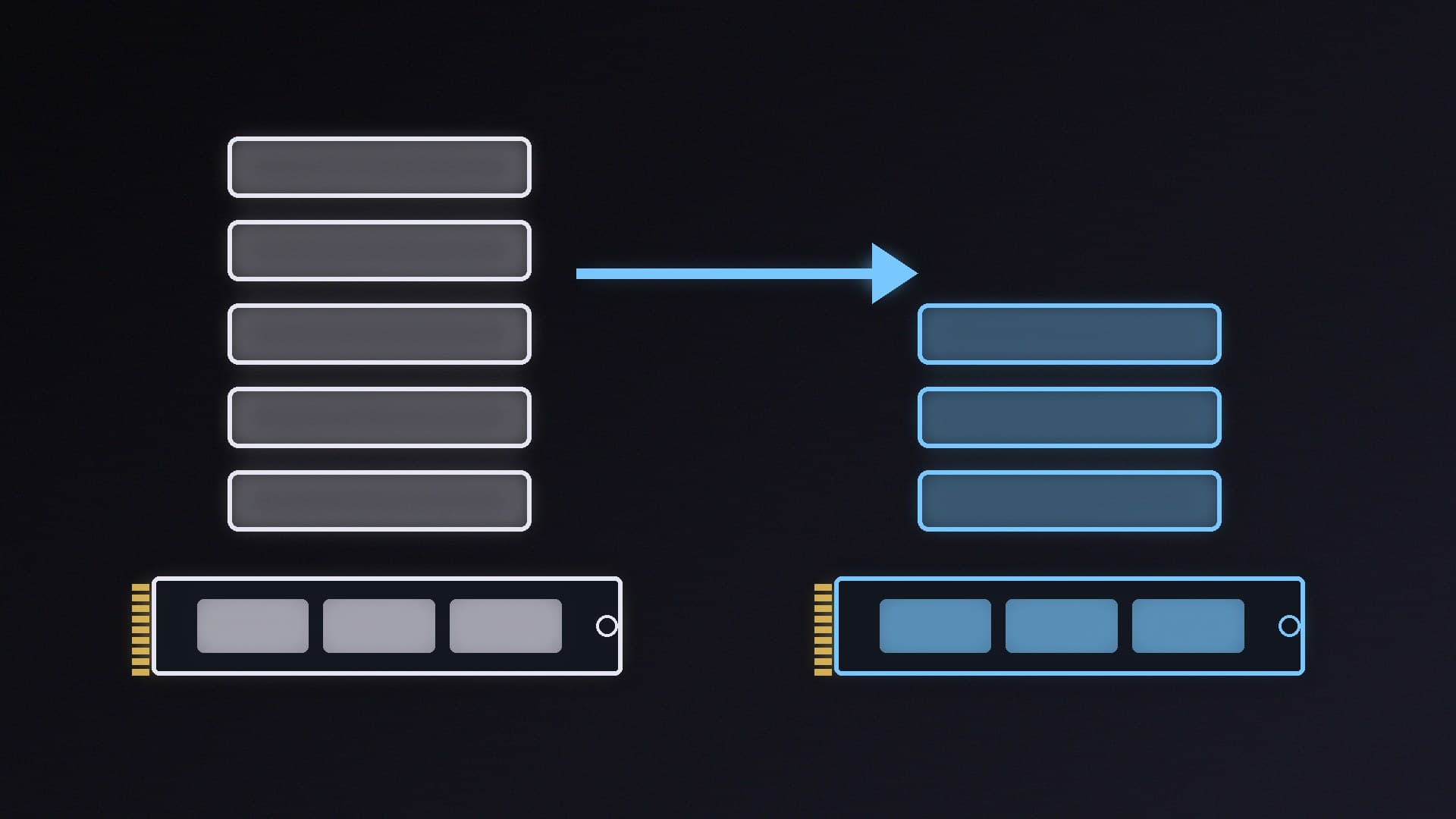
Staying out of the way. BetaNews quotes the filing as saying devices should keep running with "zero impact on the device's primary functions and user experience". Memory used for training can be capped at a percentage of what is free, and work can be paused, stopped or cancelled if temperatures or performance counters pass a set limit.
Checking the results. Because outside owners control the machines, results would be compared with those from other devices doing the same task, and weighted by how well they agree, how old they are and each device's track record.
PCMag likens the approach to Folding@Home, the long-running project that uses volunteers' PCs for scientific computing.
Would you get paid?
Possibly, but nothing in the filing guarantees it. BetaNews reports that compensation appears only in the patent's description, not in its claims, and Wccftech describes it as a possible implementation rather than a requirement of the technology. The description says the system could track the computing each device supplies and credit the owner's account, with credits redeemable for use of the model being trained, money or free software. Owners would have to give express authorisation first.
None of the application's 20 claims, which define what the patent would legally protect, mention payment. Microsoft hasn't published payment rates, a list of eligible hardware or a launch date, and a patent application doesn't mean a product will ever appear.
What it could cost to run
Training work makes a graphics card draw more power, and the filing doesn't weigh any reward against electricity bills, according to BetaNews. Wccftech cites an estimate from PC Games Hardware: an extra 250W for four hours a day adds up to about 30kWh a month.
At Ofgem's average price cap electricity rate of 26.32p per kWh for Direct Debit customers (1 October to 31 December 2026), 30kWh works out at about £7.90 a month before any credits. Your own tariff may be higher or lower, and the real power draw would depend on the card and the job. Extra load also means more heat and fan noise, and more running hours on the hardware.
If you want to see how much your own card draws and how hot it runs, our guide to monitoring PC temperatures and FPS with HWiNFO and Afterburner shows you how, and undervolting your GPU can cut power use for any heavy workload.
Why it matters for PC builders
The idea reflects how stretched AI computing has become. Data centre demand is a big reason graphics cards and memory cost so much in 2026, as we explained in why RAM and GPUs are so expensive. A scheme that rents out spare gaming GPU time would be one way to tap the hardware already sitting in people's homes.
There are open questions. BetaNews notes the filing doesn't spell out what device data a commercial programme would collect beyond the hardware metrics it lists. If you'd rather put your GPU to work on AI for yourself, you can already run models locally with free tools; see how to run AI models on your PC with Ollama or LM Studio.
Our verdict
Microsoft's published patent application describes an opt-in system that would split AI training into small jobs for idle gaming GPUs, monitor temperatures and power to avoid slowing your PC, and possibly reward owners with credits. Payment appears only in the description, not the claims, and Microsoft hasn't announced any service, rates or launch date. Before signing up to anything like this, weigh the electricity cost: an extra 250W for four hours a day is about £7.90 a month at the current Ofgem cap rate. Forge PC hasn't seen any software based on the patent.