EMEET has announced the Prime series, a pair of streaming cameras that put a 1-inch, 50-megapixel sensor into something you plug in like a webcam. The flagship EMEET Prime records 4K at 60fps, while the cheaper Prime SE tops out at 4K30. Both have a second, telephoto lens, a wireless remote and an HDMI output alongside USB-C. The launch was announced on 19 November 2026 in a press release distributed through PR Newswire.
Sensor size is the headline here. Most webcams use far smaller sensors, and a bigger sensor gathers more light, which is what usually decides how clean a picture looks in a dim bedroom or a home office lit by a single lamp. That makes the Prime one of the more interesting webcam launches of the year, but there are some important details in the small print.
What EMEET has announced
According to EMEET's press release, the Prime series is aimed at live streamers, content creators and broadcasters, with a particular focus on live selling and product demonstrations, where accurate colour matters.
Spec (maker figures) | EMEET Prime | EMEET Prime SE |
|---|
Main sensor | 1-inch, 50MP | 1-inch, 50MP |
Lenses | Wide-angle plus telephoto | Wide-angle plus telephoto |
Zoom | 2x optical, up to 12x hybrid | Up to 12x hybrid |
Maximum video | 4K at 60fps | 4K at 30fps, or 1080p at 60fps |
HDR | Dual-frame | Single-frame |
Aurora Color (multispectral colour) | Yes | Not listed |
Autofocus | 0.2-second "BlinkFocus" | 0.2-second "BlinkFocus" |
Outputs | Simultaneous HDMI and USB-C | HDMI and USB-C |
Control | 2.4GHz remote, electronic pan-tilt presets | 2.4GHz remote |
Maximum power draw | 7.5W (5V, 1.5A) | 5W (5V, 1A) |
The table combines EMEET's press release with the FAQ on its product page. EMEET also says the Prime has a cold shoe for mounting a light, a 3.5mm input for an external microphone (which the camera switches to automatically when one is connected), built-in microphones, and a claimed 520-hour MTBF figure that it says is third-party certified.
The 1-inch sensor only applies to the wide lens
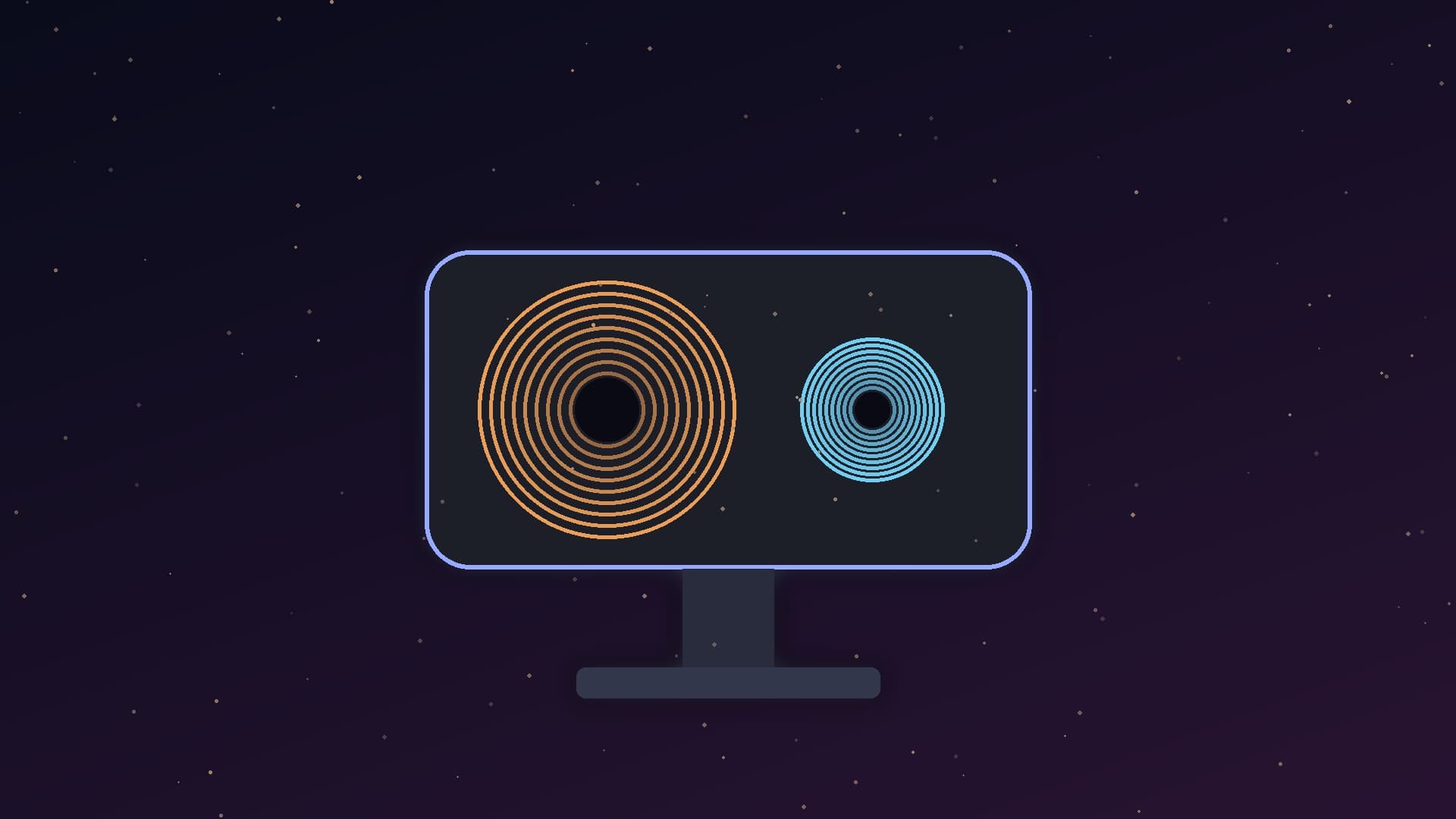
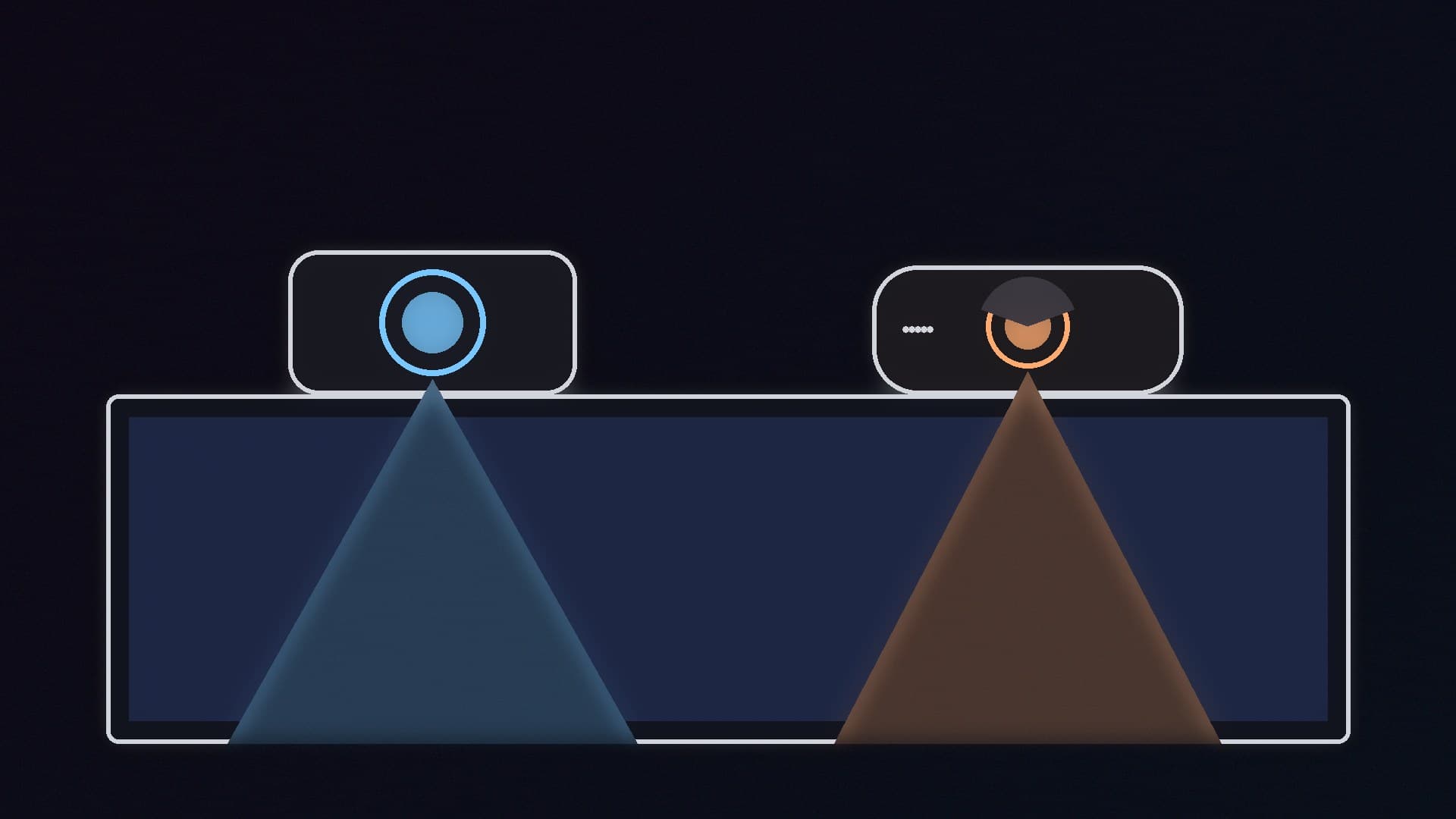
The "1-inch sensor" headline needs one important qualification. Tech Times, which went through EMEET's support documentation, reports that the 1-inch sensor serves only the wide-angle lens. The telephoto camera uses a much smaller 1/2.88-inch sensor, and Tech Times lists the fields of view as 85.1 degrees for the wide lens and 49.1 degrees for the telephoto.
So the low-light advantage you'd expect from a large sensor applies when you're framed on the wide lens. Once you switch to the telephoto, or crop in using the hybrid zoom, you're relying on a much smaller sensor or on digital cropping. EMEET's own FAQ is candid about this: it says image sharpness may drop and noise may become more noticeable at higher zoom levels, and calls this normal.
It's also worth remembering that "1-inch" is a historical naming convention for sensor formats rather than a literal measurement of the chip. What matters is that it's a large sensor by webcam standards. Tech Times notes that rivals such as the Insta360 Link 2 Pro and OBSBOT Tiny 3 use sensors around 1/1.3 inches. EMEET hasn't published low-light or noise measurements, though, and no independent tests were available when we checked, so the benefit is on paper for now.
Portrait by default, and a camera that doesn't need a capture card
The Prime is set up for vertical video out of the box. EMEET's FAQ says the Prime defaults to portrait mode, aimed at TikTok, Reels and Shorts, and can be switched to 16:9 landscape in its EMEET STUDIO software. If you're buying it as a normal desktop webcam for Twitch, YouTube or video calls, that's the first setting you'll want to change.
The Prime SE does things slightly differently. EMEET says it outputs 16:9 by default but handles rotation internally, so you can stream vertically without physically turning the camera on a bracket.
On connectivity, EMEET says the Prime delivers 4K60 directly over USB-C with no capture card needed. The HDMI port is there for sending the picture straight to a monitor, TV, capture card or video switcher without going through a PC, which EMEET says gives lower-latency output. That's useful if you already run a two-PC streaming setup or an ATEM-style switcher. EMEET recommends an HDMI 2.0 or newer cable for the HDMI output.
Power and USB: check your ports
There's a practical detail that PC users should note. The Prime comes with two cables that EMEET says aren't interchangeable: a 3m USB-C 3.0 data cable that carries video and power, and a 2.5m USB-C cable that's for power only. At up to 7.5W, the Prime draws more than a typical webcam.
EMEET's FAQ says that if the status light slowly flashes green, roughly once every six seconds, after power-on, the camera isn't getting enough power, and you should try a higher-output USB port or an external power adapter. To get 4K60 over USB you'll also want a proper USB 3 port on the PC, ideally on the rear I/O rather than an unpowered hub. If you're not sure which of your ports are which, our guide to USB 3.2 Gen 1 vs Gen 2 vs Gen 2x2 explains the labels.
EMEET says the Prime works with popular streaming platforms on Windows and macOS. Some of its headline features, though, live in the EMEET STUDIO app. EMEET's FAQ says you enable HDR in EMEET STUDIO, and that's also where you'll find the 24-hue HSL colour adjustments mentioned in the press release. Tech Times reports that EMEET STUDIO needs 64-bit Windows 10 or later and doesn't support Arm-based Windows PCs, which is worth checking if you're on a Snapdragon laptop.
Tech Times also raised the question of data handling, noting that EMEET is headquartered in Shenzhen and that its software privacy policy doesn't say where data is stored. It says there's no documented case of government access to EMEET customer data. If that matters to you, note that EMEET says 4K60 over USB-C needs no extra software, although HDR and switching between portrait and landscape do need EMEET STUDIO.
Price and UK availability
EMEET's press release didn't include prices or availability dates. EMEET's global store lists the Prime series from US$399.99, and Tech Times reports US list prices of US$699.99 for the Prime and US$399.99 for the Prime SE. When we checked on 24 November 2026, we couldn't find a UK price or a UK listing for either model, so we haven't quoted a sterling figure. EMEET's global store has a United Kingdom (GBP) region option, but a UK release of the Prime series hasn't been confirmed.
That US pricing puts the Prime well above mainstream 4K webcams, and much closer to the cost of using an entry-level mirrorless camera with a capture card. If you're weighing those options, our comparison of webcams vs mirrorless cameras for streaming explains the trade-offs, including setup complexity and power.
Who should care?
The Prime looks most relevant to three groups:
Live sellers and product demonstrators, who'll value the 2x optical step to the telephoto lens, fast autofocus and EMEET's colour-accuracy claims.
Streamers in dim rooms, if the 1-inch sensor delivers the low-light improvement that its size suggests once independent reviews arrive.
Vertical-first creators, given the portrait default and the Prime SE's internal rotation.
For video calls or casual streaming, it's likely to be overkill. A good 1080p or 4K webcam, plus decent lighting, will do the job for far less. Our best webcam guide covers the mainstream options, and 1080p vs 4K webcam explains whether you need the extra resolution at all. Once you've got a camera, our guide to adjusting webcam settings in Windows 11 helps you get the most from it.
Our verdict
The EMEET Prime is an interesting attempt to bring large-sensor image quality to a plug-in webcam, with 4K60, a telephoto lens, HDMI output and a remote that make it more like a compact streaming camera. The catches are that the 1-inch sensor only serves the wide lens, zoom beyond 2x is hybrid, it defaults to portrait mode and it needs a strong USB power supply. US pricing is high and there's no confirmed UK price yet. We'd wait for UK availability and independent low-light testing before buying; for most people, a mainstream webcam and better lighting is still the better-value upgrade.