This report is based on the transcript of ASUS's third-quarter 2026 earnings call (12 November 2026) published by StockAnalysis, and on coverage by The Verge, TechPowerUp and VideoCardz, all read on 24 November 2026. ASUS hasn't named specific models or said when any changes will happen.
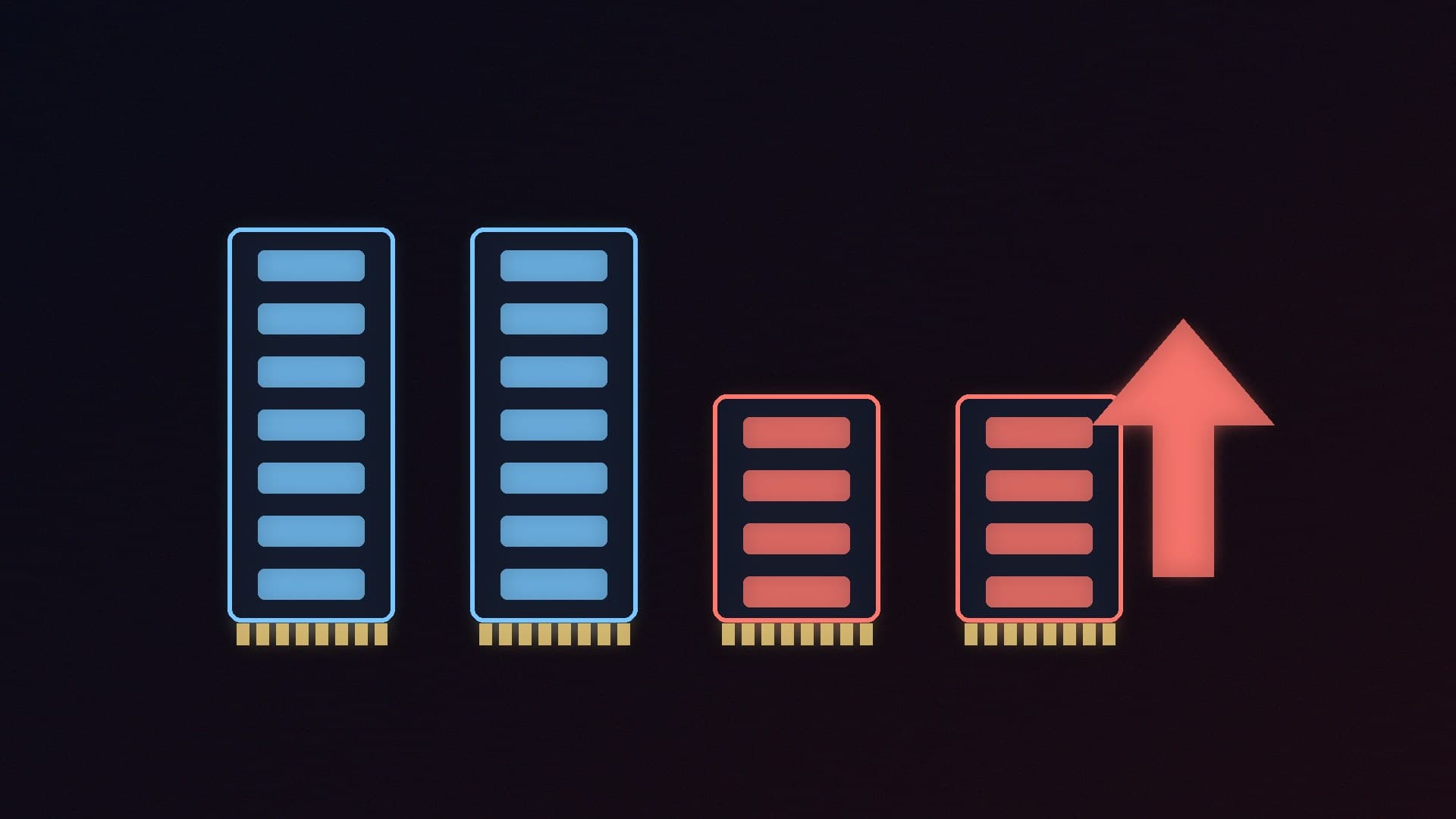
Memory prices have been the story of 2026 for PC buyers, and now one of the biggest PC makers has said out loud what many people feared: cheaper computers may start shipping with less RAM. On ASUS's Q3 2026 earnings call, co-CEO S.Y. Hsu said that mid-range and low-end machines that used to come with 16GB "may move to 8 GB due to the memory cost increases."
The comments were made on 12 November but only drew wide attention this week, when The Verge, TechPowerUp and VideoCardz picked them up, just days before Black Friday on 27 November.
What ASUS actually said
The remarks came in reply to an analyst question from JP Morgan about whether ASUS could keep passing higher component costs on to buyers if PC shipments fall next year. According to the StockAnalysis transcript, Hsu said:
Memory and module prices rose significantly in the first three quarters of 2026. ASUS had made some strategic purchases in the second half of 2025, which helped it manage average costs, and it had been passing increases into retail prices as older stock was used up.
Research firms estimate that demand has dropped sharply in the fourth quarter. Hsu said that's because prices have "simply been raised too far", and buyers are delaying purchases.
ASUS "can no longer pass 100% of the memory price increases onto the actual retail end price."
For higher-end products, he said, NVIDIA RTX Spark machines are distinctive enough that "even the 128 GB is able to sell quite well".
For the mid and low segments, a full pass-through "will simply not be accepted", so ASUS will "adjust the memory configuration".
The key passage is this one: "It used to be that a mid to low tier machine will still ship with 16 GB of memory, but now they may move to 8 GB due to the memory cost increases. We have worked with Microsoft on this one. The old 16 GB spec was really about ensuring user experience. On the new operating system, Microsoft has made adjustments such that even 8 GB is able to yield an acceptable experience."
Elsewhere in the same call, Hsu said ASUS expects the PC market to shrink by 10% to 15% in 2027, with a decline in the first half and a possible recovery in the second half.
What we don't know yet
There are some important gaps. ASUS didn't say which product lines, countries or price points would change, or when. The comments refer to "mid to low tier machines" in general, which appears to mean complete laptops and desktops rather than components, though ASUS didn't spell this out. VideoCardz notes that ASUS didn't explain what changes Microsoft has made, or whether they would also help existing Windows PCs.
Microsoft has published its own figures on this. In early November it said Windows 11 is now noticeably more responsive on 8GB PCs, based on its own lab tests. We covered the details in our report on Windows 11's 8GB performance update. TechPowerUp also points out that Microsoft briefly recommended 32GB of RAM on its website in May 2026 before removing that reference.
Why this matters for UK buyers
This isn't just an ASUS problem. Other memory makers have said supply will stay tight for a long time, as we reported when Micron said its 2027 memory was sold out and when Samsung said memory was booked through 2029. If one large PC maker cuts RAM to hold prices, others may do the same.
For everyday browsing and office work, an 8GB Windows 11 PC can be usable, especially with Microsoft's recent changes. For gaming, it's a different story. Modern games plus a browser, Discord and launchers running in the background can use far more memory than an office workload. Our RAM guide still treats 16GB as the minimum for a gaming PC and 32GB as the sensible target for a new build.
How to avoid getting caught out this Black Friday
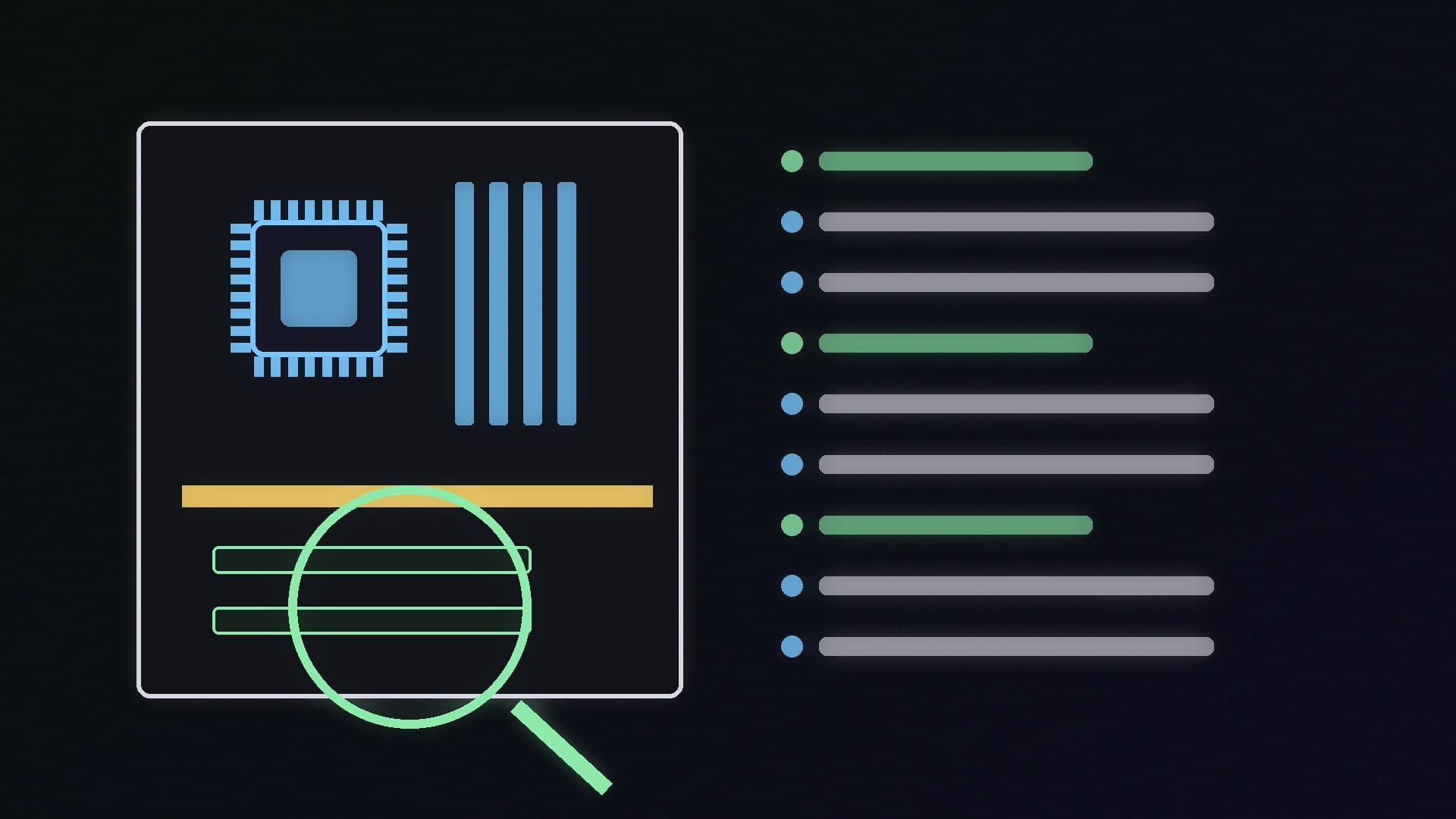
Read the full spec, not just the headline. Retail listings often lead with the processor and graphics card. Check the memory line before you buy, and be wary if a "new" version of a familiar model is suddenly cheaper.
Check the model number. PC makers often sell several configurations under the same name. Compare the exact model code with the maker's own spec page.
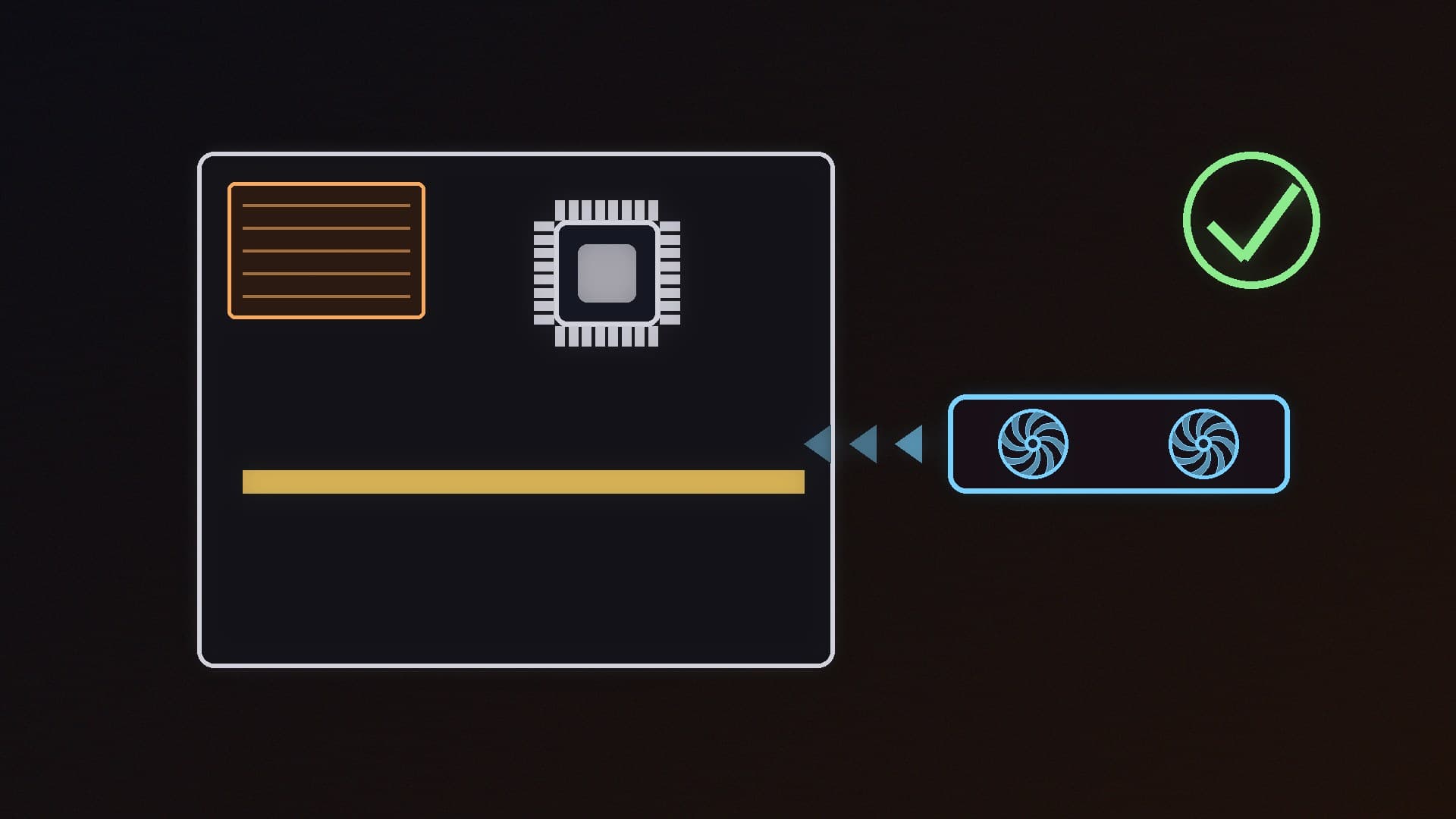
Look for soldered memory on laptops. If a laptop's RAM is soldered to the board, you can't add more later. An 8GB machine with soldered memory will stay an 8GB machine.
On desktops, check for free slots. A desktop with one 8GB stick and a free slot can be upgraded, though you'll be paying today's RAM prices to do it.
Check after you buy. Our guide to checking your PC's specs in Windows 11 shows how to confirm how much memory is actually installed.
Our verdict
ASUS has openly said that some mid-range and budget PCs may go back to 8GB of RAM because buyers won't accept the full cost of today's memory prices. It hasn't named models or dates, so nothing changes overnight, but it's a clear warning for anyone shopping for a cheap laptop or pre-built PC this Black Friday. An 8GB machine may be fine for light work on Windows 11, but for gaming we'd still look for 16GB at least, and check the exact configuration before paying.