French cloud company OVH has announced Olala, its first family of large language models, and the first model, Olala mini 7A1B, is aimed squarely at modest hardware. OVH says it runs on a graphics card with as little as 8GB of memory. Forge PC hasn't tested the model; the figures below are OVH's own.
What OVH announced
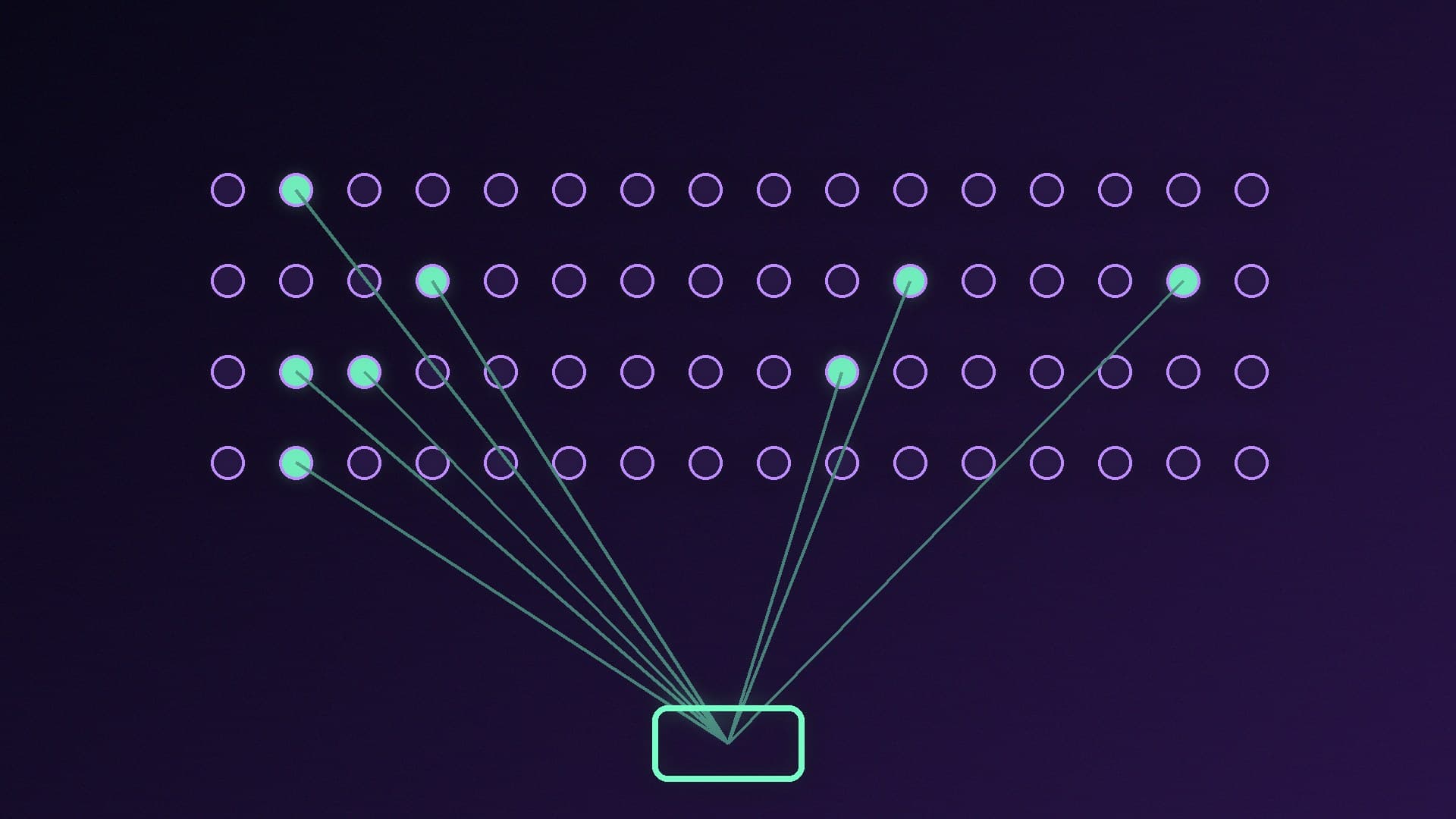
OVH's press release, dated 17 November 2026, says Olala mini uses a 7-billion-parameter architecture with one billion active parameters, spread across 256 experts per layer. That mixture-of-experts design means only a fraction of the model is used for each request, which OVH says makes it faster and less memory-hungry. It combines two attention approaches (Differential-TPA and Mamba-3) and ships in BF16 format.
OVH's headline claims:
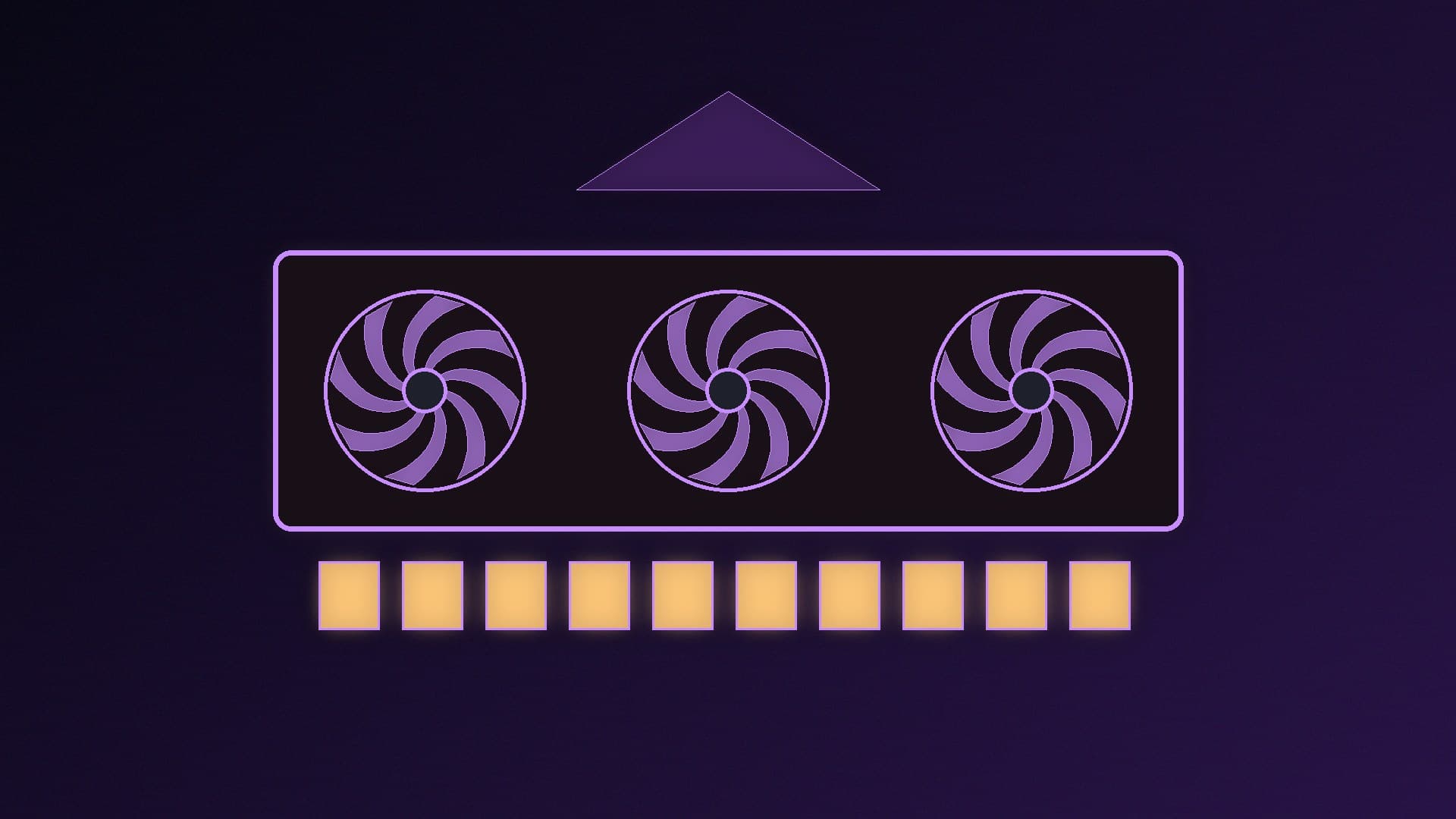
runs on a GPU with as little as 8GB of memory
160 tokens per second on an NVIDIA RTX A4500 (a workstation card), by OVH's measurement
50 tokens per second on a standard processor without a GPU, again by OVH's measurement
a 32,000-token context window today, with version 1.1 expected by the end of the year extending it to 128,000 tokens
OVH says the model is available as open source on Hugging Face under the Apache 2.0 licence, released with its weights, pre-trained base model and technical report; Toolhalla reports the weights went up on 19 November. OVH says it was trained on three European public supercomputers and that search engine Qwant already uses it.
The catch: app support
Toolhalla's weekly local-AI round-up (20 November) quotes the GGUF repository's warning that the files need OVH's own fork of llama.cpp, and that upstream llama.cpp, Ollama, LM Studio and other apps don't support the Olala architecture yet. Toolhalla also reports that OVH withdrew a 4-bit file after finding it measurably worse, so there's no 4-bit download for now.
That means you can't simply run ollama pull for it today. If you're new to local AI, start with a supported model in Ollama or LM Studio; our guide to running AI models locally covers the basics, and running an LLM on 8GB of VRAM explains what fits on mainstream cards.
Why it matters
OVH says the mixture-of-experts design is what makes it faster and less memory-hungry, which is exactly what mid-range GPU owners want. Olala also gives Europe a genuinely open model under a permissive licence. Once mainstream apps add support, it could be a sensible option for 8GB cards; we'll update our how much VRAM you need advice if it proves itself.
Our verdict
Olala mini 7A1B is an interesting Apache 2.0 model that OVH says runs on 8GB GPUs, but for now it needs OVH's own llama.cpp fork and doesn't load in Ollama or LM Studio. Unless you're comfortable building tools yourself, wait for mainstream app support before trying it.