HWiNFO, the free hardware monitoring tool for Windows, has added a built-in REST API server to its latest beta. The feature lets you read your PC's sensor data from a web browser on a phone, tablet, second monitor or another computer on the same local network. This report is based on HWiNFO's version history and VideoCardz's coverage.
What's new
HWiNFO's official version history lists "Added REST API local web server" among its changes and offers v8.61 (Build 6125) as a pre-release download; VideoCardz reports the REST API server arrives with this 8.61 beta. The current stable version on the same page is v8.60, released on 10 November 2026.
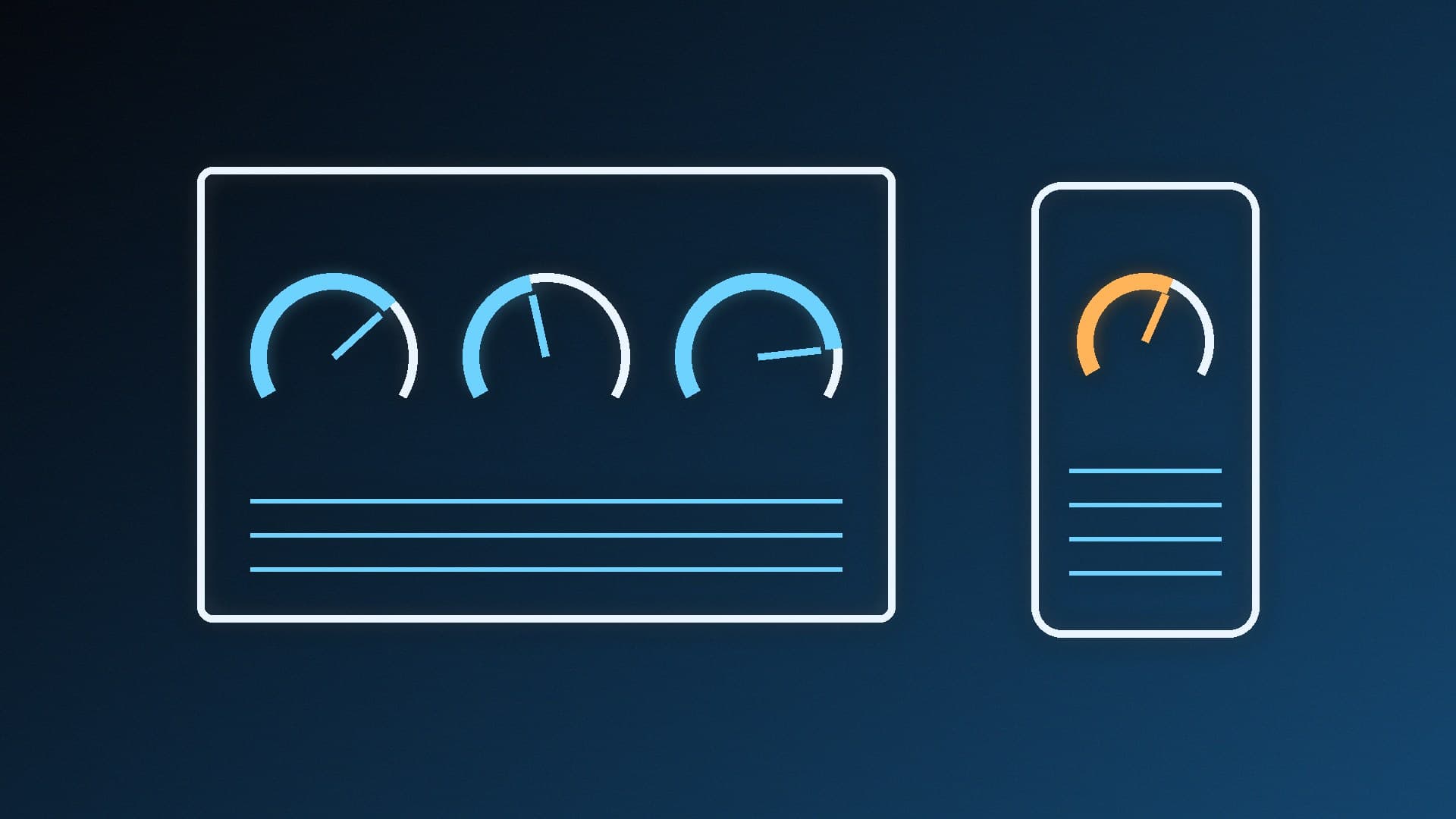
According to VideoCardz, the new server exposes HWiNFO's sensor readings over HTTP or HTTPS. It returns live monitoring data in JSON, along with sensor information such as the hierarchy, measurement units, descriptions and reading types. That means you can build your own dashboard with HTML and JavaScript, and the device that displays it doesn't need any monitoring software installed.
HWiNFO also includes a ready-made dashboard that VideoCardz says resembles the existing Sensors window, and you can choose which sensors are shown, monitored or logged. VideoCardz adds that the developers have published API documentation and sample dashboards on GitHub.
How you turn it on
VideoCardz reports that you enable the feature from the HWiNFO Sensors window by selecting Remote Center. The API panel has settings for the IP address, port, HTTPS, display updates and monitoring behaviour. Once the server is running, HWiNFO gives you a URL to open in a browser on your local network.
If you try it, keep it on your home network. Anything that serves data over HTTP is best left behind your router rather than exposed to the internet, and VideoCardz lists HTTPS among the server settings if you want an encrypted connection between devices.
The 12-hour limit for free users
There is a catch. VideoCardz says the REST API server is limited to 12 hours of operation without an HWiNFO licence, while licensed users get it without the time limit. If you only want to watch temperatures during a gaming session or a stress test, the free version may be enough; for an always-on sensor panel, you'd need a licence.
Other changes in the build
HWiNFO's version history lists a long set of other changes, including improved Intel GPU support, early Coral Rapids support, updated Intel PresentMon, reporting of ASIC Quality for newer NVIDIA GPUs, monitoring of AMD B650 chipset temperature on expansion cards, and a new option to keep the on-screen display (OSD) window on top of other windows.
Why it matters
Without a built-in server, a separate "sensor panel" has generally meant extra software or a dedicated screen. VideoCardz notes the new server needs no monitoring software on the display device, and published API documentation should make it simpler to put CPU and GPU temperatures, clock speeds and power draw on an old phone or tablet next to your monitor.
If you're new to HWiNFO, start with our guide to monitoring PC temperatures and FPS with HWiNFO and Afterburner, and see HWiNFO vs HWMonitor if you're choosing a tool. Our safe CPU temperature guide explains what the numbers mean.
Our verdict
This is a genuinely useful addition for anyone who wants a sensor dashboard without cluttering the main screen. It's still a beta, so expect changes before a stable release, and remember the 12-hour limit on the free version. If you rely on HWiNFO for day-to-day monitoring, the stable v8.60 remains available on HWiNFO's site.