The Blender Foundation released Blender 5.3 on 10 November 2026, its last big update of the year. The free 3D suite gains native support for 3D Gaussian Splats, a new DLSS-based denoiser for the viewport on NVIDIA graphics cards, and a change of default graphics backend to Vulkan on Windows and Linux.
If you use Blender on a gaming PC, two of those changes depend directly on your GPU and driver, so it's worth knowing what to check before you update. Forge PC hasn't tested Blender 5.3 itself; the details below come from the Blender Foundation's release announcement and developer release notes.
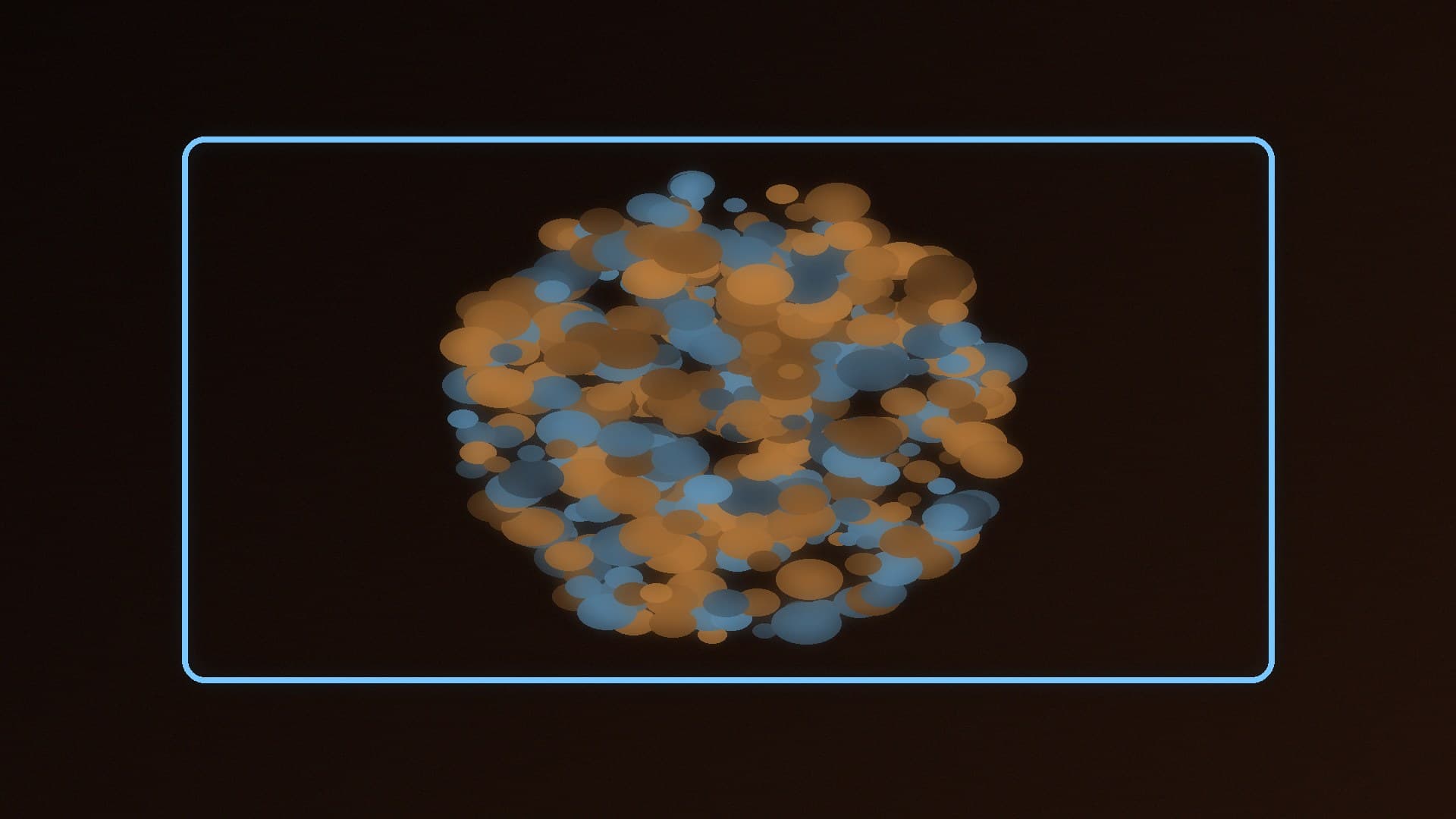
Native 3D Gaussian Splats
Gaussian splats are a way of reconstructing a 3D scene from photos or video. Blender's release notes describe them as "many small, soft, transparent blobs" that together represent geometry and shading.
In Blender 5.3 you can:
Import splats from PLY and SPZ files (the 5.3 release page also lists glTF). There is no export support yet.
Store them as point clouds, using a new "3D Gaussian Splats" point cloud type.
Process them with Geometry Nodes, including new Set Point Cloud Type and Import SPZ nodes.
Render them in Workbench, EEVEE and Cycles.
The developers are open about the limits. The release notes say "performance is not ideal", rendering is "not fully correct" in some low-opacity, high-brightness areas because splats are usually trained in sRGB while Cycles and EEVEE work in linear space, and Apply Transform doesn't yet handle splats properly.
DLSS denoising in the Cycles viewport (NVIDIA only)
On NVIDIA GPUs, Cycles gets a new viewport denoiser based on DLSS. Blender says it gives "a cleaner image faster" by upscaling and reusing samples from previous frames, and the 5.3 release page names it as DLSS 4.5 Ray Reconstruction. It is aimed at lighting and look development in the viewport rather than final renders.
You'll find it in Render Properties, under Sampling, in the Denoise panel. The release notes say DLSS denoising requires NVIDIA driver version 620 or newer, so update your driver first; our guide to updating graphics drivers covers how.
Blender 5.3 also adds native support for NVIDIA RTX Spark devices running Windows 11, including memory optimisations. We covered those machines in Nvidia RTX Spark desktops in the UK.
Vulkan is now the default on Windows and Linux
The Vulkan graphics backend, which draws Blender's interface and viewport, is now the default on Windows (except Windows on ARM) and Linux. The release notes say the minimum requirement has been lowered to Vulkan 1.1, with some GPU and driver features made optional to support more devices.
This doesn't change the GPU you render with in Cycles. Linux Journal notes that Cycles still uses its own compute back ends, such as CUDA, OptiX, HIP and oneAPI. What changes is the backend Blender uses for drawing.
Blender's Vulkan developer documentation also lists drivers it blocks because they are known not to work, including Intel integrated graphics on 10th-gen and older CPUs on Windows with drivers older than 101.2140, and Qualcomm drivers on Windows older than 31.0.112.0. If the viewport misbehaves after updating, check for a newer graphics driver first. Linux Journal notes that OpenGL remains available as an alternative backend for troubleshooting and compatibility.
Other changes worth knowing
According to the Blender Foundation's announcement, 5.3 also brings:
Dispersion and anisotropic roughness for glass in Cycles, for rainbow effects in glass and gems.
Material Lighting Nodes and panoramic cameras in EEVEE.
Hardware ray-traced shadows in Workbench on Metal and Vulkan.
First building blocks for custom fluid simulations with new volume grid nodes in Geometry Nodes.
A stack of effects in the Compositor, ripple editing in the Video Sequencer and custom sorting in the Outliner.
Should you update?
Blender is free. If you rely on the viewport for look development on an RTX card, the DLSS denoiser is the headline reason to update, as long as your driver is version 620 or newer. If you're on older or integrated graphics, check that the new Vulkan default works well on your system after updating.
Our verdict
Blender 5.3 adds native 3D Gaussian Splat import, editing and rendering (still with performance and accuracy limits), a DLSS viewport denoiser for NVIDIA GPUs that needs driver 620 or newer, and Vulkan as the default backend on Windows and Linux. Update your graphics driver before installing it. Forge PC hasn't tested this release itself.